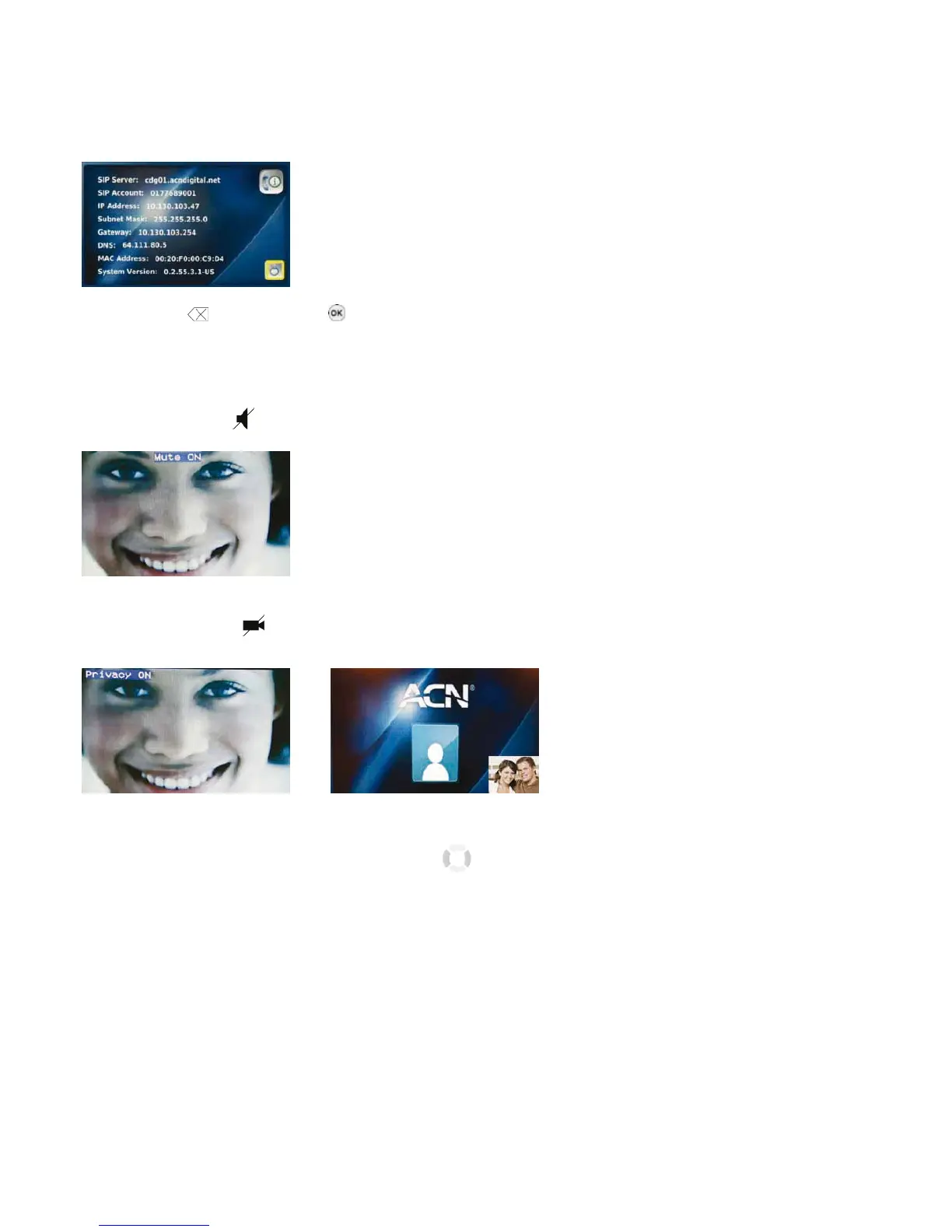
2-6. YOUR VIDEOPHONE INFORMATION
Select the “Information” icon from the Main Menu to view information about your Videophone.
Press the “Back”
or the “OK” button on the front of your Videophone to exit.
2-7. USEFUL FUNCTIONS DURING A CALL
2-7-1. MUTE
Press the “Mute” button to prevent the other party from hearing you speak. To release mute, press the “Mute” button again.
2-7-2. PRIVACY
Press the “Privacy” button to keep your image from being displayed to the other party. In privacy mode, instead of your image, a
logo image is displayed on the other party’s screen. To exit from privacy mode, press the “Privacy” button again.
2-7-3. VOLUME CONTROL
You can control the volume by using the navigation buttons “ “ during a call.
The volume icon is shown at the top of the LCD screen.
12



 To Next Page