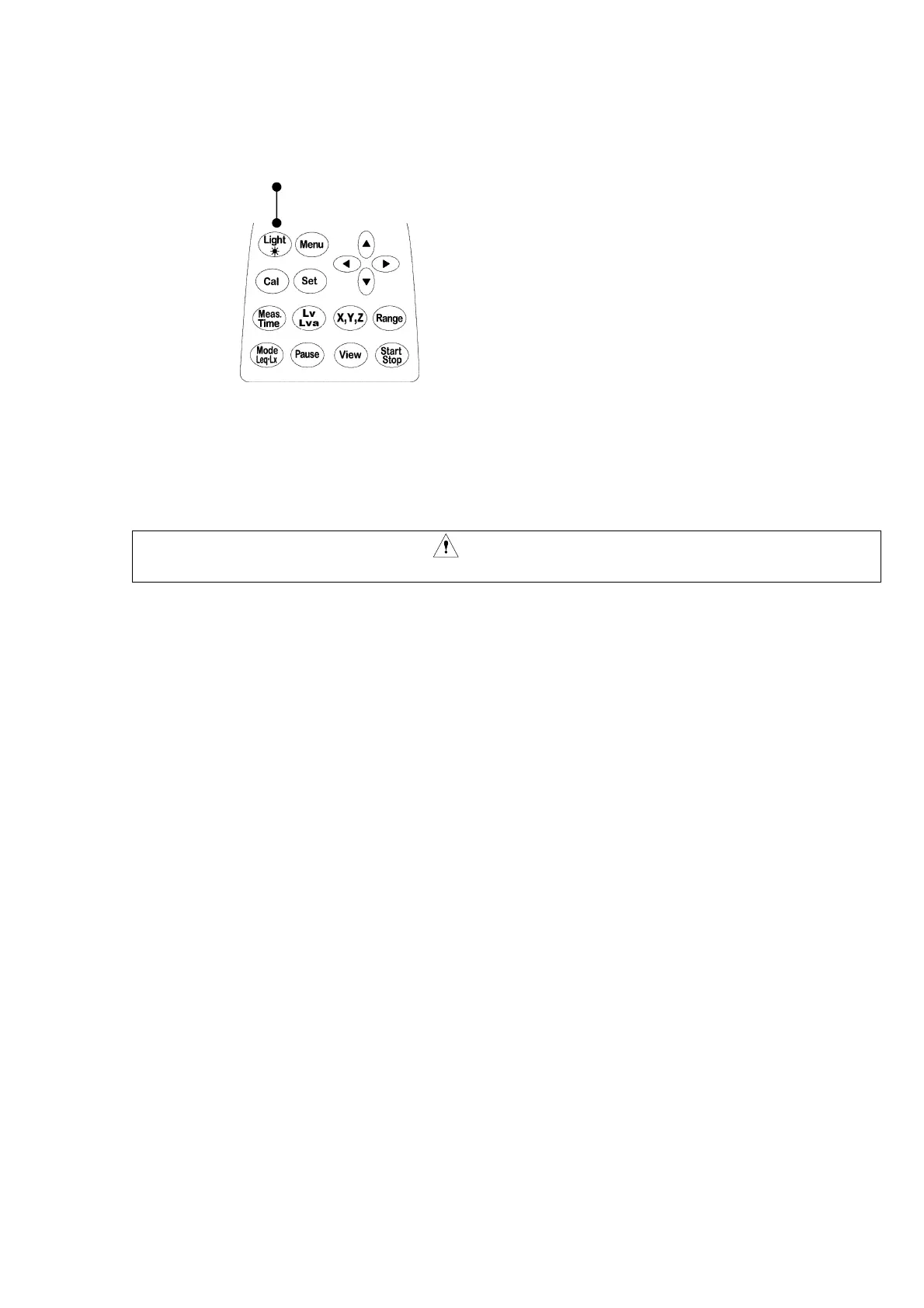
6. LCD back-light
In a case where the display part is hard-to-read in a dark place or at night, it can be read by
lighting the backlight on the LCD.
Light key
1) When the light key is pressed, the LED on the display part (LCD) lights.
2) The LED turns off by pressing the light key again.
Even when the LED stays lit, it automatically turns off in approx. 30 seconds.
3) As the batteries are consumed, the backlight turns dark.
Caution
・ When the LED lights, batteries are consumed in a shorter period of time.



 To Next Page