Section 2 Basic operations
1. Switching of display screens and names of each portion
1-1 Switching of display screen
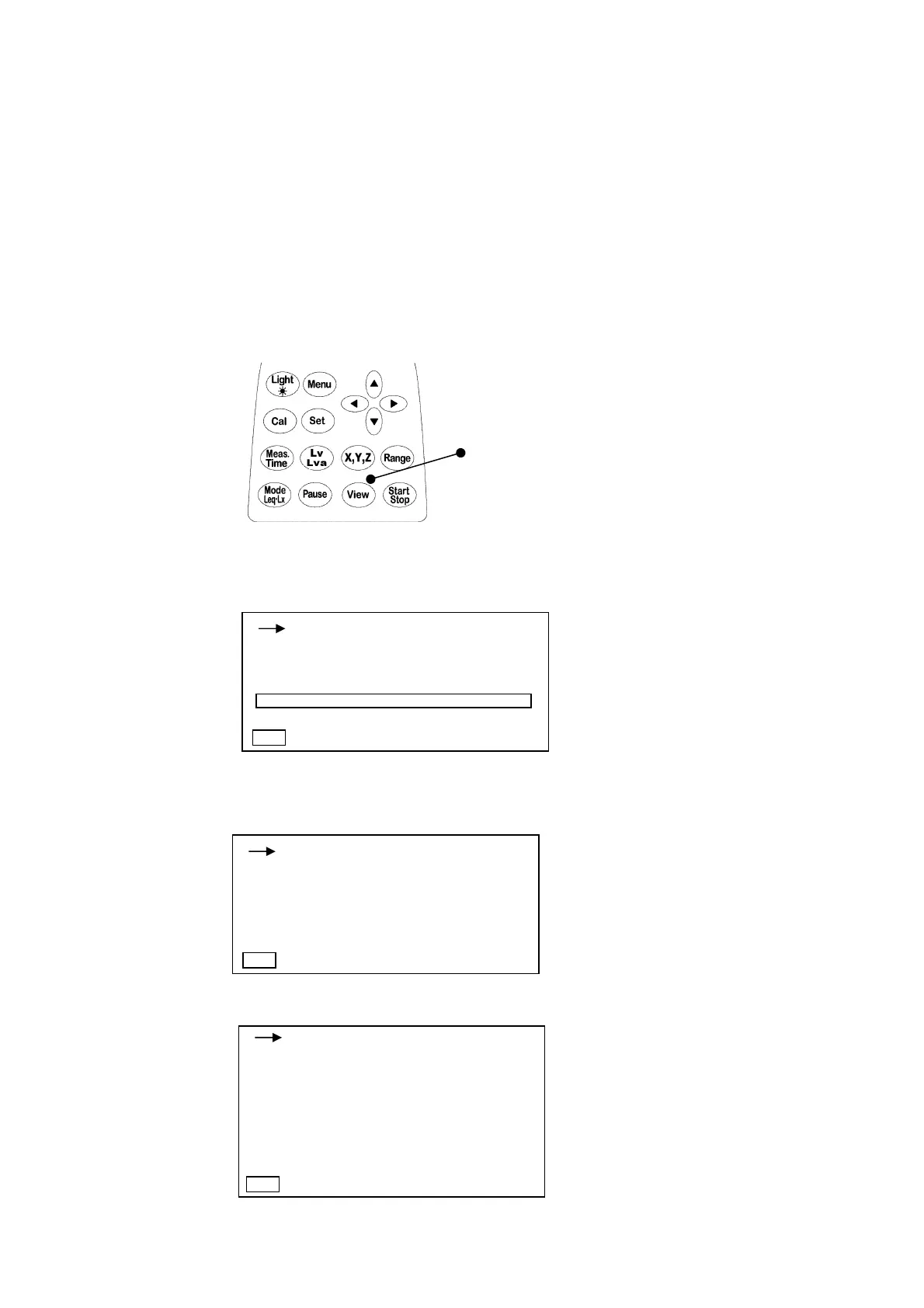
The screen has three display mode types of normal screen, 3ch screen and list screen, which
can be switched with the screen switching key.
The display on the screen is sequentially switched at each time when the screen switching key
is pressed.
Besides the above, the screen switching key is also used for returning from the menu display
screen described in Chapter 4.
Screen switching key
<Display of normal screen>
<Display of 3ch screen
>
<
Display of list screen
>
1s 000h00m00s
X-110 Lv
100.0
dB
Y-110 Lv
100.0
dB
Z-110 Lv
100.0
dB
1s 000h00m00s
X
dB
100.0
50 110
Lv : 100.0
Lveq : 100.0
LMin : 100.0
LMax : 100.0
1s 000h00m00s
Lv05 : 100.0
Lv10 : 100.0
Lv50 : 100.0
Lv90 : 100.0
Lv95 : 100.0
Manu
Manu
v
Manu



 To Next Page