2. Description of menu screen (1/2)
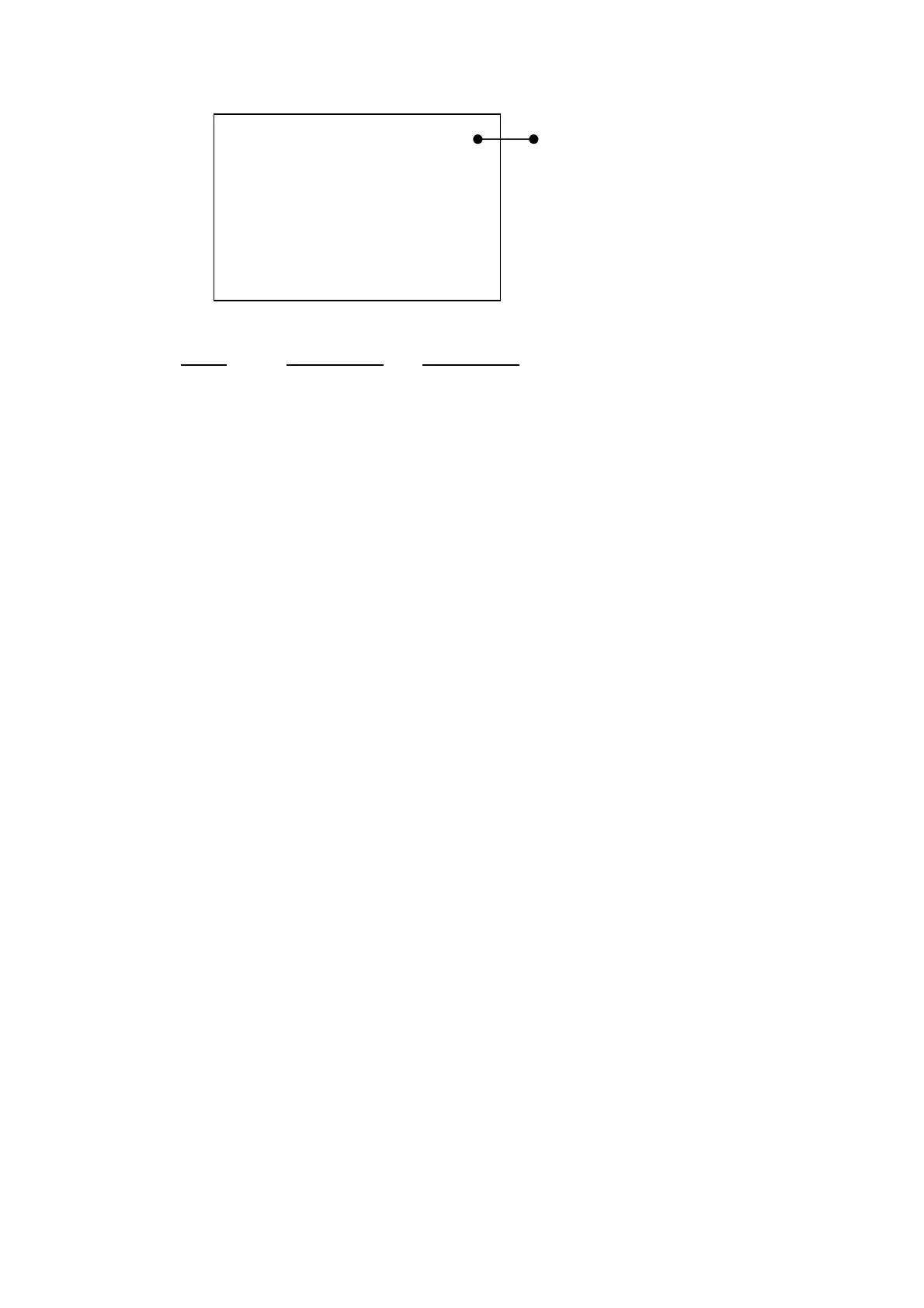
<menu> 1/2
Meas Mode : Manu
Interval : Single
I/O : O f f
OUT Ch : X
LCD cont : *****
date y/m/d : 00/01/01
time : 00:00:00
Items Initial value Explanation
●
Meas Mode
:
Manu
:Setting of measurement mode
Manu
:Manual mode
Auto1 :AUTO1 Measurement
(Graphic form Printout)
Measures Range etc. fixed automatically For
details, refer to Appendix
“Auto Measurement Guide”
Remote
:Remote communication
●
Interval
:
Single
:Setting of measurement interval
Off
:Data normal output mode
Single
:Ends with Meas Time with
Start・Stop
key
input (one time)
Repeat
:Measurement is made at each Meas time
with
Start・Stop
key input Ends with
Start・Stop
key input
●
I/O
:
OFF
:Setting of external equipment connection
Off
:External equipment is not connected.
Print
:Printer is connected
PC
:Personal computer is connected
●
OUT Ch
:
X
:Unused
●
LCD cont
: ***** :Adjustment of contrast for LCD
For details, refer to the items for adjustment of liquid
crystal screen.
●
date y/m/d
:
00/01/01
:Setting of calendar (Date 2003/01/01)
For details, refer to the items of “Section 1-5. Adjustment
of calendar.”
●
time
:
00:00:00
:Setting of time for details, refer to items of “Section 1-5.
Adjustment of calendar.”
Display of menu items and page


 To Next Page