4. Measurement of hour rate vibration level (Lx)
<Operation>
Hour rate vibration level (Lx): Lvxx or Lvaxx (xx is 05, 10, 90 or 95)
1) Select the measuring item with the Mode Leq・Lx key and Lv・Lva key.
2) Set the measuring time with the Meas. Time key.
3) Press the Start・Stop key to start measurement.
4) The measurement ends at the measuring time set with the Meas. Time key. Or, press the
Start・Stop key to end measurement.
<Display>
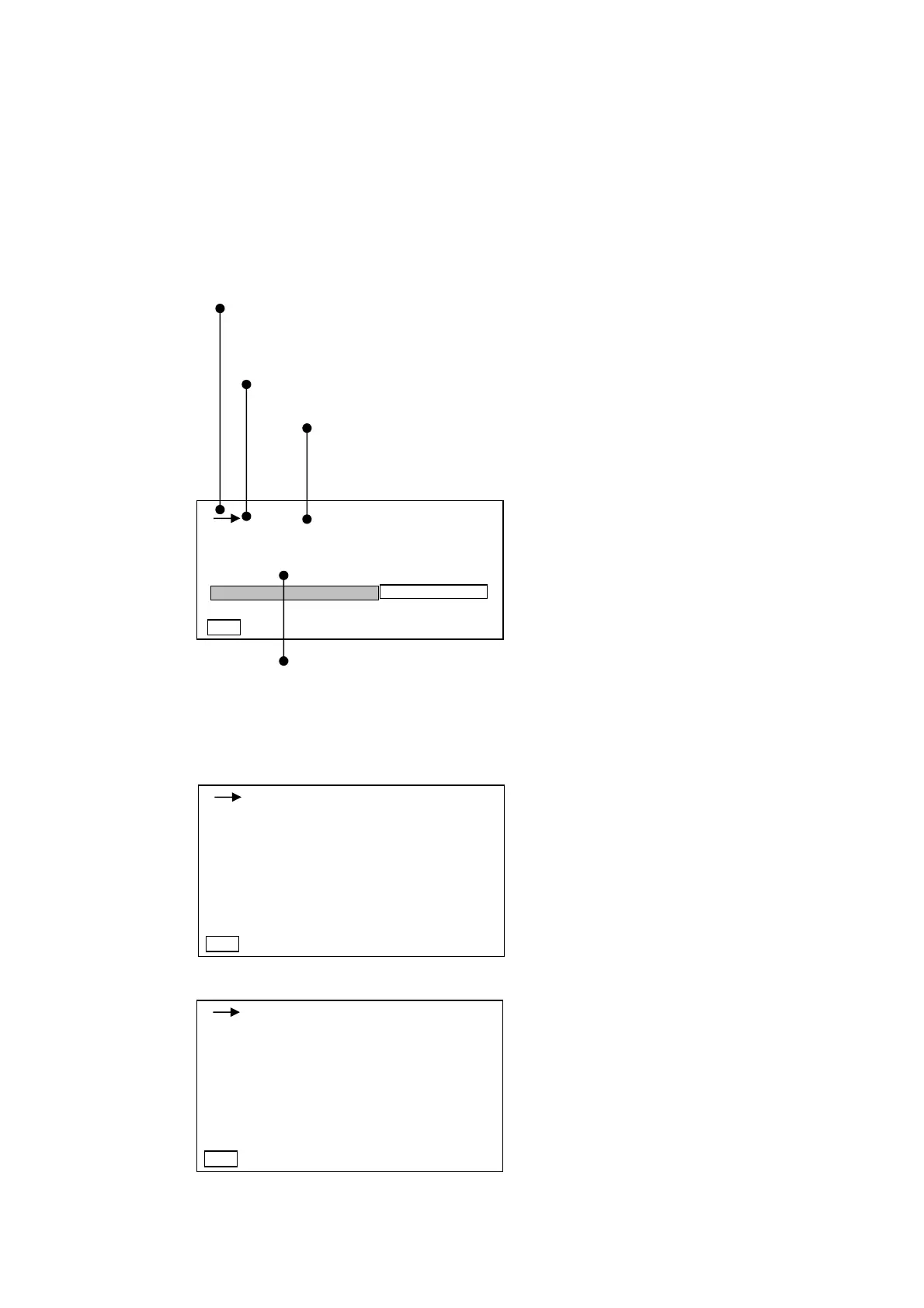
→:When the Start・Stop key is inputted, this switches into a measuring state.
■:When the Pause key is inputted, this is switched into temporary stop
state.
The displayed ch changes with the X, Y, Z key.
X → Y → Z
Set the measuring time with the Meas. Time key.
→: Measuring state ■: The measuring time cannot be changed
in a temporary stop state.
Setting can be changed as shown in Section 4-3. Mode Set screen
description (2/2) page 23.The mode set in the items for View is displayed
on the normal screen.
・ When the View key is pressed, a list can be displayed on the list screen display.
When Lv key is set
When Lva key is set
Normal screen display ⇒
Lvaeq ⇒ Laeq
Lva
05
⇒ La
05
Lva
10
⇒ La
10
Lva
50
⇒ La
50
Lva
90
⇒ La
90
Lva
95
⇒ La
95
Even when measuring vibration level and power average in the previous section, the
measurement starts automatically when the Start・Stop key is inputted.
Lv : 100.0
Lveq : 100.0
LMin : 100.0
LMax : 100.0
1s 000h00m00s
Lv05 : 100.0
Lv10 : 100.0
Lv50 : 100.0
Lv90 : 100.0
Lv95 : 100.0
Manu dB
1s 000h00m00s
Lv
05
dB
50 110
Manu
66.0
X
Lva : 100.0
Laeq : 100.0
LMin : 100.0
LMax : 100.0
1s 000h00m00s
La05 : 100.0
La10 : 100.0
La50 : 100.0
La90 :
Lav95 :
Manu dB



 To Next Page