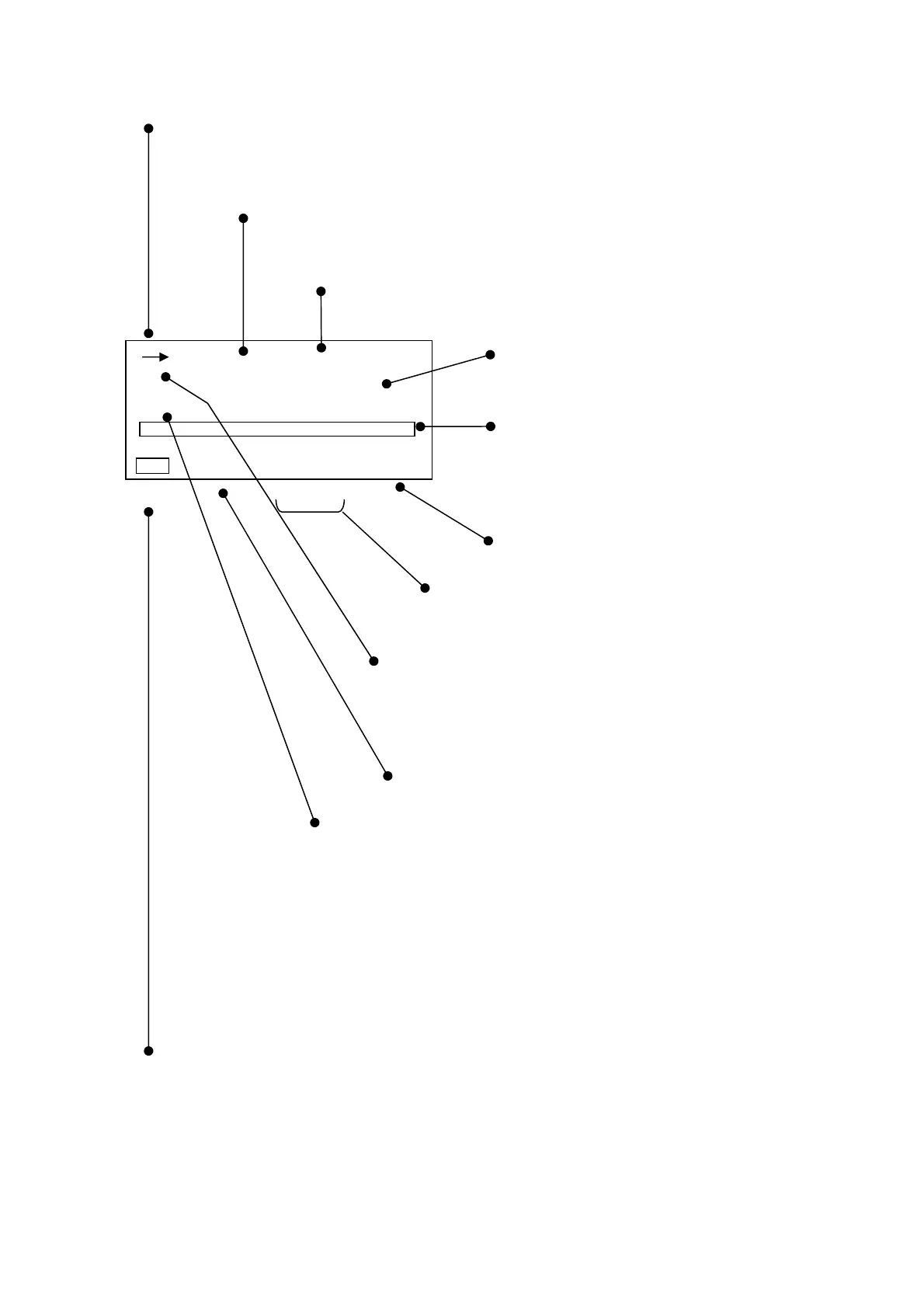
1-2 Display of normal screen
→: Display of operating status
→:
Start Stop
key input switches to measuring status
■ :
Pause
key input switches to temporary stop status
00s
: Display of measuring time
Displays the time set with
Meas Time
key.
00h 00m 00s
: Display of measuring elapsed time
Counts the measuring time with
Start
Stop
key input.
Displayed data
Displays the present value by digital value.
Bar display
Displays the present momentary value with a
bar.
Range display
Displays the range set with the
Range
key.
Warning display
When the measured value is smaller than the range,
Un
appears, and when it is greater than the range,
Ov
appears.
ch display
Displays data selected with the
X, Y, Z key
.
X, Y, Z
Cal display
Calibration mode is set by
Cal
key input.
Filter display
Displays frequency correction set with
Lv, Lva key
.
Lv
: Vibration level
Lva
: Vibration acceleration level (flat characteristics)
Measurement mode display
Displays the mode set with a combination of
Lv, Lva
key
and Mode
Leq・Lx key.
Lv Lva Lv eq Lvaeq Lv xx Lvaxx
Display of battery remaining
Displays the battery capacity remaining according to four stages.
・ The displayed data displays the dynamic characteristics and corrected frequency in intervals of
approx. 1 second.
・ The bar displays the value of the displayed data in intervals of approx. 0.1 seconds.
1s 000h00m00s
X
Lv
dB
100.0
50 110
Cal Un Ov



 To Next Page