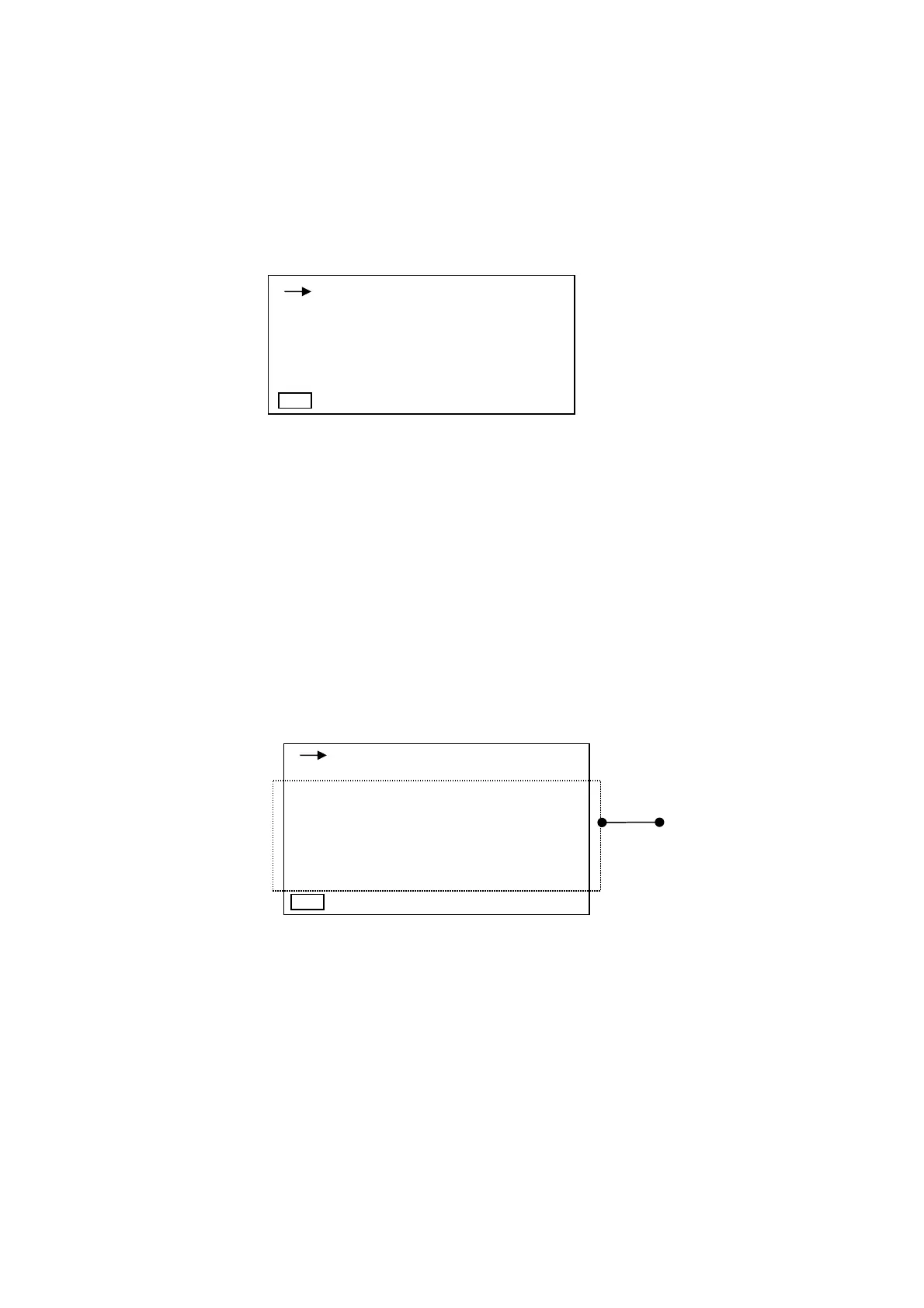
1-3 3ch screen display
This mode displays only data for 3ch simultaneously without a bar display.
This screen appears by inputting the
View
key on the normal screen display or list screen
display.
Vibration level (acceleration level), power level or hour rate vibration level, etc., can be selected
with Mode Leq・Lx key, and displayed. Other content displayed is the same as that on the
normal screen display.
Note)
Range, X, Y and Z
keys do not operate.
1-4 List screen
This mode displays all data which are in measurement on one screen.
This screen appears by inputting the
View
key on the normal screen pieces of display or list
screen display.
Nine data such as Vibration level (acceleration level), power level and hour rate vibration level
can be checked on a list. The channel to be displayed can be selected by inputting the
X, Y and
Z
key.
Other content displayed is the same as that on the normal screen display.
Display of data
Note)
Range, Mode Leq・Lx
keys do not operate.
1s 000h00m00s
X
-110
L
v
100.0
dB
Y
-110
L
v
100.0
dB
Z
-110
L
v
100.0
dB
Lv : 100.0
Lveq : 100.0
LMin : 100.0
LMax : 100.0
1s 000h00m00s
Lv05 : 100.0
Lv10 : 100.0
Lv50 : 100.0
Lv90 : 100.0
Lv95 : 100.0
Manu dB
Manu



 To Next Page