WORKING WITH THE CONTROL UNIT 5-49
SB1391 Hardware and Setup Guide - Document revision no. 1.14
Action Effect of action
3. Click the Enable Direct
Communication tool button
.
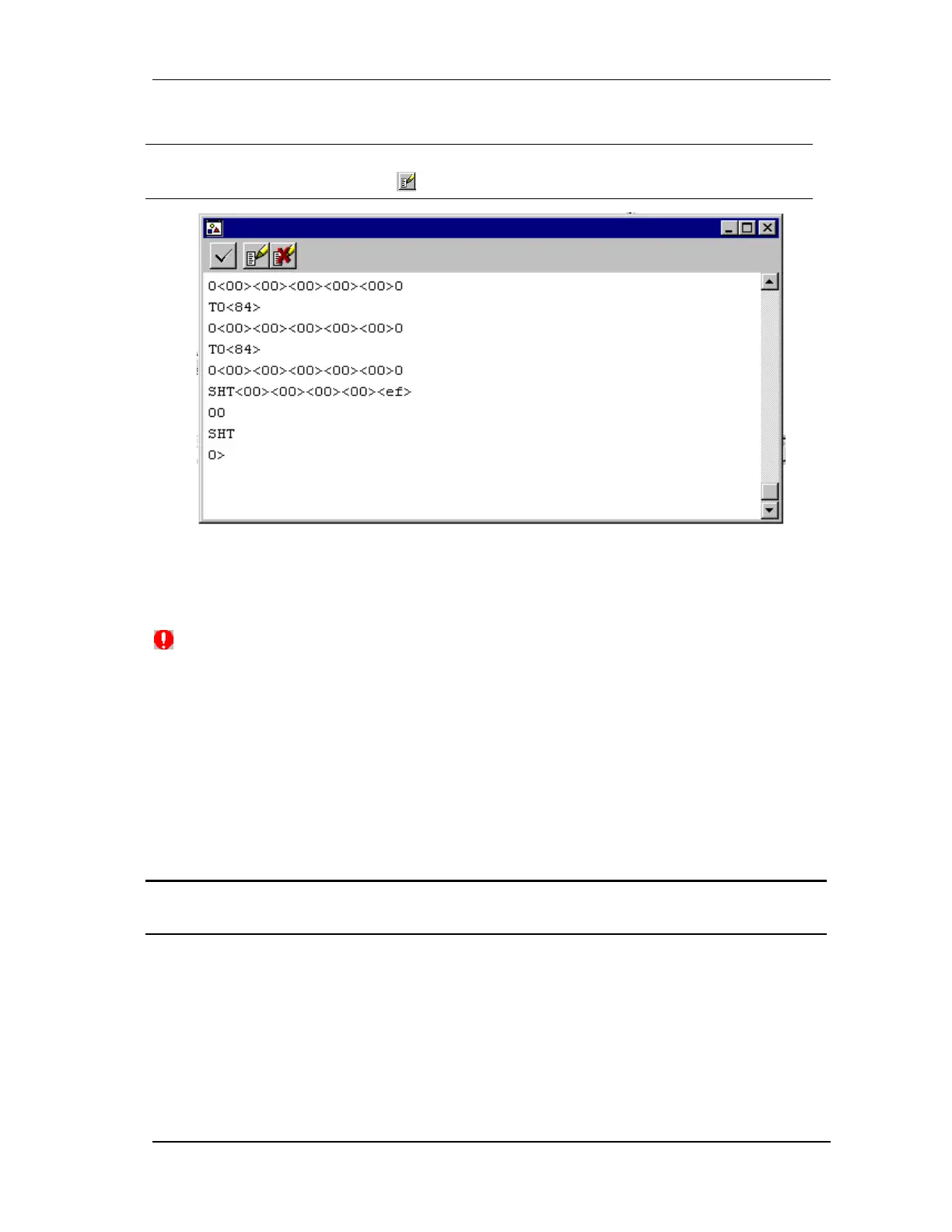
The Terminal is ready to use for programming the
control unit using direct mode (FIGURE 5-50).
FIGURE 5-50 Direct mode prompt
5.3.3. Disable Function
(Kill All) button added to main toolbar. Kills the running ACSPL program including any
autoroutines and disables all motors. After a Kill All command, no autoroutines can be invoked
until you run the ACSPL program again. You do not need to restart ACS Debugger.
5.4. Direct Mode
In this mode, the host terminal communicates with the control unit via the serial communication
link. The control unit interprets and executes each command as it receives it. The procedure is as
follows:
Action Effect of action
1. Type in each command and press
ENTER.
The command is downloaded to the control unit
where it is immediately interpreted and executed.



 To Next Page