WORKING WITH THE CONTROL UNIT 5-63
SB1391 Hardware and Setup Guide - Document revision no. 1.14
Action Effect of action
2.
Click the Run program button .
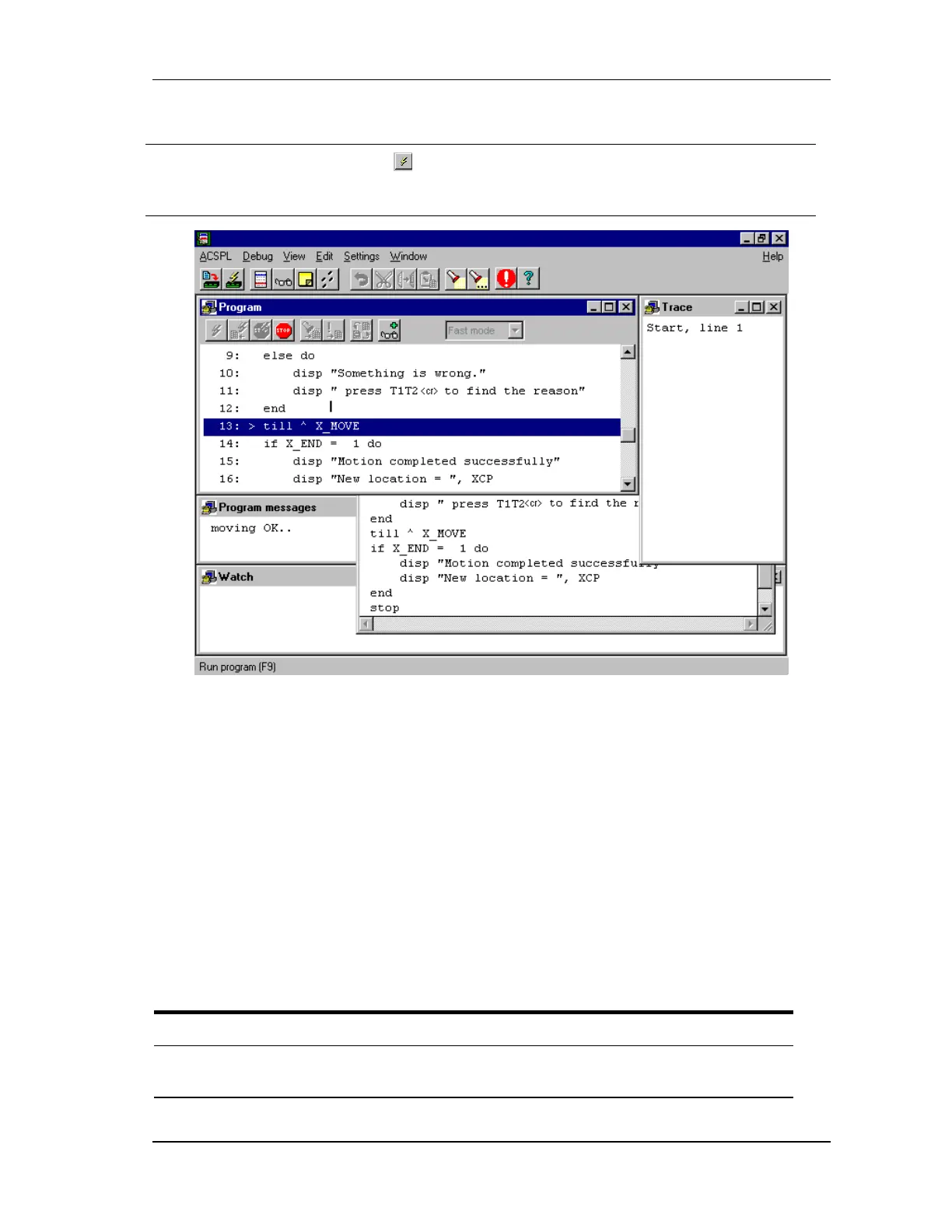
The program execution can be seen in the Program
window and the program status in the Trace window
(FIGURE 5-60).
FIGURE 5-60 Program execution and trace messages
5.5.4. More Sample Programs
5.5.4.1. Searching For Index
One of the advanced features of the control unit is its ability to search for the index of the encoder
at any speed. In the following example, the X motor is running at constant speed. Each time the
index is passed, the position of the index is displayed. For example, with a 2,000-line encoder
(8000 counts/rev), there should be an index pulse exactly every 8,000 counts. If a different
number of counts appears, it is a strong indication that something is wrong with the encoder
feedback path (encoder, connector, and encoder interface).
Command
mnemonic
Meaning Effect of command
1.
SearchI:
Label.
2.
let XMO=1
Let X axis MOTOR
be 01
Enable the motor.



 To Next Page