WORKING WITH THE CONTROL UNIT 5-31
SB1391 Hardware and Setup Guide - Document revision no. 1.14
Action Effect of action
3. Click the Go button in the Current
loop adjustment dialog box.
A waveform of the current response to a step
command appears in the window.
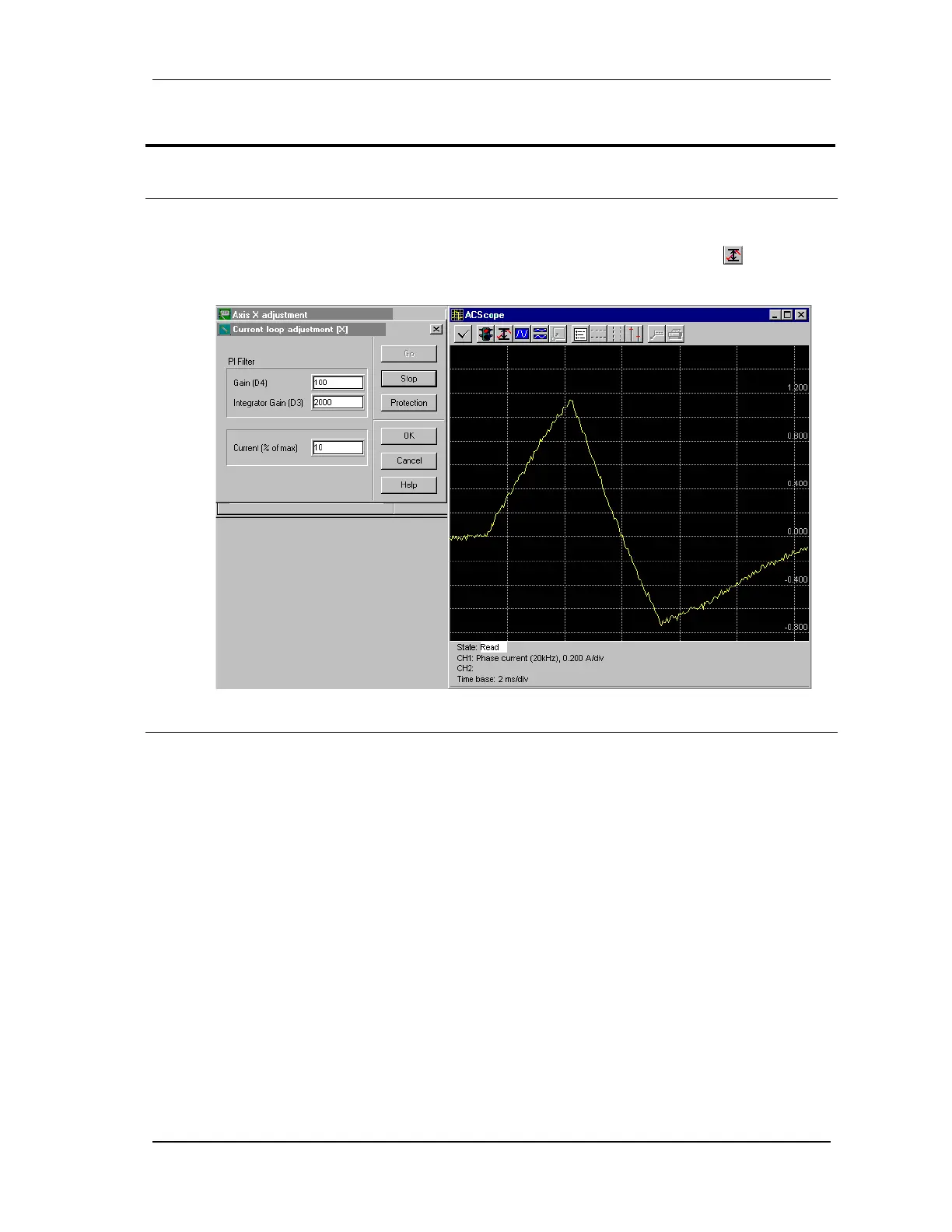
4. Set the Integrator Gain (D3) to
2000 and the Gain (D4) to 100.
An initial profile is displayed, similar to the
following figure. (If the profile extends out of view,
click the Adjust vertical scale button in the
ACScope toolbar.)
FIGURE 5-29 Initial current loop profile
5. Increase/decrease the Gain (D4) to
200. Continue to increment by 200
(example, 400, 600, 800, etc.) until
the profile is similar to the
following figure.



 To Next Page