INSTALLATION & MAINTENANCE MANUAL • X-MIND DC • (06) • 10/2018 • NXDCEN020F
Pag. 33 of 51
CONFIGURATION
6.1. CONFIGURATION
The radiographic system is provided in the “standard mode” configuration.
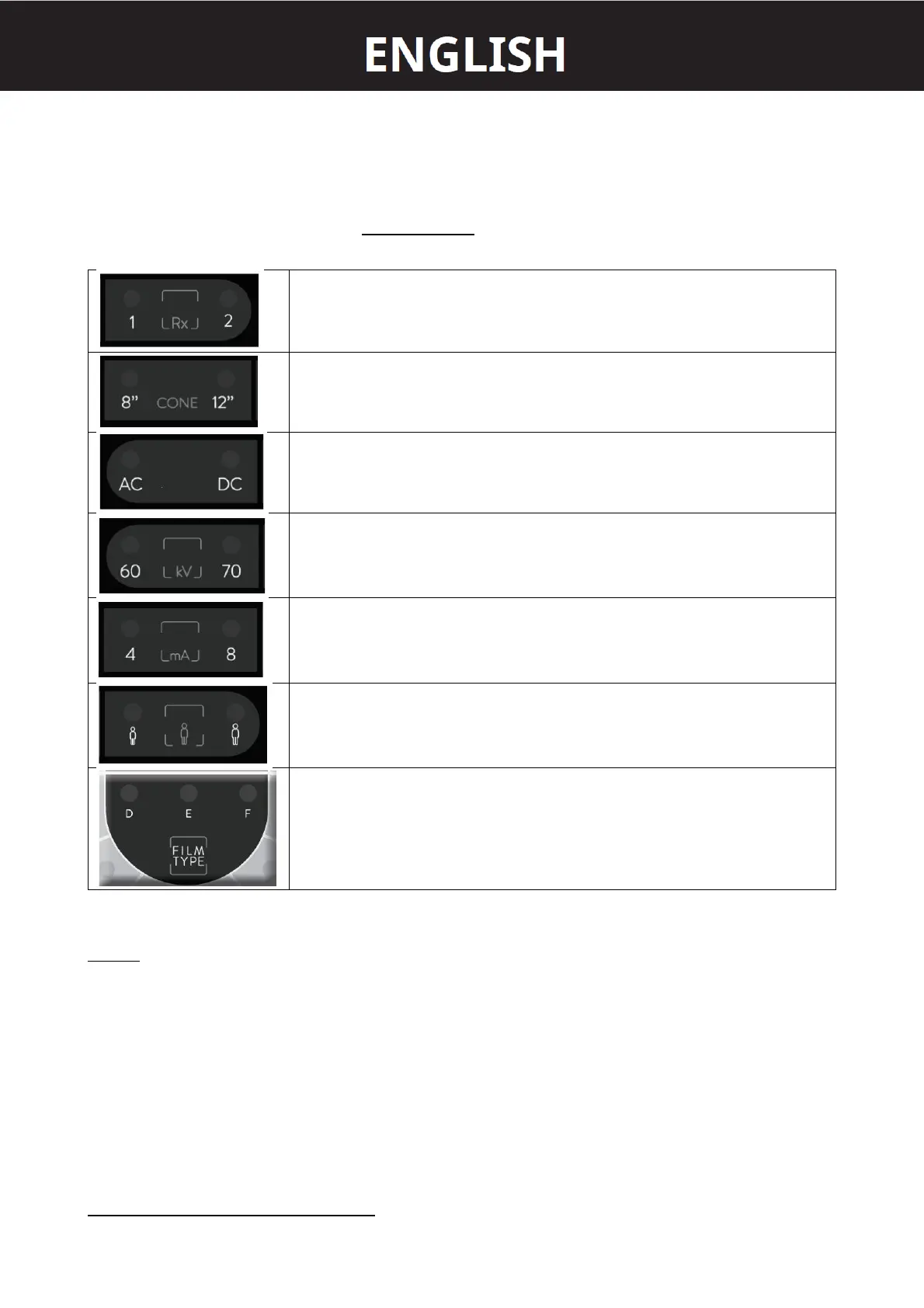
On the control panel the LED relevant to the following exposure parameters will light up:
No. of the selected tubehead
LED 1
supplied cone
LED 8” = SHORT CONE
LED 12” = LONG CONE
Type of tubehead
LED DC = DIRECT CURRENT
LED 70kV
LED 8mA
type of patient
LED ADULT
radiographic technique
CONVENTIONAL LED D
The above configuration depends on the position of dip-switch on the timer electronic card:
LEGEND
ON = INSTALLED
OFF = NOT INSTALLED
IF THE LONG CONE IS USED 31cm = 12” (SSD)















 To Next Page