15
3.3. Connecting via Intel® Pro WiDi App (Gen 5)
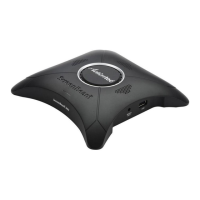
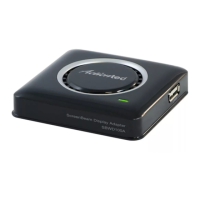
ScreenBeam Pro supports Managed Meetings, which is only available with Intel® Pro WiDi.
To use this feature, ScreenBeam Pro must enable the AGO feature. In this case, Intel WiDi
(4.x.x.x) can’t connect to ScreenBeam Pro.
Note:
To install Intel® Pro WiDi, you need a compatible Haswell system (Intel® Core
™
vPro
™
processor).
For details about AGO, refer to Section Error! Reference source not found.Error!
Reference source not found..
Follow the procedure below to connect your device to ScreenBeam Pro:
1. Launch the Intel® Pro WiDi application on the device.
2. The Intel® Pro WiDi application scans for available receivers automatically. Select your
receiver to start the connection procedure.
Note: If your receiver is not found, you can click the Scan button to scan again.



 To Next Page