70
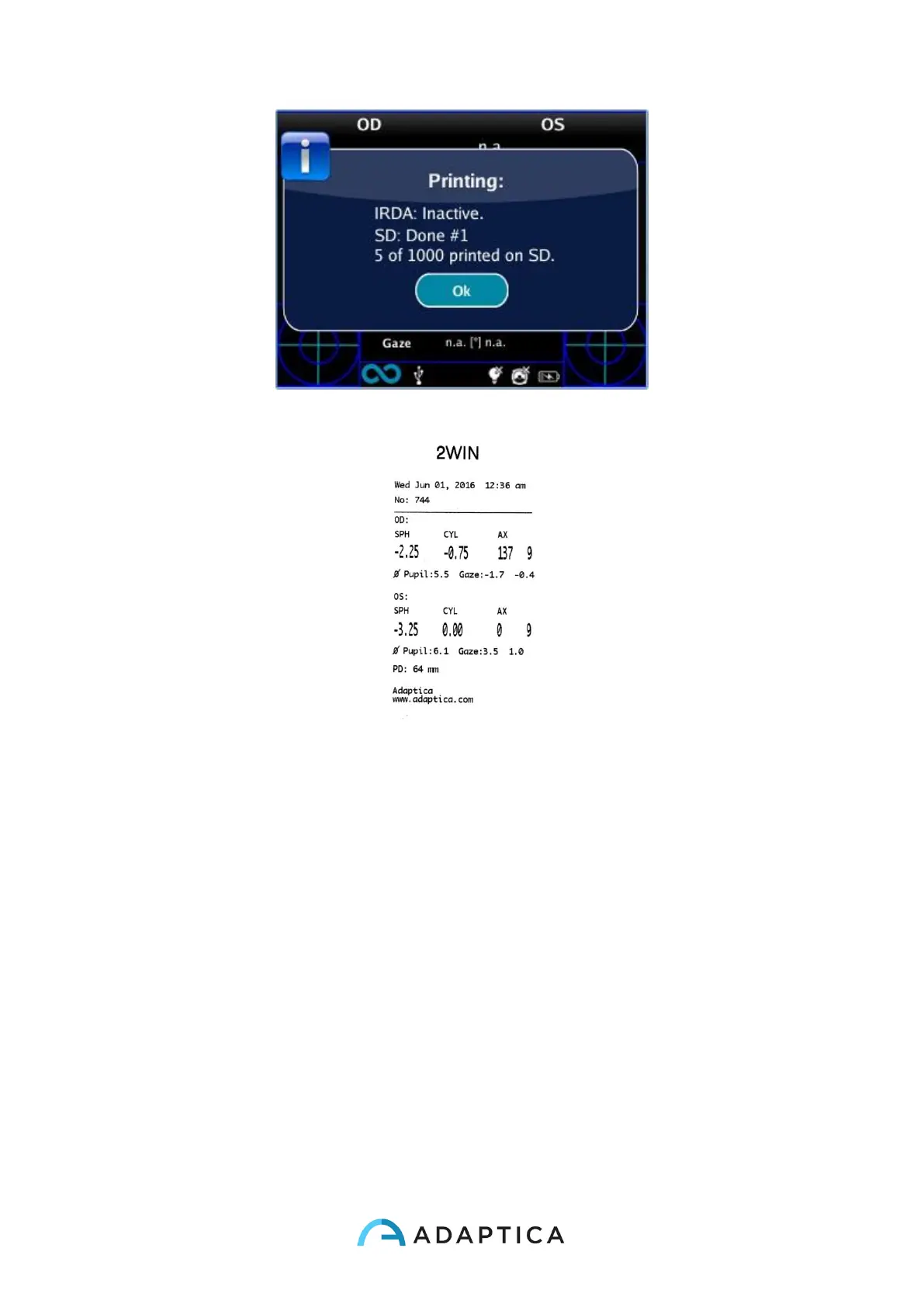
“Printing: done” message
Printout sample from portable IrDA printer
Data saved in the file Patient_date_number, with the different extensions listed above, can
be extracted from the SD card by connecting the 2WIN to a PC by means of the USB cable
supplied. The 2WIN is seen as an external memory storage, when the USB symbol appears
on the 2WIN display it is possible to copy data from the 2WIN SD card to the PC.
It is important to safely remove (unmount, check the PC Operative System for this) the
external memory storage of the 2WIN from the PC after data have been saved on PC and
before disconnecting the USB cable.



 To Next Page