91
Transferring an exam from 2WIN (or 2WIN-S) to VisionFit SC using Bluetooth
connection
The first time you want to transfer an exam to VisionFit SC you have to pair the devices.
Follow these steps:
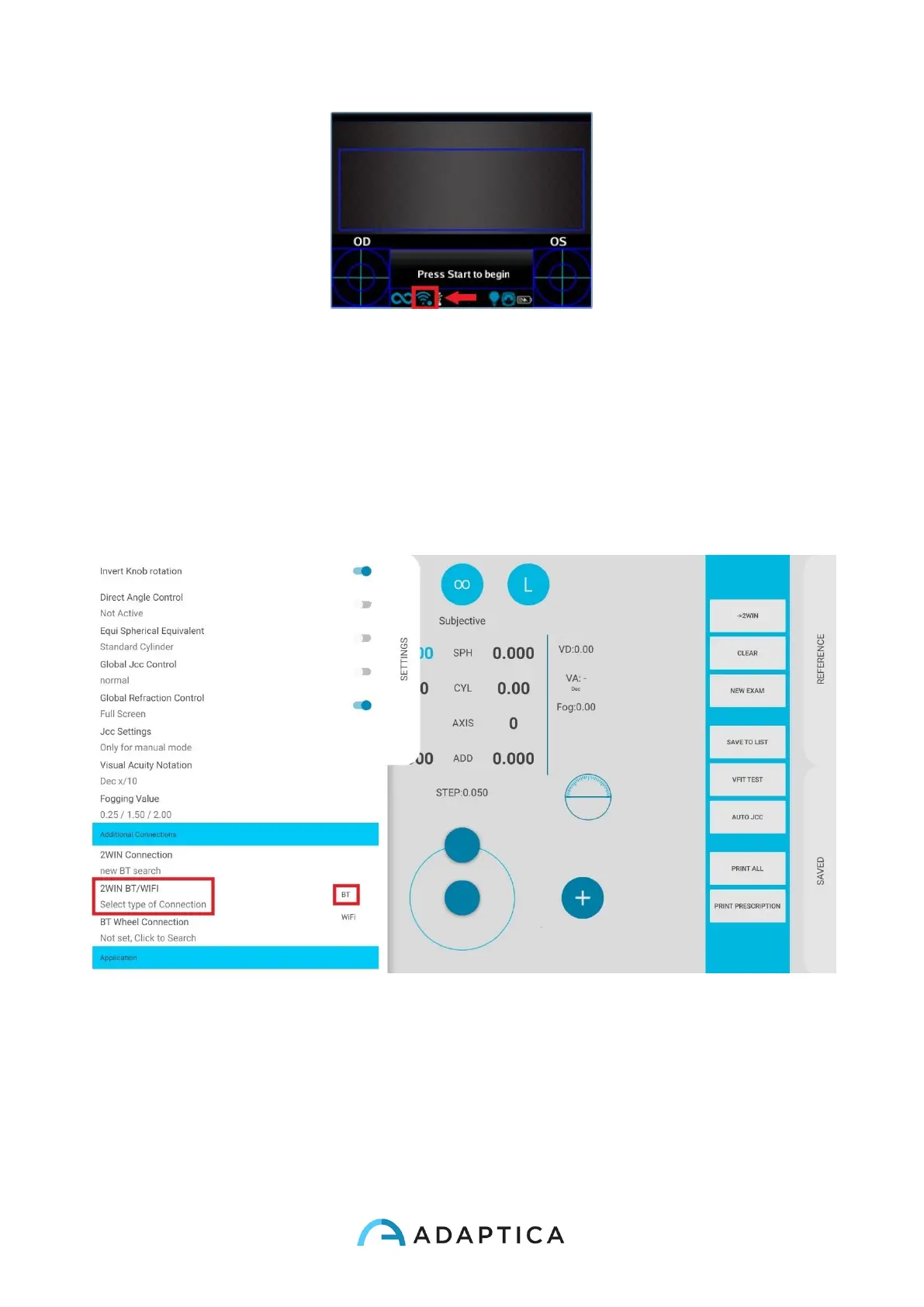
1. Enable Bluetooth on 2WIN from Menu > Settings > Bluetooth
2. From VisionFit SC tablet application enter Settings and set 2WIN Connection
type: BT
3. From VisionFit SC tablet application enter Settings and select 2WIN Connection.
The pairing between the two devices automatically starts.



 To Next Page