19
Chatper 2 - Connections
www.adcom.com
GFR-700 Owner’s Manual
HDMI Connections
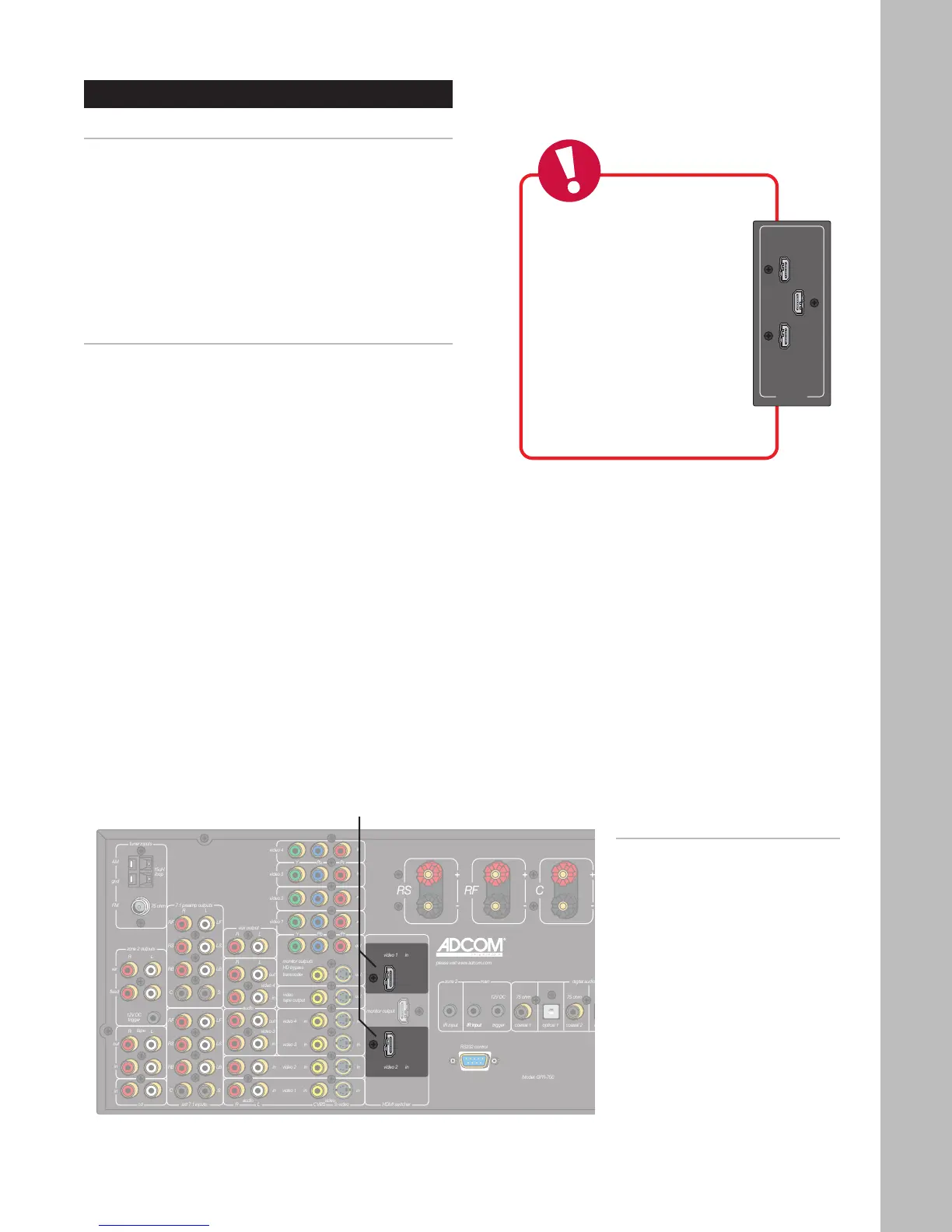
Using the HDMI Jacks
HDMI, or High Definition Multimedia Interface, is an
advanced audio/video connection method that trans-
fers full-bandwidth, uncompressed digital audio and
video signals over a single cable.
As a result, digital signals can pass unfettered from
your HDMI-compatible source components to the
GFR-700 and out to your digital TV for superior pic
-
ture and sound quality.
Connecting HDMI Components
1 Choose an available HDMI input.
2 Connect HDMI cable(s).
• Using an HDMI cable, connect the HDMI out
-
put on your source device to one of the HDMI
inputs on the GFR-700.
3 Assign the HDMI input to an input source.
• See page 33.
4 Connect the HDMI output to your TV.
• See page 22.
Notes:
• The HDMI inputs are assignable
to any source; see page 33.
• To connect the HDMI output to
your TV, see page 22.
HDMI
Inputs



 To Next Page