41
Chapter 3 - Setup
www.adcom.com
GFR-700 Owner’s Manual
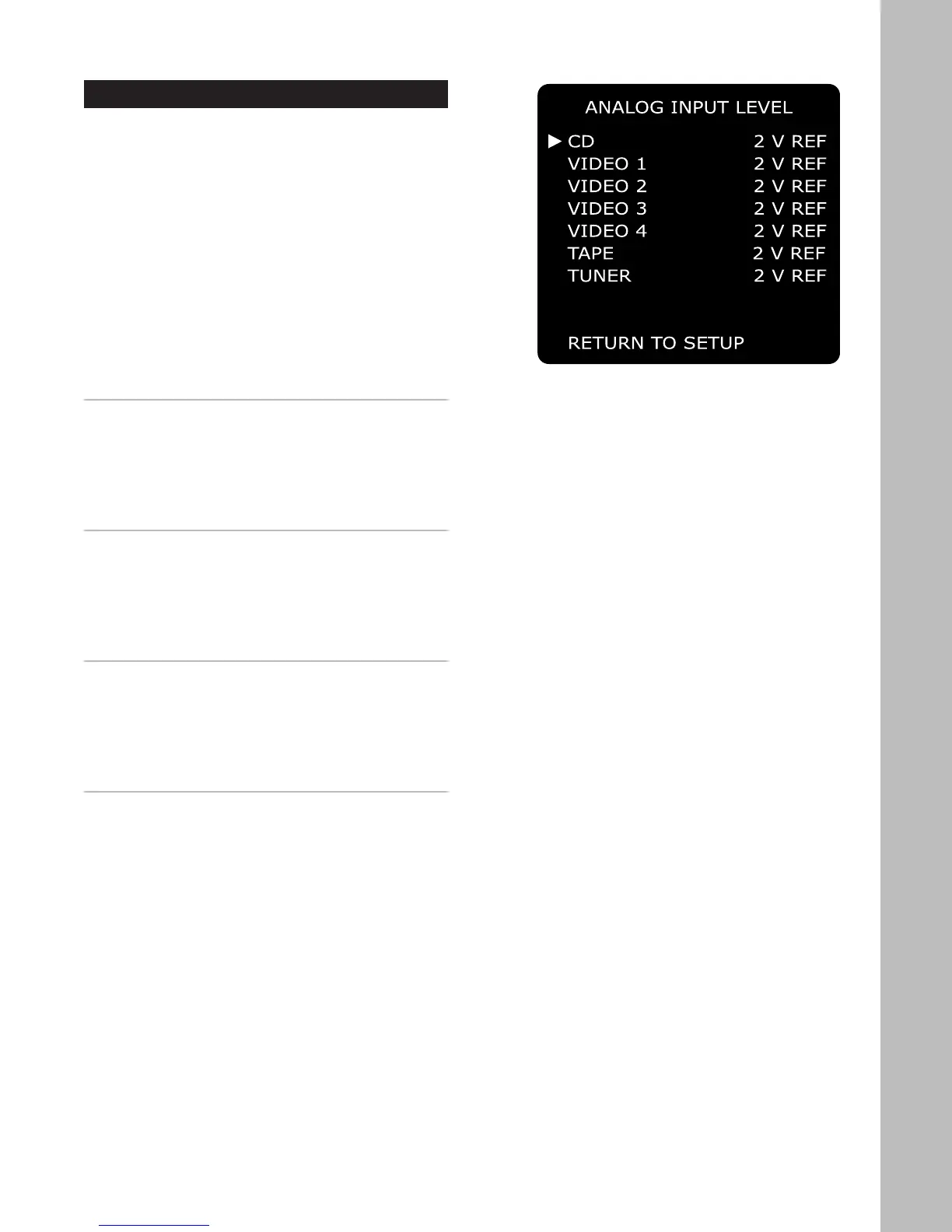
Analog Input Level
The GFR-700 allows you to adjust the voltage ref-
erence levels independently for each of the unit’s
seven analog audio inputs. Check the technical spec-
ifications of your source components to determine
the optimum reference level setting.
To access the Analog Input Level menu:
1 Press the Main button on the remote control.
2 Press the Setup button.
3 Use the
/ buttons to select ANALOG INPUT
LEVEL, then press the Select button.
4 Use the / buttons to choose from the follow-
ing menu items:
CD
Adjusts the analog input level for the CD audio input.
Use the
/ buttons to select:
• 2 V REF (default)
• 4 V HIGH
• 1 V LOW
VIDEO 1~4
Adjusts the analog input level for the Video 1~4 audio
inputs. Use the
/ buttons to select:
• 2 V REF (default)
• 4 V HIGH
• 1 V LOW
TAPE
Adjusts the analog input level for the Tape input. Use
the
/ buttons to select:
• 2 V REF (default)
• 4 V HIGH
• 1 V LOW
TUNER
Adjusts the analog input level for the Tuner input.
Use the
/ buttons to select:
• 2 V REF (default)
• 4 V HIGH
• 1 V LOW



 To Next Page