37
Chapter 3 - Setup
www.adcom.com
GFR-700 Owner’s Manual
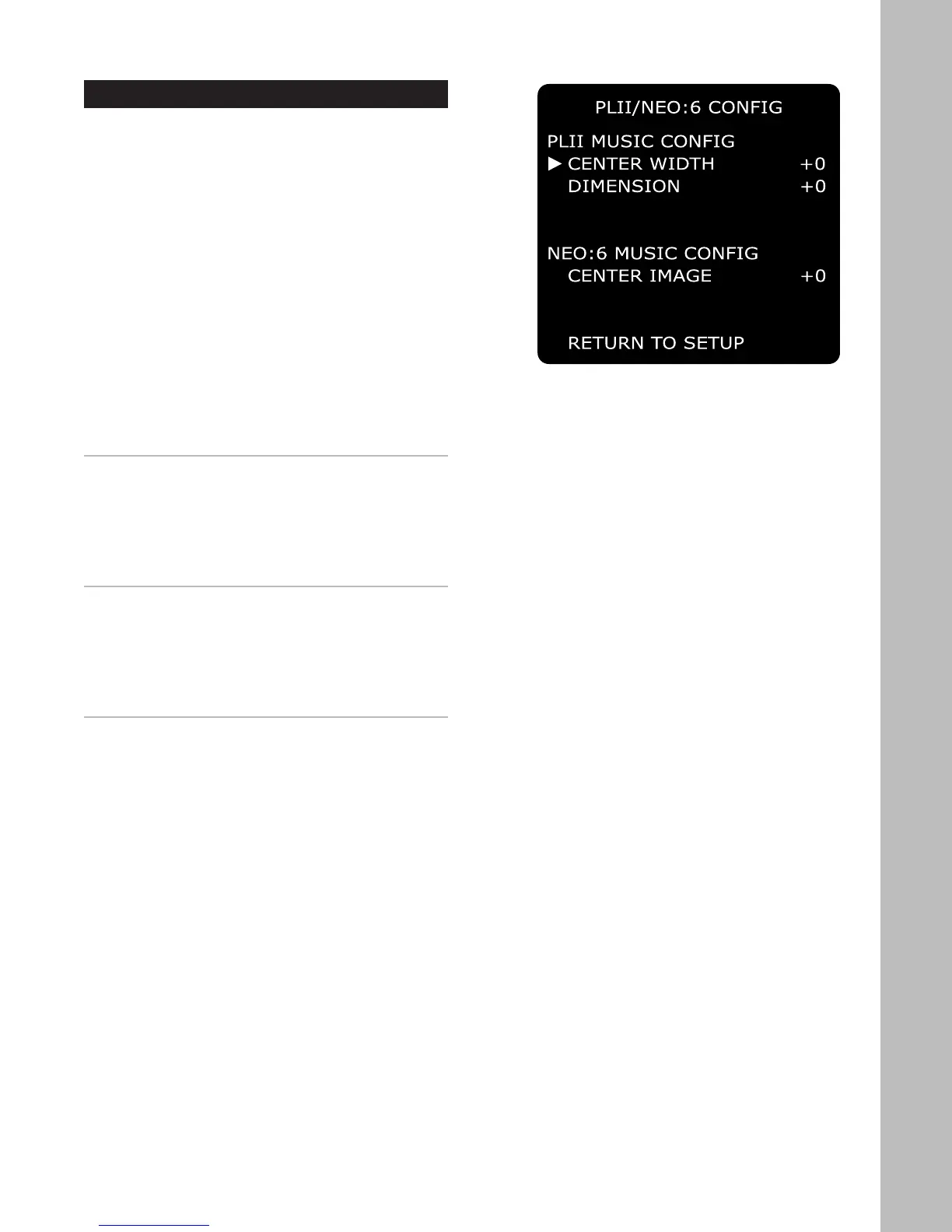
Pro Logic IIx/Neo:6 Configuration
The GFR-700 makes the most of your incoming ste-
reo signals. With the built-in Dolby Pro Logic IIx and
DTS Neo:6 decoders, not only can you slice, dice,
and expertly distribute a stereo signal to seven or
more speakers, you can even fine-tune the imaging
and depth of the sound field specifically for music
sources.
To access the Pro Logic IIx/Neo:6 configuration
menu:
1 Press the Main button on the remote control.
2 Press the Setup button.
3 Use the
/ buttons to select PLII/NEO:6 CON-
FIG, then press the Select button.
4 Use the / buttons to choose from the follow-
ing menu items:
PLII MUSIC CONFIG (CENTER WIDTH)
While listening in Dolby Pro Logic IIx Music mode, ad
-
justs the width of the center channel. Use the /
buttons to select:
• +0 (narrowest) to +7 (widest)
• The default is 3.
PLII MUSIC CONFIG (DIMENSION)
While listening in Dolby Pro Logic IIx Music mode,
adjusts the dimensions of the sound field. Use the
/ buttons to select:
• -3 (most distant) to +3 (farthest forward)
• The default is 0.
NEO:6 MUSIC CONFIG (CENTER IMAGE)
While listening in Neo:6 Music mode, adjusts the
prominence of the center channel to create a wider
stereo effect with vocals. Use the
/ buttons to
select:
• +0 (no effect) to +5 (most prominence given to
center channel)
• The default is 3.



 To Next Page