32
Chapter 3 - Setup
GFR-700 Owner’s Manual
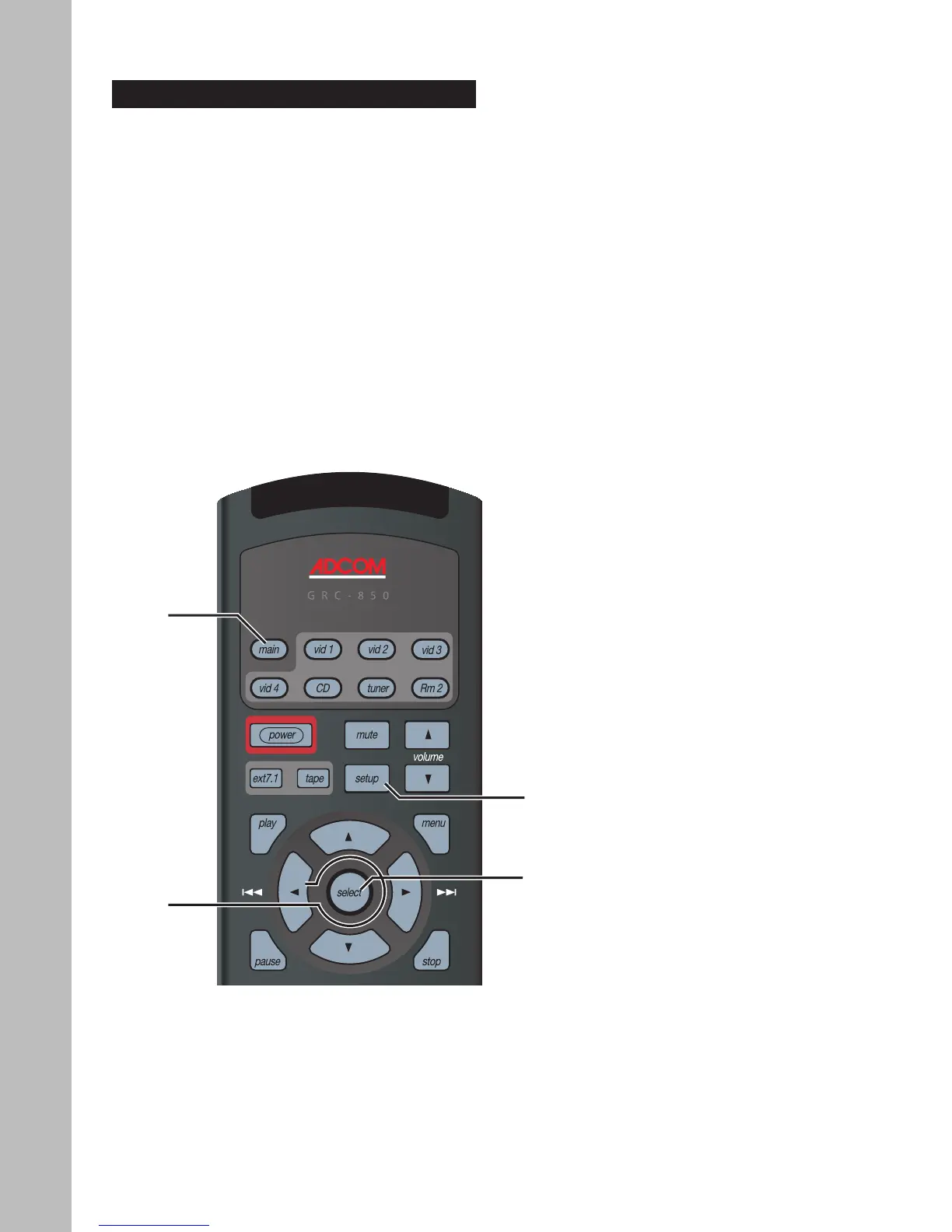
Setup Navigation
Use the following remote control buttons to navigate
the Setup menu.
• Main - Press the Main button to select the GFR-
700. You must first select the GRF-700 before
you can access the Setup menu.
• Setup - Press the Setup button to display and
exit the Setup menu.
• Arrows - Press the / buttons to move the se-
lection arrow up or down the list of menu items.
Press the / buttons to step through all avail-
able options for the selected menu item.
• Select - Press the Select button to confirm your
menu selections.
Main
Arrows
Setup
Select



 To Next Page