will change to Ready. From a "cold" start, it takes approximately four minutes to reach the set
temperature.
3.11 Seal Point
Seal point is a reference point. Increasing this number raising the seal point on the bag. Each
increment adjusts the position approximately 1/8" up or down. To adjust the value, press the
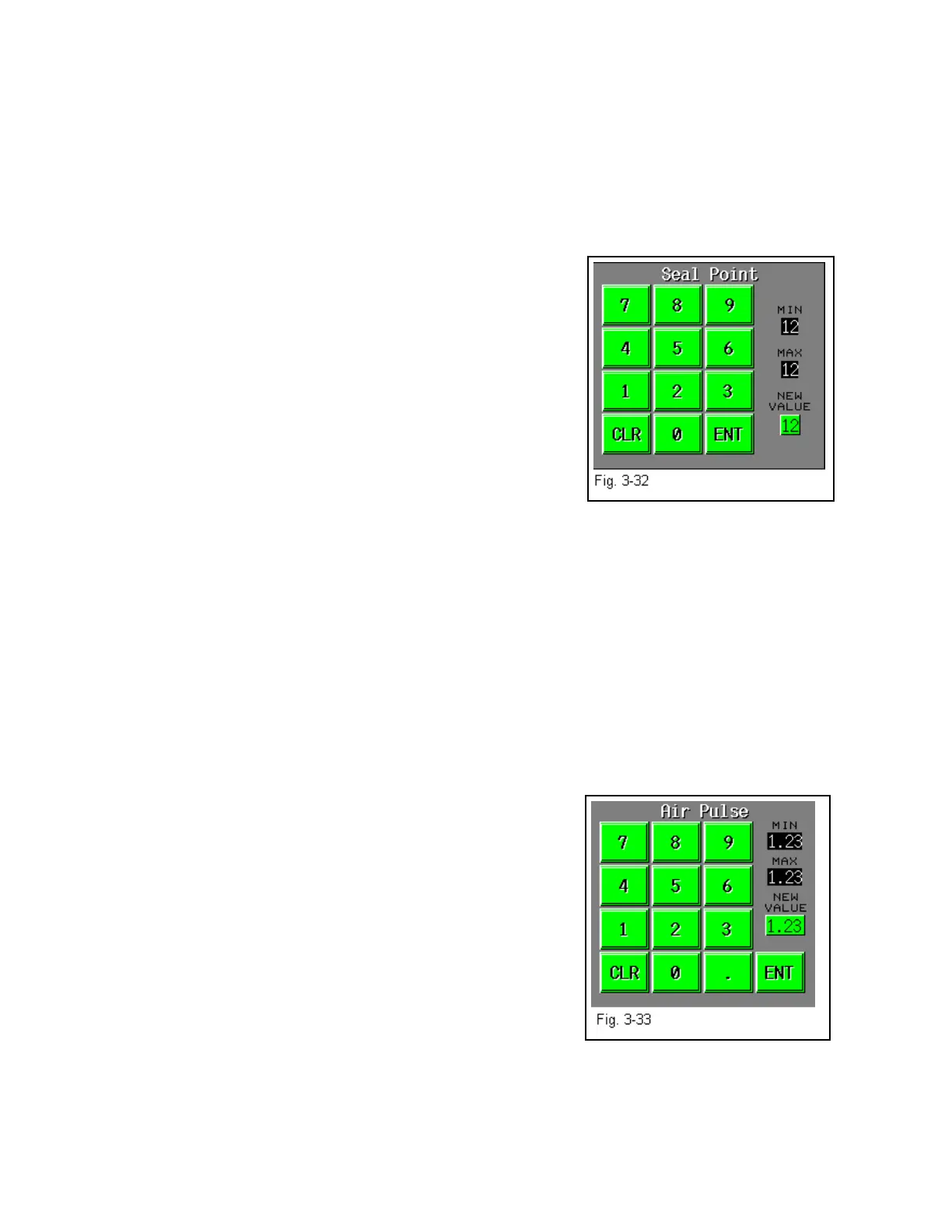
button labeled <Seal Point> from the Bag Setup Menu. Using the displayed number keypad,
press in the value for the amount desired followed by the <Enter> button. Press the foot switch
to test the setting and adjust as required. The proper
positioning of the seal on the bag varies due to bag size and
product characteristics. Wider bags generally require greater
sealing area than do narrower bags. Additionally, bags
packaged with bulky products require greater sealing area than
do bags packaged with thinner products. See Fig. 3-32.
3.12 Note on Seal Quality
Quality seals are achieved by making adjustments to SEAL
TIME, SEAL TEMP., SEAL POINT and by having the proper
seal pressure. Note: Ensure Regulator Pressure is set to 80
PSI. If, after making necessary adjustments, seal quality remains insufficient, additional options
may be purchased to enhance seal appearance, integrity or strength. (See Chapter 1 for
description of available options: FS-10 Flat Seal Assembly, TS-10 Trim Seal Assembly, BD-10
Bag Deflator, LS-10 Load Shelf, Twin Seal option). Wider seal bars are also available to
increase the consistency of seals.
3.13 Air Pulse
Displays, in seconds, the amount of time that a burst of air will last, initially blowing the bag
open. Wider bags and heavier gauge bags require a longer burst of air to initially open the bag.
Narrower and thinner gauge bags require less air to initially open the bag. To adjust the value,
press the <Air Pulse> button from the Bag Setup Menu to display the number keypad. Press the
numbers on the keypad followed by the <Enter> button to return the Bag Setup Menu. See Fig.
3-33. Additionally, to increase the volume of air from the air
pulse tubes, turn the Air Pulse valve (Fig 3-10)
counter-clockwise; turning the valve clockwise will decrease
the volume of air.
Note: The volume of air set should be the minimum amount
and duration required to open the bag.
33



 To Next Page