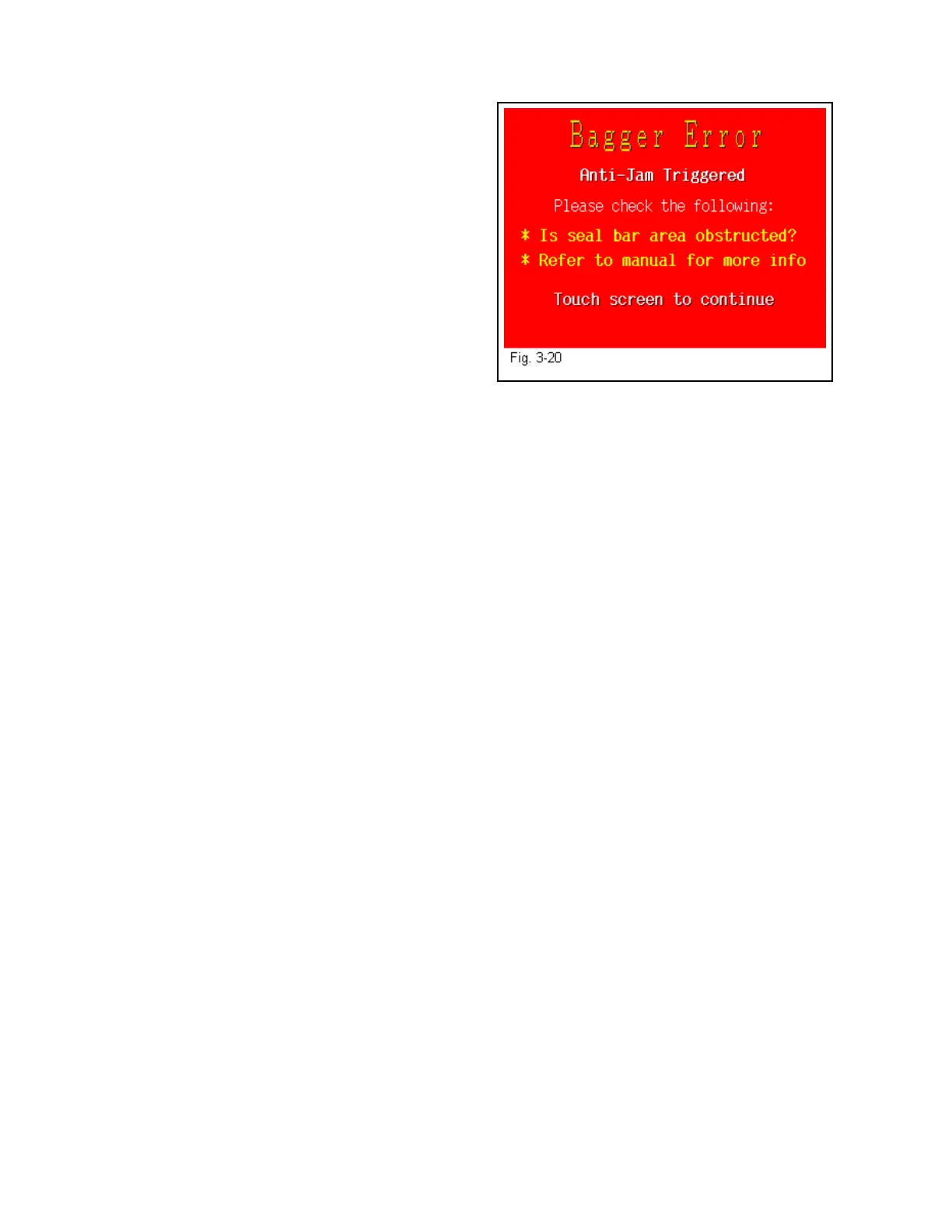
3.41 Message Screens
Message screens provide functional messages that
describe errors or the status of equipment.
Fig. 3-20 is an example of a message screen.
Other message screens include: Open Frame,
Printer Fault, Open Thermocouple, Job Run Error,
Out of Bags, Predetermined Count Reached, Perf
Sensor not Activated, Light Curtain Reset, Seal
Bar not Engaging, UF-5000 Estop Engaged,
UF-5000 Password not Entered.
To reset Message Screen, clear the condition (if
required) and then touch the screen.
47



 To Next Page