DS-980/DS-980GL User Manual 10
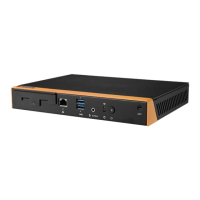
2.2 DS-980/DS-980GL Front External I/O Connectors
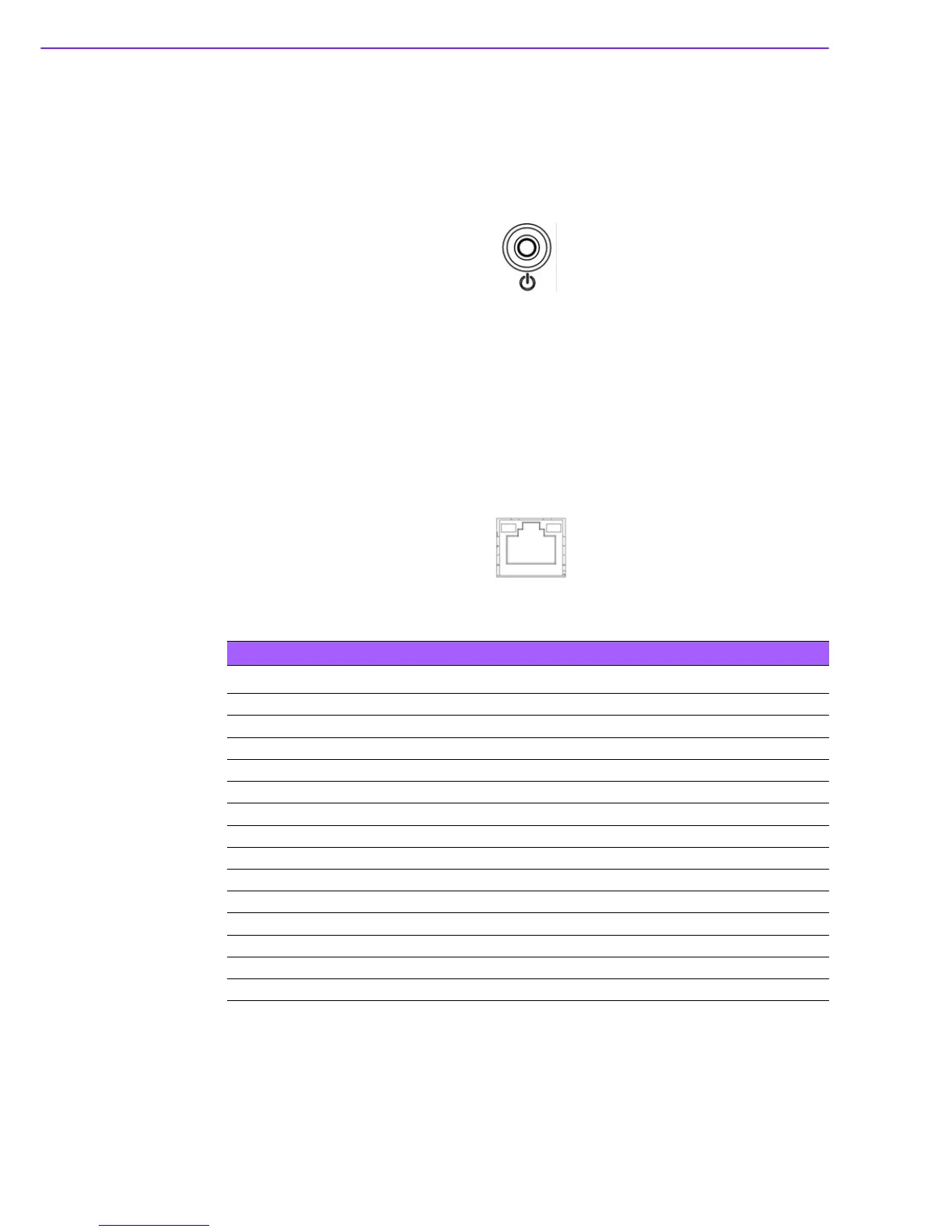
2.2.1 Power ON/OFF Button
DS-980/DS-980GL has a power ON/OFF button on front side. Push this button to
turn the system ON and OFF. It can also support 4 second delay soft power off.
Figure 2.5 Power button
2.2.2 Ethernet Connector (GLAN)
DS-980/DS-980GL provides 2 x RJ-45 (LAN1: Intel I219 with Phy only, LAN2: Intel
I211 with Phy & Mac), and wake on LAN supported. They are fully compliant with
IEEE 802.3u 10/100/1000 Base-T CSMA/CD standards. The Ethernet port provides
a standard RJ-45 jack connector with LED indicators on the front side to show its Link
(On)/ Active (Flash) and speed status which is with its green color by 100Mbps (On)/
10Mbps (Off) and its orange color by 1000Mbps (On).
Figure 2.6 GLAN connector
Table 2.1: GLAN Connector Pin Assignments
Pin Signal Name
1MDI0+
2MDI0-
3MDI1+
4MDI1-
5GND
6GND
7MDI2+
8MDI2-
9MDI3+
10 MDI3-
11 VCC
12 ACT
13 Link100#
14 Link1000#



 To Next Page