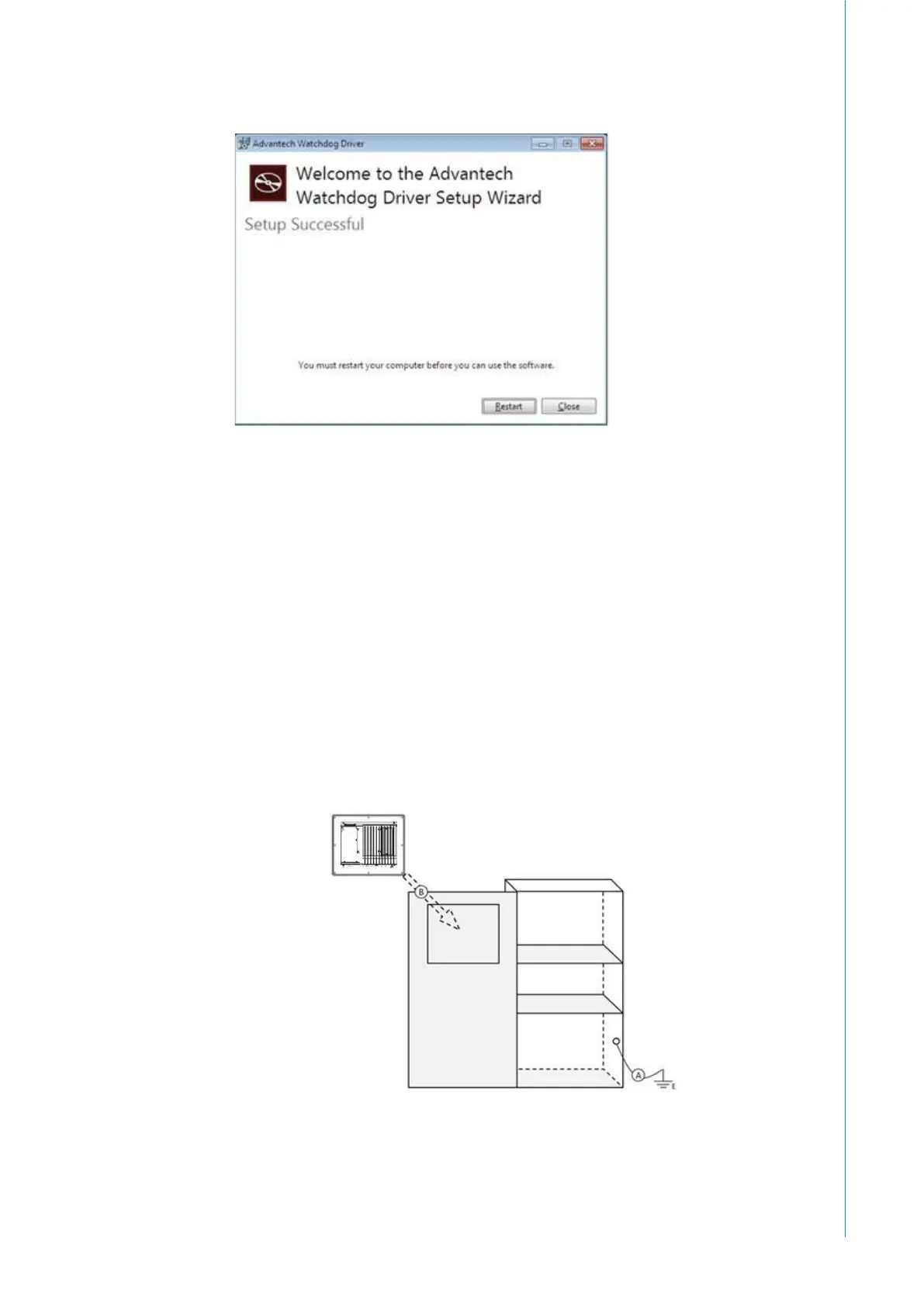
4. Click the Restart or Close button on the Advantech Watchdog Driver Setup Wiz-
ard pop-up screen to complete the setup.
2.3 Cabinet Installation and Earth Grounding Setup
Follow these steps to set up the TPC-B520 system, ensuring that the Ground pin
of the TPC-B520 system is properly connected to the earth ground. This connec-
tion is crucial for optimizing the performance of the TPC-B520 system, including
enhanced EMI immunity, ESD immunity, surge immunity, and system isolation. If
the TPC-B520 system is embedded in a cabinet, make sure to connect the TPC-
B520 system's ground, the cabinet's ground, and the earth ground together.
2.3.1 Installing TPC into Cabinet.
1. Connect the cabinet to earth ground.
2. Embed null TPC-B520 system into the cabinet without any I/O cable and
power.



 To Next Page