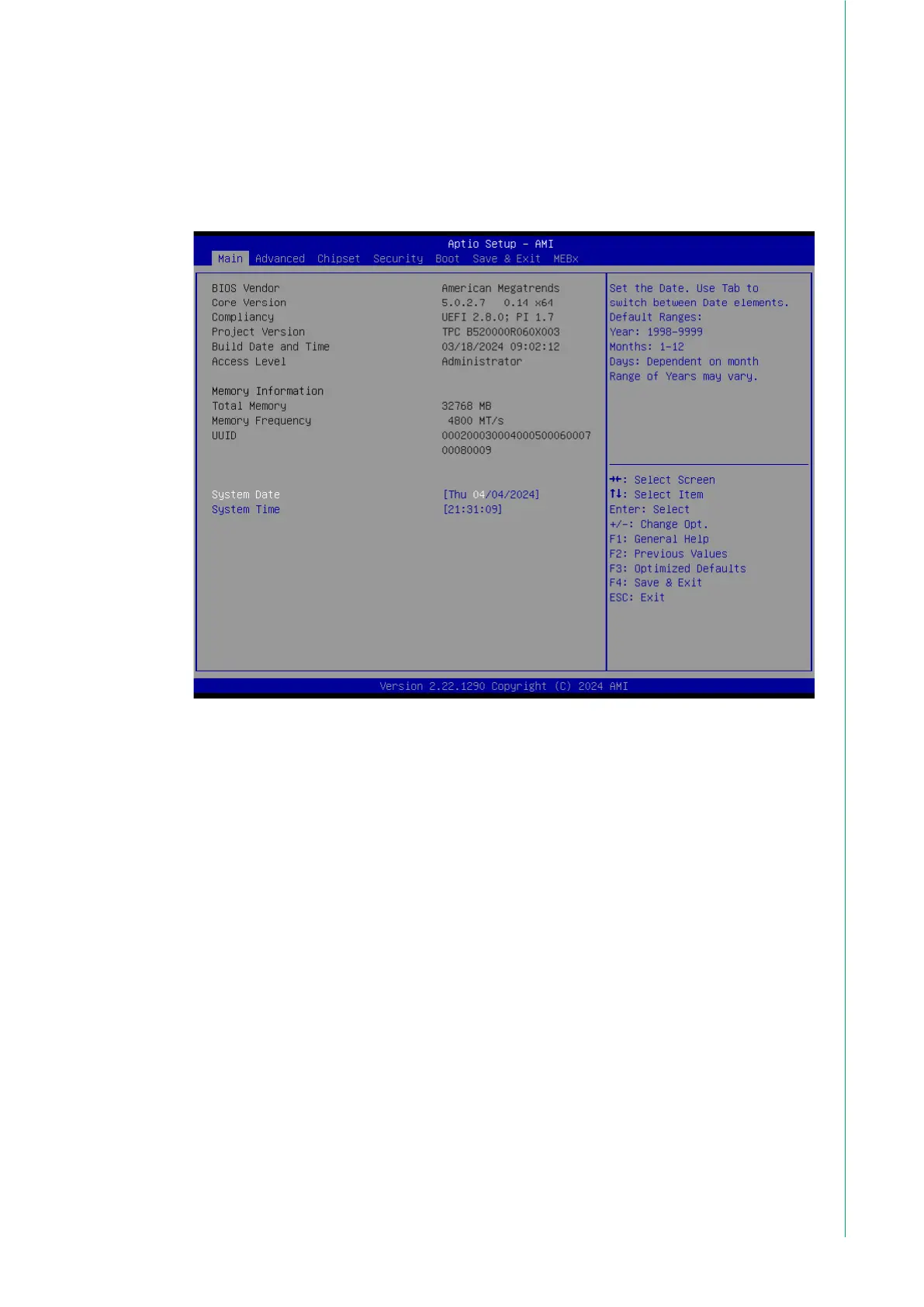
3.1 BIOS Setup
With the AMI BIOS Setup program, users can modify the BIOS settings and con-
trol various system features. This chapter describes the basic navigation of the
BIOS Setup Utility.
AMI's BIOS ROM has a built-in setup program that allows users to modify the
basic system configuration. The setup information is stored in flash ROM to en-
sure it is retained when the system is powered off.
3.2 Entering Setup
Turn on the computer and check for the patch code. If there is a number assigned
to the patch code, it means that the BIOS supports your CPU. If there is no num-
ber assigned to the patch code, contact an Advantech application engineer to
obtain an up-to-date patch code file. This will ensure that the CPU status is valid.
After ensuring that you have a number assigned to the patch code, press <DEL>
to access the BIOS Setup Utility.



 To Next Page