2.5 Expansion Module Installation
2.5.1 Expansion Cover Removal
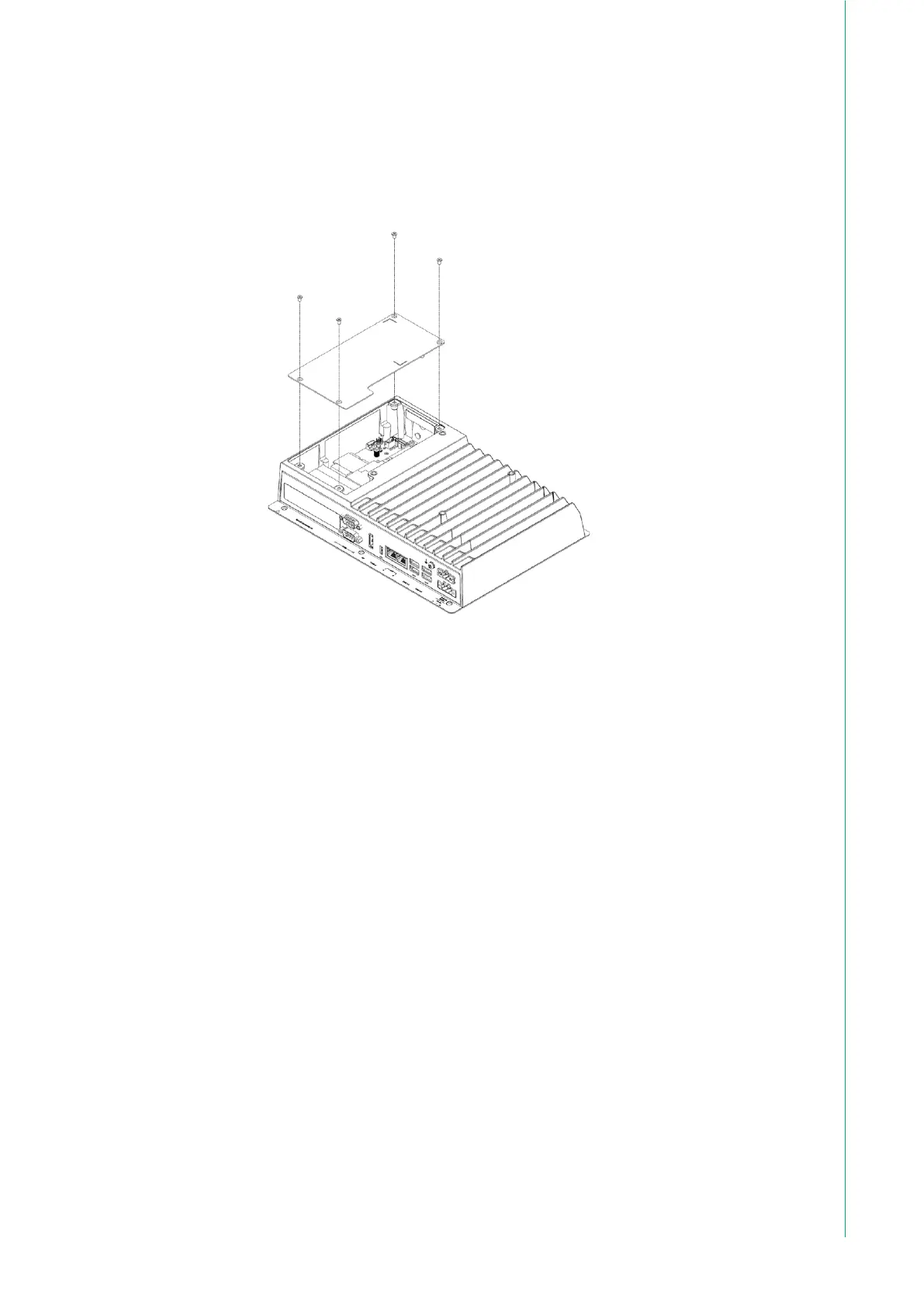
To install SATA SSD or expansion modules, the expansion cover of the system
must be removed. It is attached with 4 screws, as illustrated below. After removing
all screws, carefully lift the rear bracket and set it aside, taking care not to cause
any damage to the system or the cover in the process.



 To Next Page