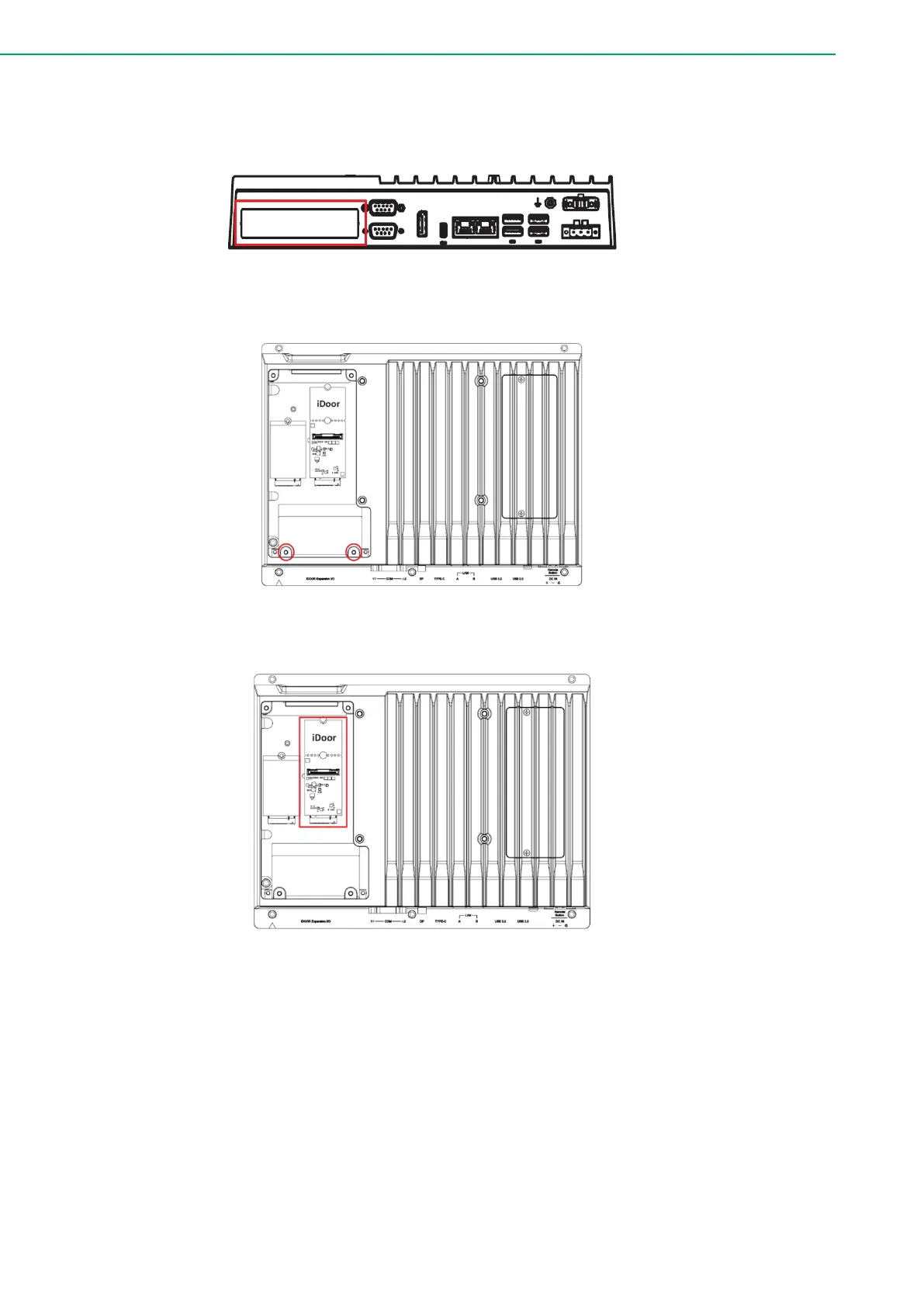
2.5.4 Installation of iDoor Module
1. Remove the expansion cover.
2. Remove the blank slot cover for iDoor.
3. Insert an iDoor module.
4. Tighten the two screws to secure the module in place.
5. Install the iDoor M.2 module and plug in the cable to the connector on the iDoor
M.2 module.
6. Attach the cover to the chassis using the previously removed screw.



 To Next Page