2.1 Transport and Unpacking
2.1.1 Transport
When accepting a delivery, please check the packaging for visible transport dam-
age and check the delivery for completeness by comparing it with your order. If
you notice any shipping damage or inconsistencies between the contents and
your order, please inform the responsible delivery service immediately.
During transportation, the TPC should be protected from excessive mechanical
stress. If the TPC is transported or stored without packaging, shocks, vibrations,
pressure and moisture may impact the unprotected unit. A damaged packaging
indicates that ambient conditions have already had a massive impact on the de-
vice. Therefore, please use the original packaging during transportation and stor-
age.
If the TPC is transported in cold weather or is exposed to extreme variations in
temperature, make sure that moisture (condensation) does not build up on or in-
side the HMI device. Moisture can result in short-circuits in electrical circuits and
damage the device. To avoid that, please store the TPC in a dry place and bring
the TPC to room temperature before starting it up. If condensation occurs, a delay
time of approximately 12 hours must be allowed to make sure the TPC is com-
pletely dry before the TPC is switched on.
2.1.2 System Setup
Follow these steps to setup the TPC-B520 device:
1. Unbox the TPC-B520 device.
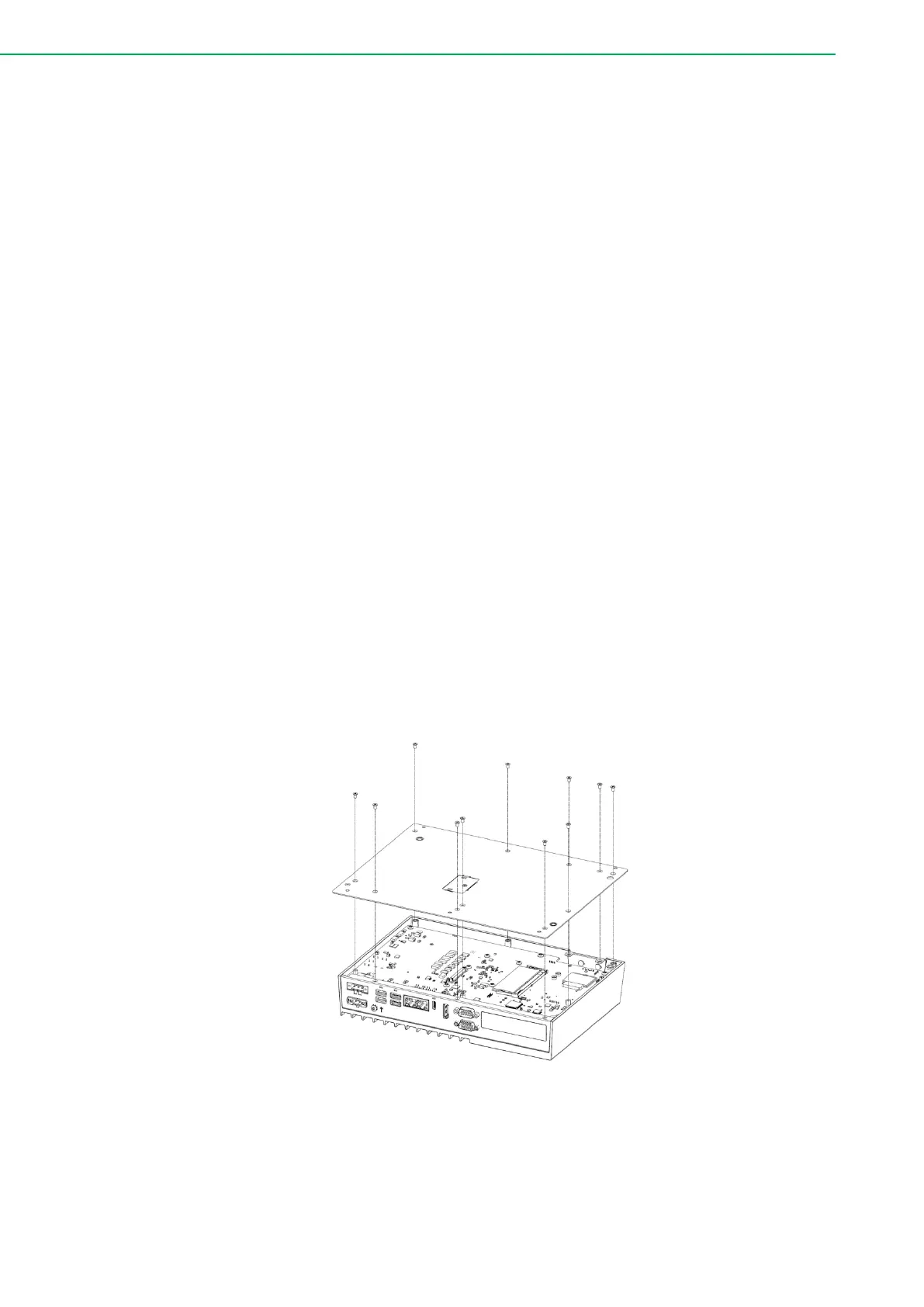
2. Install a memory module: Detach the bottom cover from the chassis by
removing the 11 screws. Locate the memory slot and insert the DDR5
memory module into the slot. Reattach the bottom cover after installation.



 To Next Page