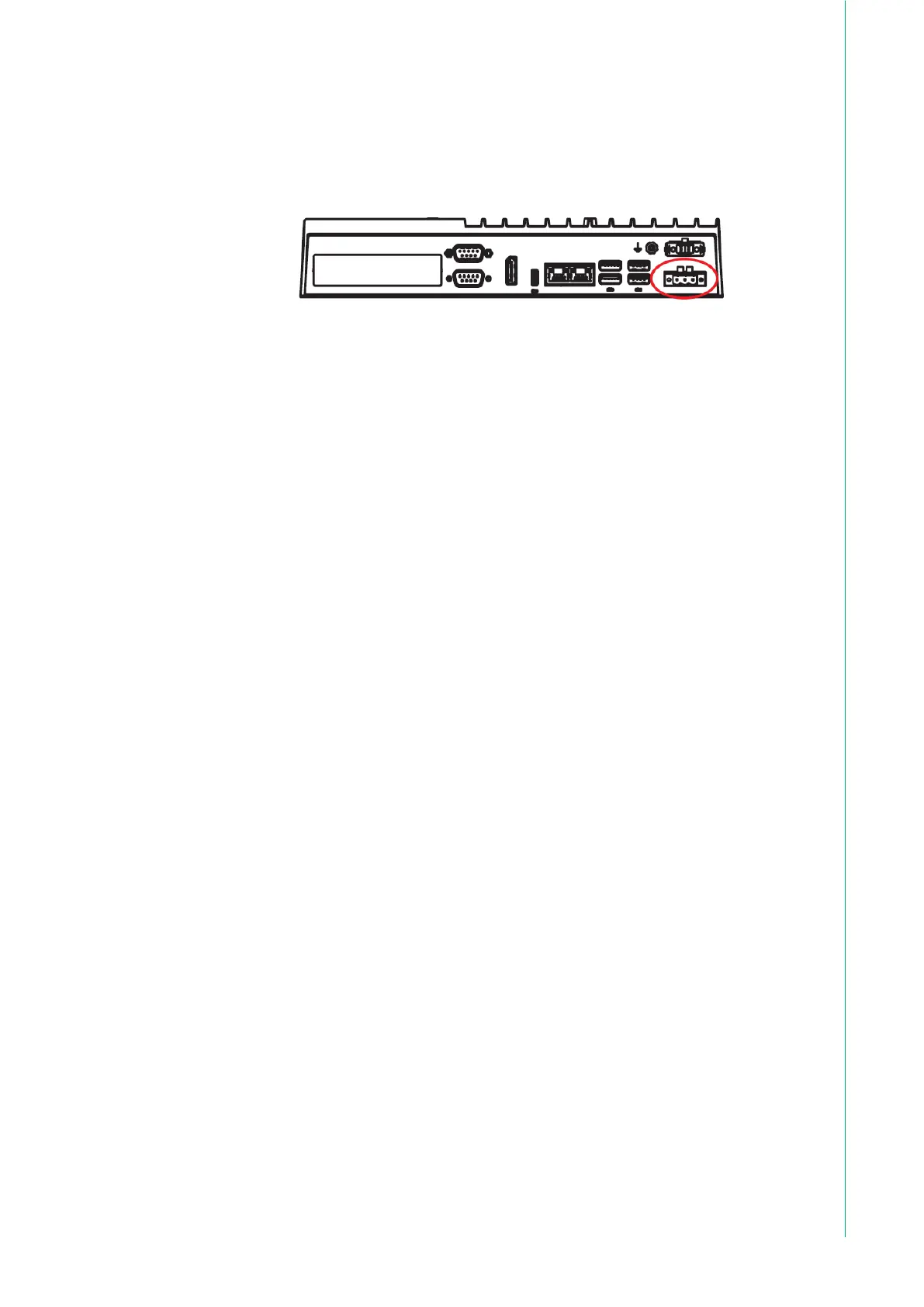
7. Connect the power lines to the system power receptor using the terminal
block suitable for 12-24 AWG. Apply a torque value of 3 lb-in. Ensure the
use of copper conductors only, and the installation must be performed by a
skilled person.
2.2 Driver Installation
2.2.1 Chipset, Graphics, ME, and LAN Driver Installation
Relevant drivers must be installed for full functionality. Install the chipset, graphics,
ME, and LAN drivers individually. The drivers can be downloaded from the TPC-
B520 product page of the Advantech website.
2.2.2 Watchdog Driver Installation
If the Advantech watchdog driver is not pre-installed on the TPC system, users
will need to install the driver.
Follow the steps outlined below to install the Advantech watchdog driver.
1. Verify that the computer meets the hardware and software requirements to
run the Advantech watchdog driver.
2. If you do not already have the installer for the Advantech watchdog driver,
download it from the Advantech website.
3. From the Control Panel, remove any existing installation of the Advantech
watchdog driver from the computer.
4. With administrator-level privileges, run the installer for the Advantech
watchdog driver.
Below is an example of the Advantech watchdog driver setup. To stop the setup
process at any time, click the “Cancel” button on the pop-up screen. The setup
program will stop the procedure automatically.
1. Open the setup program. When the setup program is running, click the Next but-
ton on the Advantech Watchdog Driver Setup Wizard pop-up screen.



 To Next Page