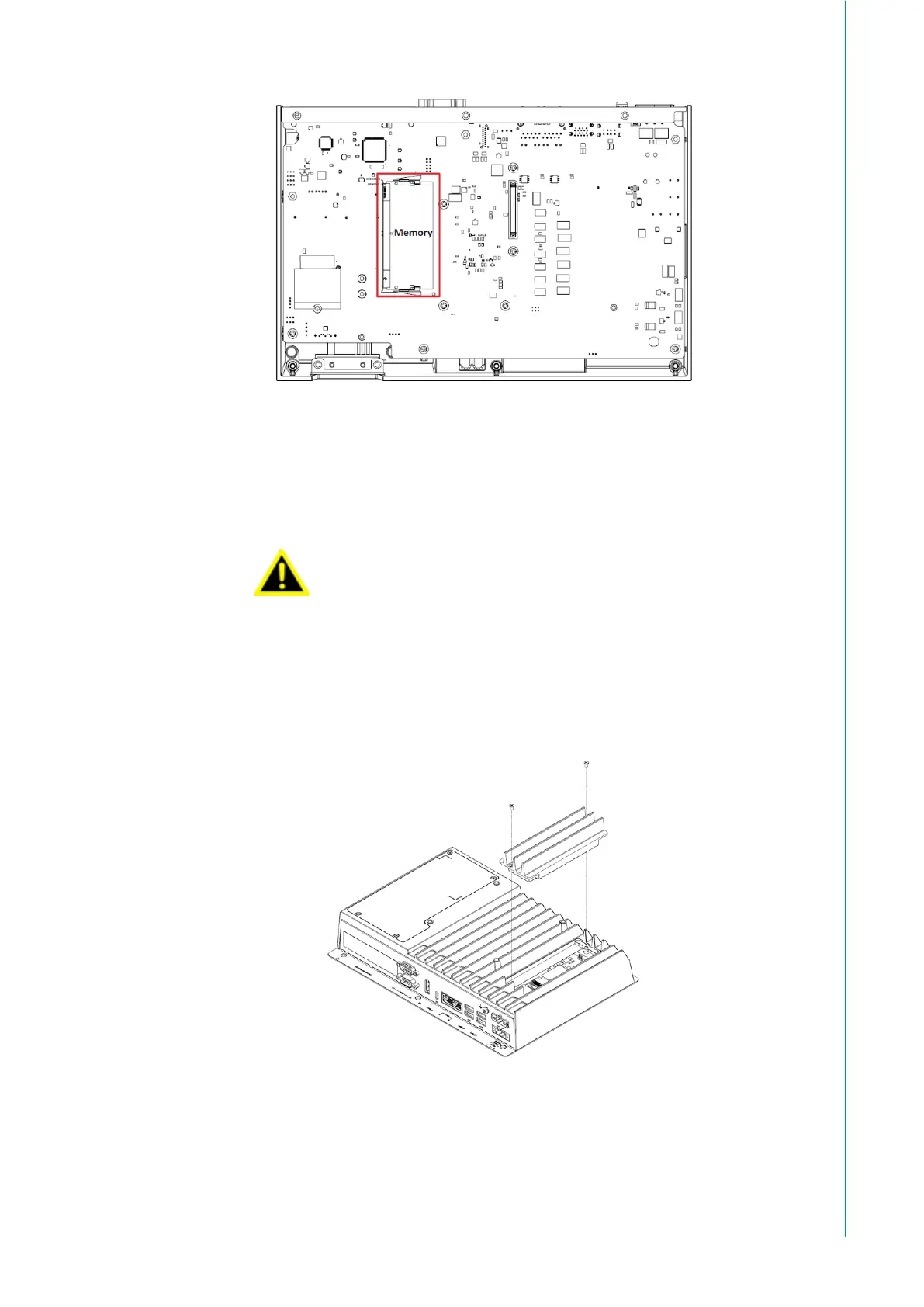
3. Install the M.2 SSD: Unscrew and remove the M.2 SSD slot cover. Insert
the M.2 SSD into the slot. Secure it in place using the M3x4L screw.
If your M.2 SSD comes with a heatsink, please remove it be-
fore installation. The TPC-B520 already includes a heatsink.
Failure to remove the heatsink may lead to improper fit and
cooling issues.
i votre SSD M.2 est livré avec un dissipateur thermique,
veuillez le retirer avant l'installation. Le TPC-B520 comprend
déjà un dissipateur thermique. Ne pas retirer le dissipateur
thermique peut entraîner un mauvais ajustement et des prob-
lèmes de refroidissement.



 To Next Page