116
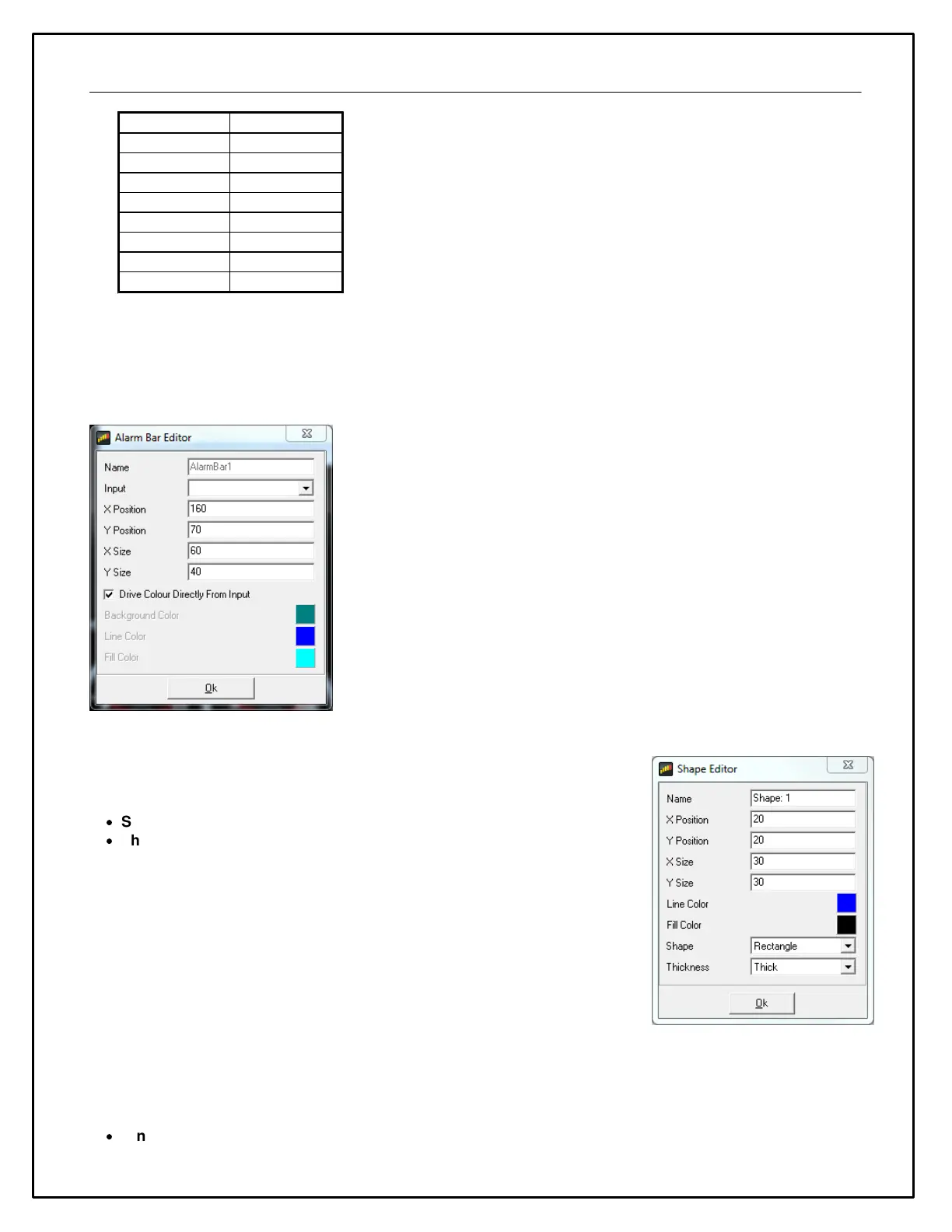
Note that it is also possible to display an alarm bar underneath a value gauge. For this to work correctly, the alarm
bar must be bigger than the maximum likely size of the value gauge. When setting this up in the editor, it is easier
to add the alarm bar to the page first then the value gauge; this ensures that the value gauge is visible and makes
sizing the alarm bar correctly easier. If you have trouble selecting an item to edit, you can adjust it’s Z-Order to push
it behind other objects.
Shape Gauges
Shape gauges are static gauges (i.e. have no input) that are used to draw
shapes on the screen. They have two special properties:
·
Shape specifies the basic shape as either a Rectangle or an Ellipse.
·
Thickness specifies the thickness of the border drawn around the shape.
Cross Hair Gauge
The Cross Hair gauge uses two inputs to move a cross hair around a box. The cross hair gauge has the following
special properties:
·
XInput, YInput specify the inputs for the X and Y axes of the gauge.


 To Next Page