36
Specifications
Maximum Voltage (Sustained)
FAQ / Troubleshooting
My CAN Sensor Module doesn't seem to be outputting anything.
Confirm that your CAN bus is properly terminated and that all nodes are configured for the right bus speed. In
addition, any receiving devices/nodes must be specifically configured to receive as the Module is configured to
transmit; specifically, the CAN ID, bus speed, and number of ID bits.
Can I use the CAN Sensor Module with my AEM AQ-1, AEM CAN Gauge, or AEM ECU?
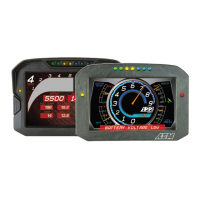
No, the CAN Sensor Module is only compatible with the CD-series dash displays and other third-party devices at
this time.
Where can I find AEM .dbc files?
AEM dbc files are available via the AEM Forum and within the AEM CD-series dash display software installer.
Please visit www.aemelectronics.com for more information and downloads.
Can I connect more than one 6 Channel CAN Sensor Module on one CAN bus?
No, this is not possible. Please use the AEM 22 Channel CAN Sensor Module if you need more inputs.
For support, contact AEM Technical Support at 1-800-423-0046 or gentech@aemelectronics.com.


 To Next Page