55
TRS
24/07 5979398_00
10 COMMISSIONING
Check that all cable sizes, circuit breakers and wire connections are correct before following below com-
missioning steps:
The recovery unit can be operated in ventilation-only mode with 3 speeds via the 3 dry contacts shown in the wiring dia-
gram and as explained in detail on paragraph "13Introduction of dial switch - SW4p.66".
However, only the control panel supplied as an accessory will allow the full functionality of the machine to be exploited, as
illustrated below:
1. Switch-on / Switch-o: press the ON/OFF lkey to switch the unit on/o.
2. Match the correct speed to ERV: Press MODE for 6 seconds to enter parameters setting and at this time the parameter:
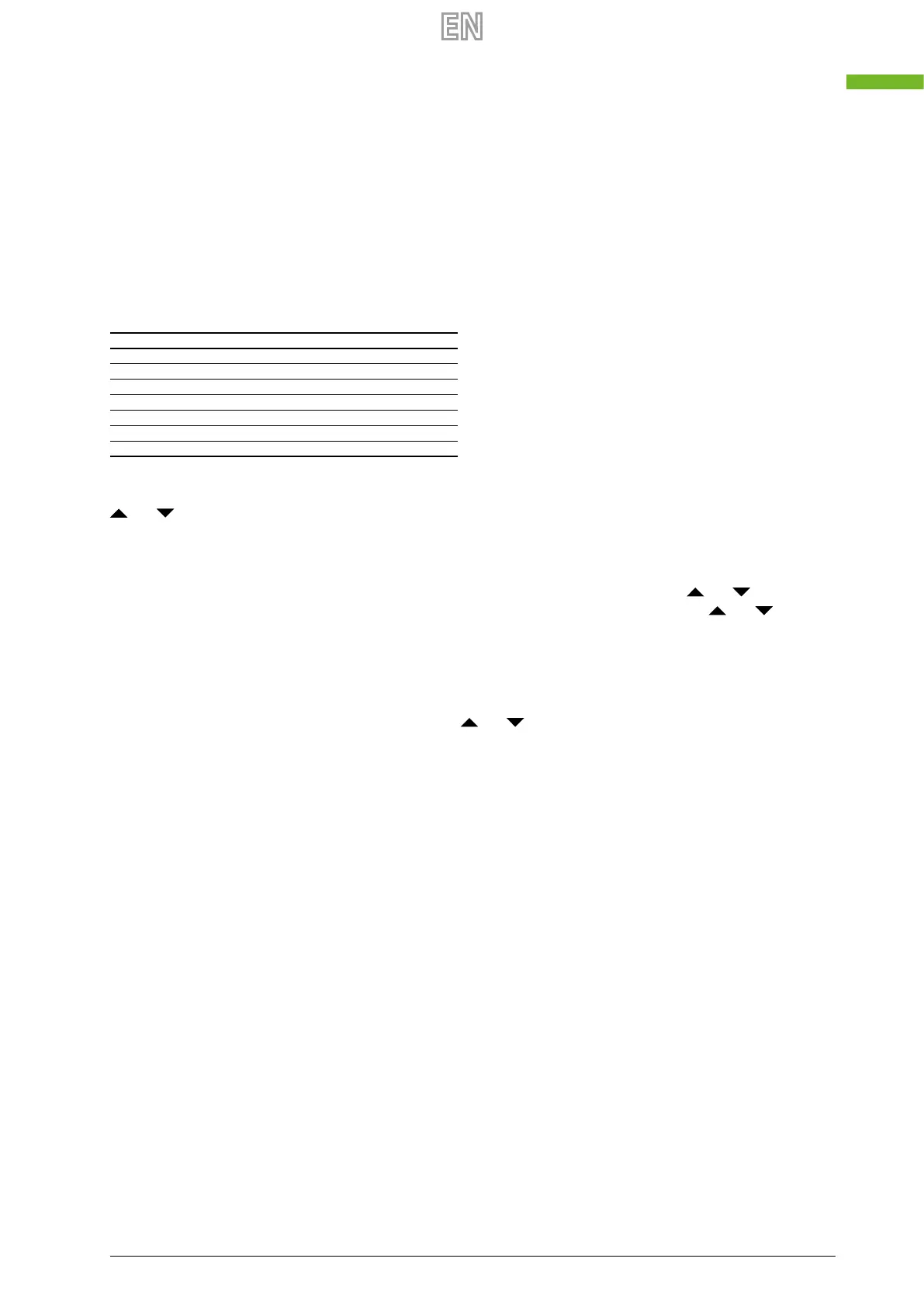
Model ERV Code
TRS252 14
TRS352 13
TRS502 13
TRS652 11
TRS802 12
TRS1002 12
TRS1302 11
the parameter number is shown in the middle of screen, press button SET to parameter No.21 (refer to parameters list in
comming page) then press MODE shortly to enter the parameter setting, default value “0” blink at the top right corner, press
and buttons to charge the value according to below table (ERV code Vs Models) then press button SET again to con-
rm setting. In the same way it is possible to set other parameters, always present in the table (Eg: parameter n ° 23 to value
2 = 10 DC Fan Control speed).
3. Reading the temperature and fan speed probes: press the MODE key briey to pass to OA (outside air), RA (return
air), SA (supply air) or EA (expelled air). In SA or RA mode, modify the air speed by pressing the
and keys. An inde-
pendent fan speed management between supply and exhaust, is possible: under SA mode, press and to change
the supply fan speed; under RA mode press and to change the exhaust fan speed.
4. Bypass function for free cooling: the bypass is activated between 19°C and 21°C (OA temperature); press MODE if you
want to see the temperature. If the value measured is within this gap, the bypass will be activated automatically. If the
OA temperature is not within 19°-21° C, say 18° C, then press button MODE more than 6 seconds to enter the parameter
setting. Press SEt button to switch to parameter number 02, default value 19 ashes shown at the top right corner, Then
press MODE button shortly to enter setting, by pressing and buttons and set the value to be “X”, “X” should be less
than 18° C (present OA temperature) then press SET again to conrm. With the same way to set parameter number 03
value to be “Y”, if “X” < OA temperature < “X+Y”. Then bypass will open automatically, after bypass open, user can adjust
the values under parameters 2 and 3 to make OA<“X” or OA>”X+Y”, then bypass will close automatically.
Please pay attention that bypass open/closed will be around 1 minute delayed.



 To Next Page