57
TRS
24/07 5979398_00
11.1 FUNCTION INSTRUCTIONS
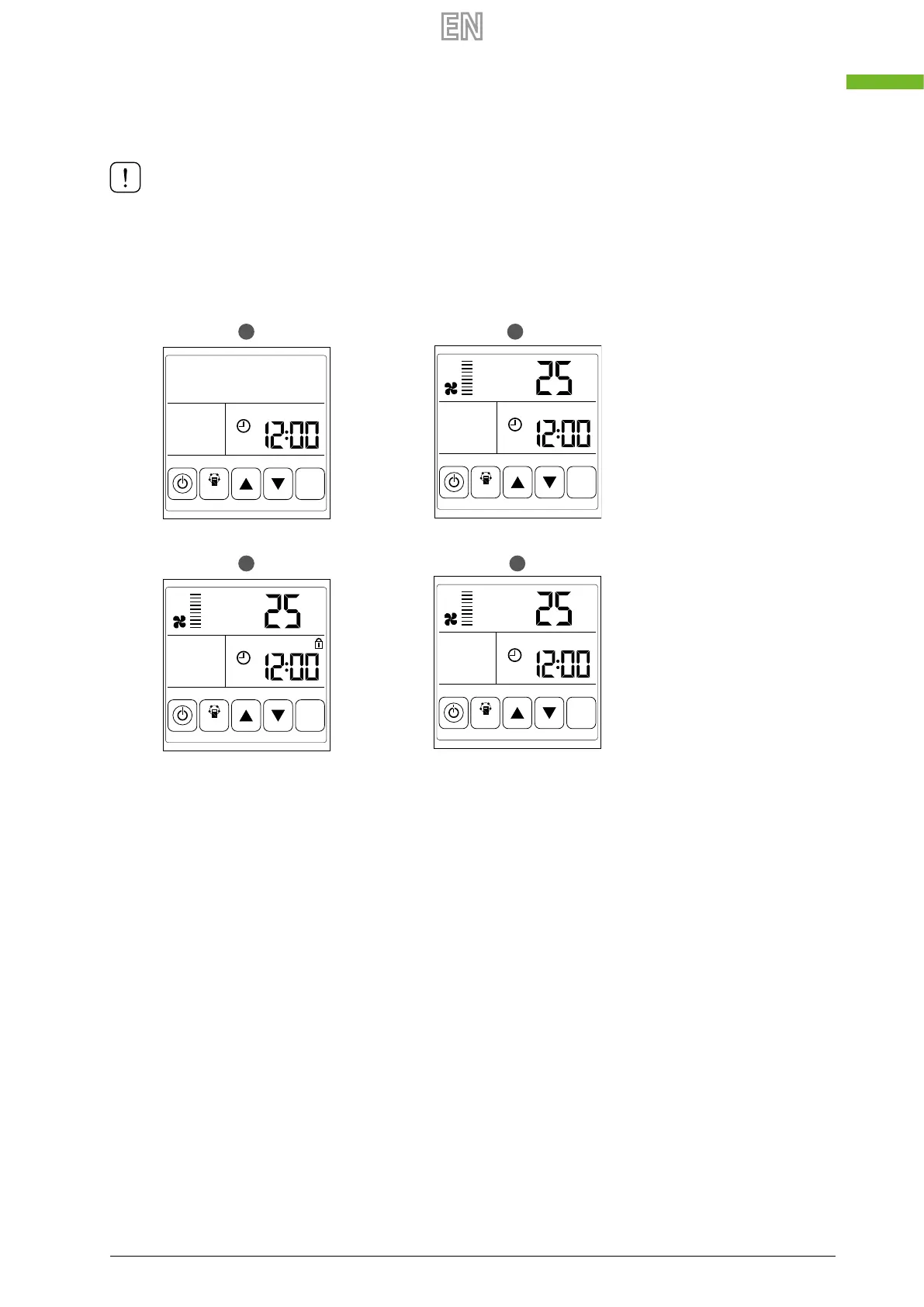
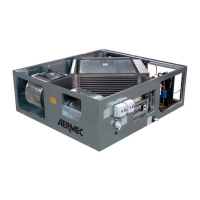
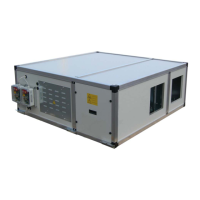
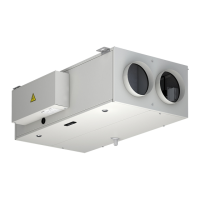
1. ON/OFF: press the ON/OFF key once to switch on, twice to switch o. In the “ON” condition, the display is backlit, but
it switches o after 6 seconds; the same applies if the unit is in the “OFF” condition. Press the ON/OFF key for about 6
seconds to lock or release the controller.
In correct operation, the “COMM” icon must remain xed; if it ashes it means unstable communication
with the main board.
A Turned o
B On
C Lock status
D Lock state
OA = Fresh Air
RA = Return Air (from room to be ex-
pelled)
FR = EA = Exhaust Air
SA = Supply Air (to room to be ex-
pelled)
A
C D
B
TH
MODE
SET
RA
TH
°C
MODE
SET
RA
TH
°C
MODE
SET
RA
TH
°C
MODE
SET



 To Next Page