Configuration
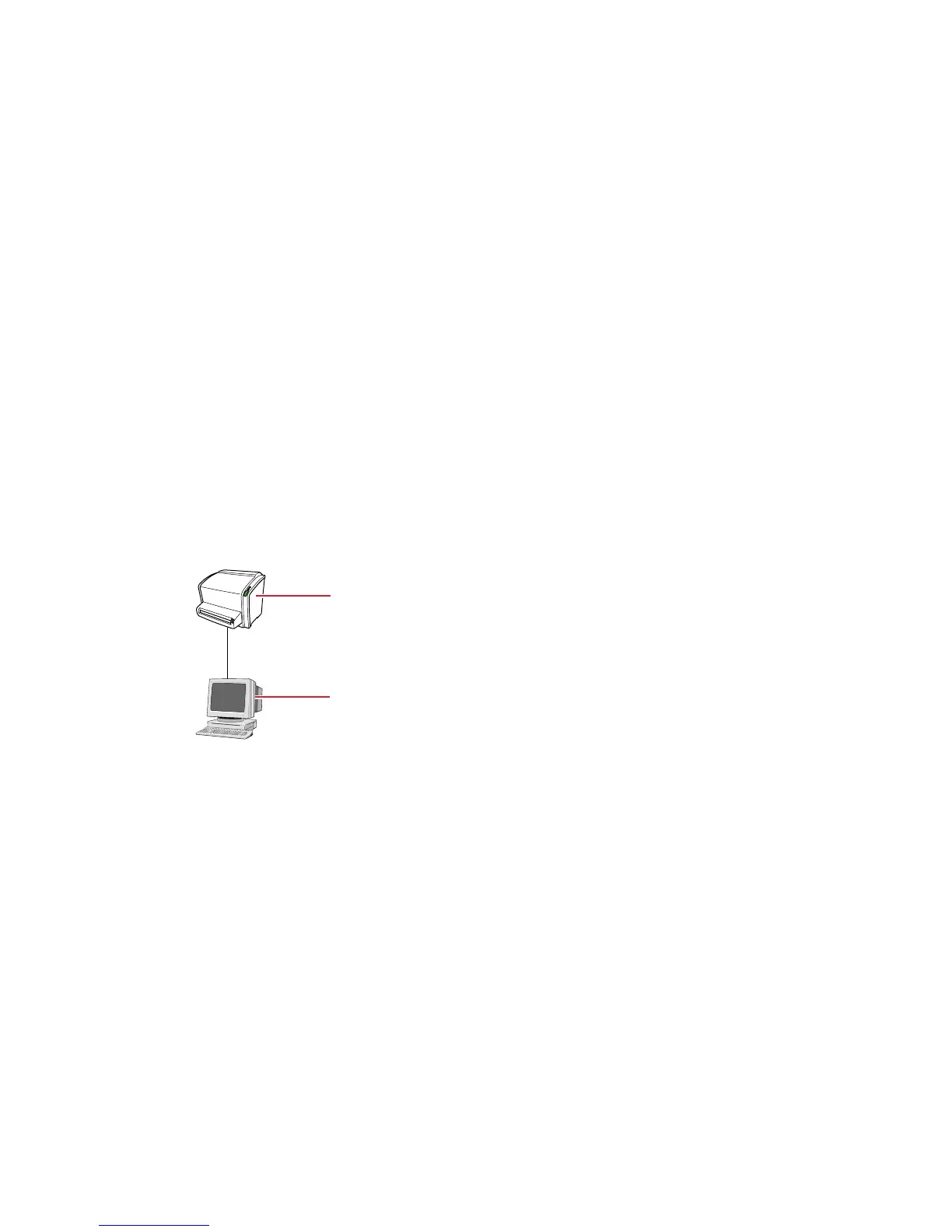
The system consists of:
• the digitizer for scanning image plates retaining latent X-ray images. The
digitizer accepts one cassette containing one image plate at a time.
• cassette and plate system:
• CR MD1.0 General
• CR MD1.0F General
• CR DD1.0 Vet
• CR HD5.0S Genrad (CR 15-X only)
The digitizer can be used in combination with:
• the NX workstation, a CR workstation for image acquisition, identification,
image processing and image transmission of digitized images received
from the digitizer.
• UPS (optional): the uninterruptible power system (UPS) protects the PC
when the main power supply has crashed, and avoids the loss of images.
UPS configuration requires special software. This software will be
installed and configured by an Agfa trained service technician.
1.
Digitizer
2.
Control PC
Topics:
• To install the UPS into the system
• Full Leg Full Spine Application Components
• Cassette adapter
To install the UPS into the system
To install the UPS into the system:
1. Plug the UPS power cord into the input connector at the UPS rear panel.
2. Plug the other side of the UPS power cord into a power outlet.
3. Plug the digitizer, NX workstation and monitor into the appropriate UPS
output receptacles.
CR 10-X, CR 12-X, CR 15-X | Introduction |
13
2491E EN 20150409 1543



 To Next Page