Starting the Digitizer
To start the Digitizer:
1. Make sure the digitizer is connected to the control PC and that the control
PC is running the appropriate NX software.
For more information, refer to the NX User Manual.
Note: Make sure not to insert a cassette if the device is switched
off or starting up.
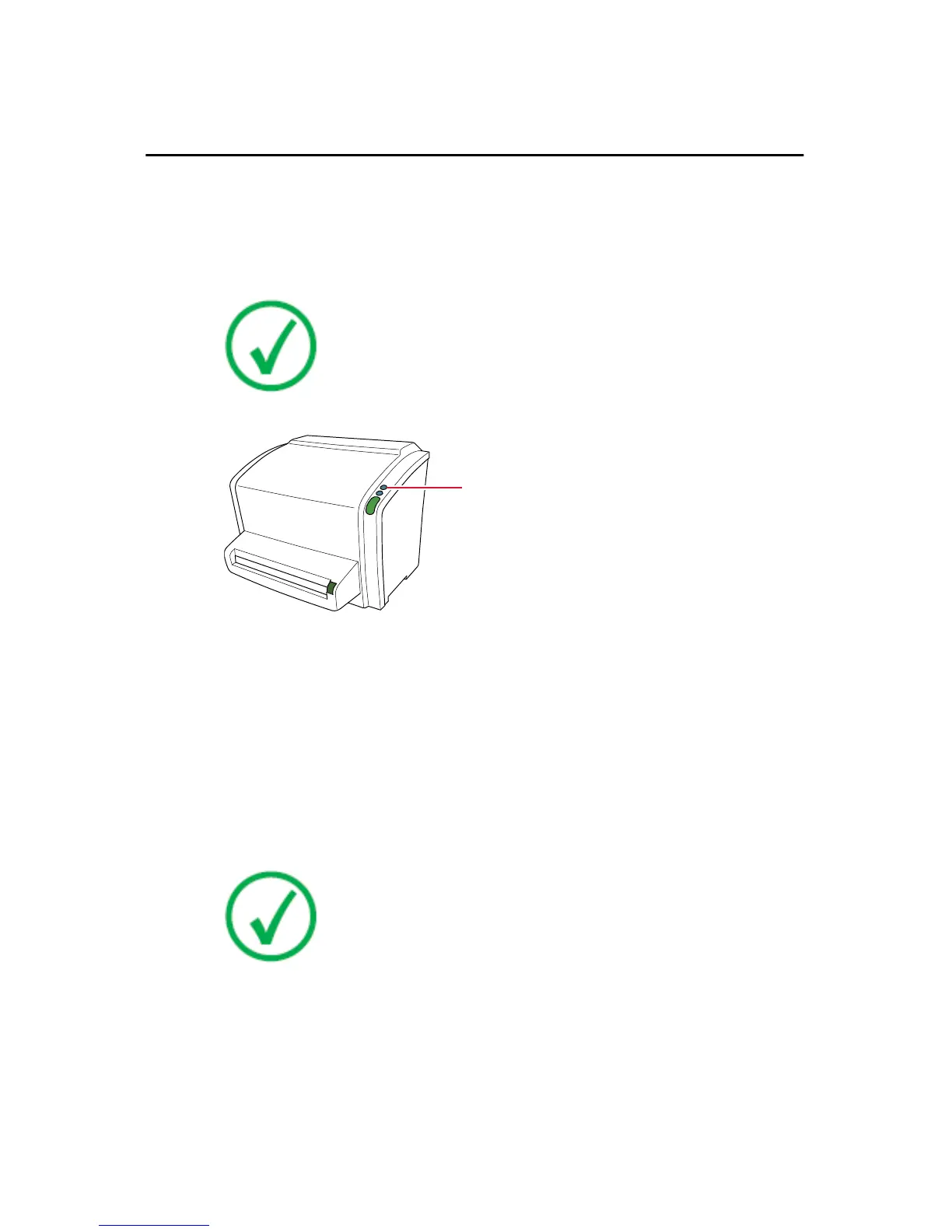
2. Press the power button.
1.
Power button
The machine starts the following operation sequence:
• initialization of all components,
• functional test of all components,
• check for presence of cassettes and/or IPs,
• establish connection to the control PC.
During the self-test, which may take up to 3 minutes, the digitizer status
indicator is blinking red.
Note: During the self-test, you cannot activate any functions.
If the digitizer has completed the self-test successfully, the digitizer enters
the operator mode and the status indicator is continuously lighting up in
green.
CR 10-X, CR 12-X, CR 15-X | Getting started | 39
2491E EN 20150409 1543



 To Next Page