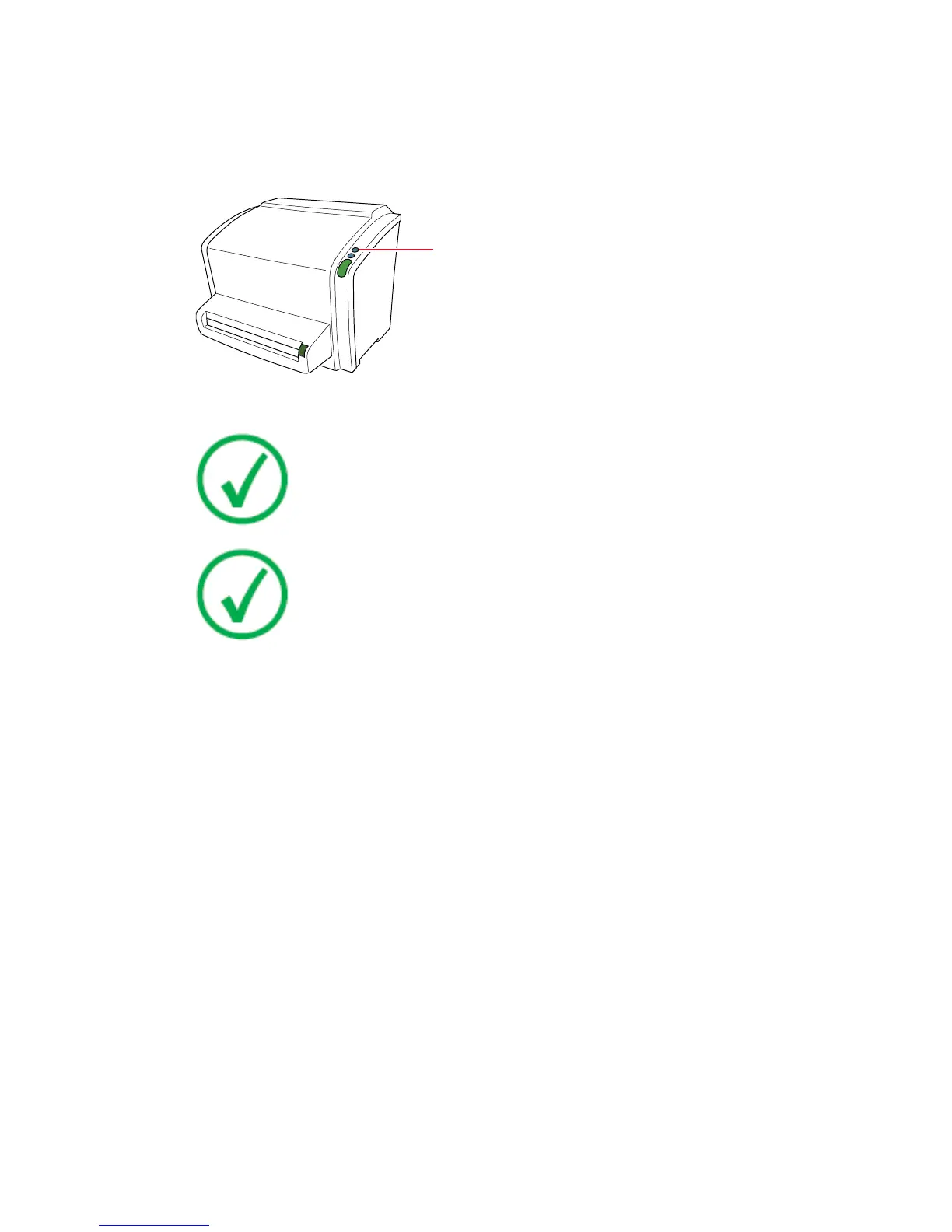
Switching Off
It is recommended to switch off the digitizer at the end of the day.
To switch off, press the power button.
1.
Power button
Note: After switch off, the device is still in stand-by mode. To
remove the device from the mains supply disconnect the mains
plug.
Note: The optical components of the digitizer are switched off
automatically after not been used for 3 hours. Restarting the
digitizer takes approximately 3 minutes. During this time
emergency digitizing is not possible!
CR 10-X, CR 12-X, CR 15-X | Getting started | 49
2491E EN 20150409 1543



 To Next Page