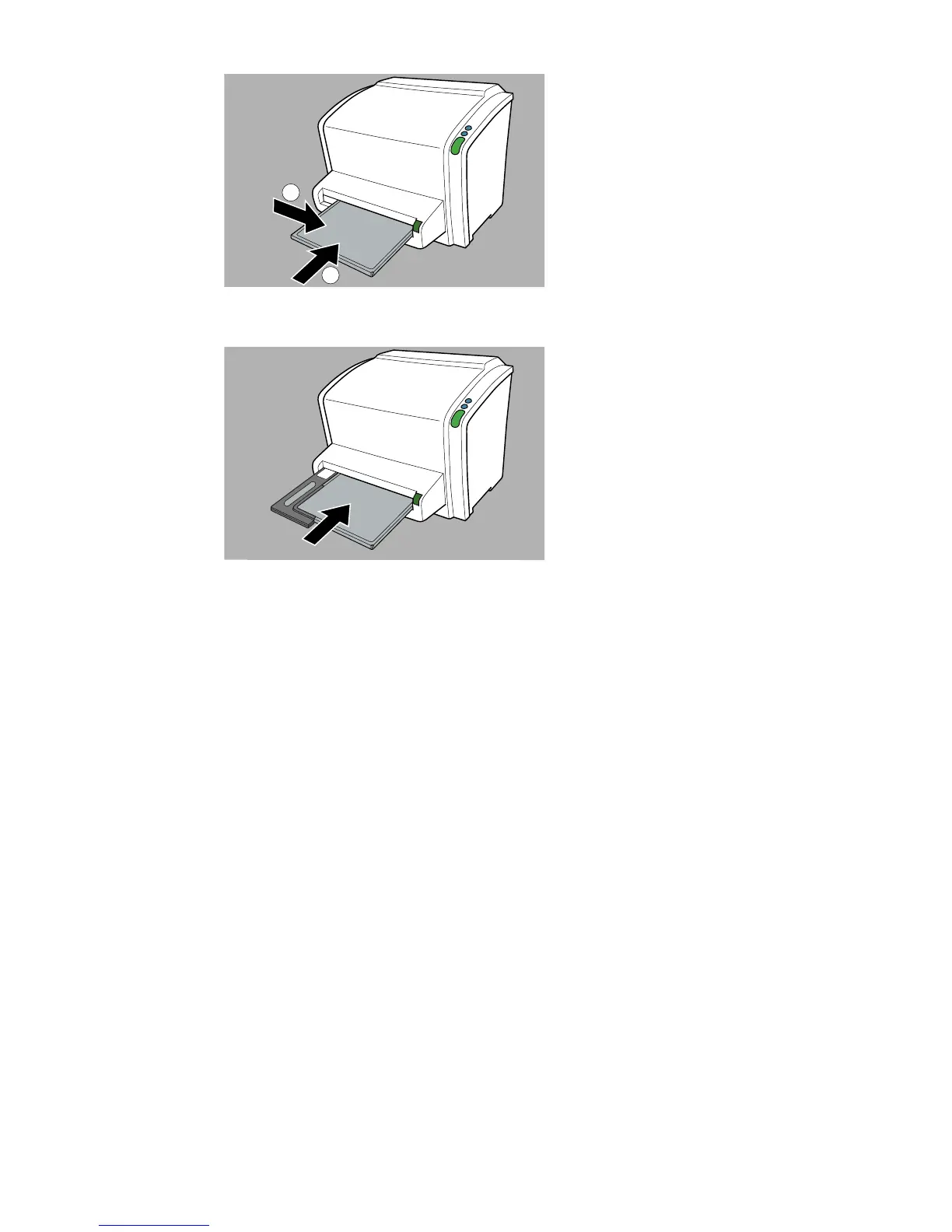
Figure 8: Inserting small cassette
Figure 9: Inserting 24 cm x 30 cm cassette using the cassette adapter
As a result, the digitizer starts erasing the image plate: the status indicator
switches to the state “blue blinking”.
When the digitizer has finished erasing the cassette, the status indicator is
constantly lit in green.
4. Push the cassette release button and remove the cassette from the cassette
slot.
5. To erase a second cassette, the erase mode has to be accessed again.
Related Links
Cassette formats on page 78
Cassette adapter on page 14
CR 10-X, CR 12-X, CR 15-X | Operating CR 10-X, CR 12-X and CR 15-X | 53
2491E EN 20150409 1543



 To Next Page