18 19
AgfaPhoto SELECTA 16 AgfaPhoto SELECTA 16
18 19
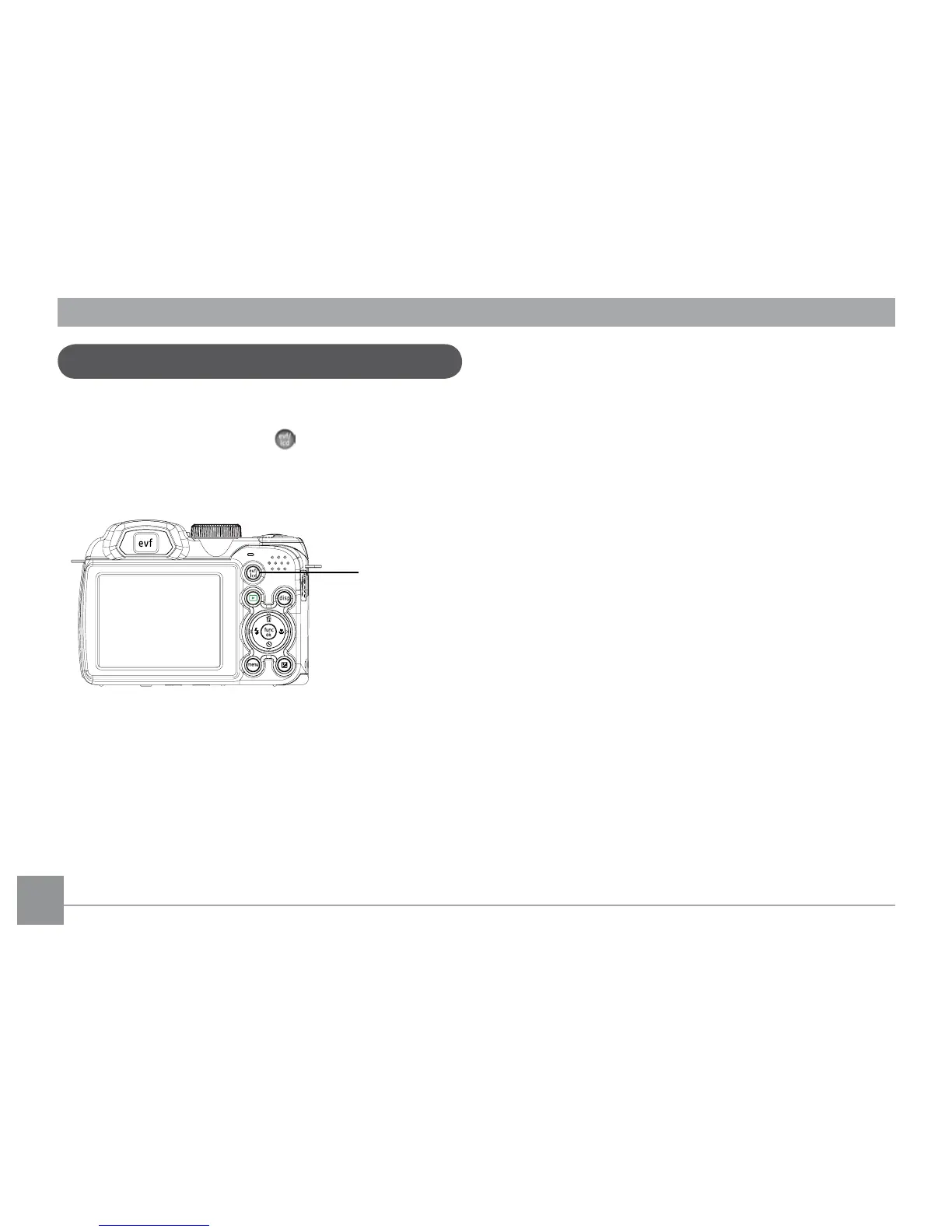
Electronic Viewfinder
The Electronic Viewfinder displays the same information as
the LCD screen. To switch between the LCD screen and the
Electronic Viewfinder, press the
button. When selecting
the EVF indicator, the LCD screen will automatically shut
off.













 To Next Page