24 25
AgfaPhoto SELECTA 16 AgfaPhoto SELECTA 16
24 25
AgfaPhoto SELECTA 16 AgfaPhoto SELECTA 16
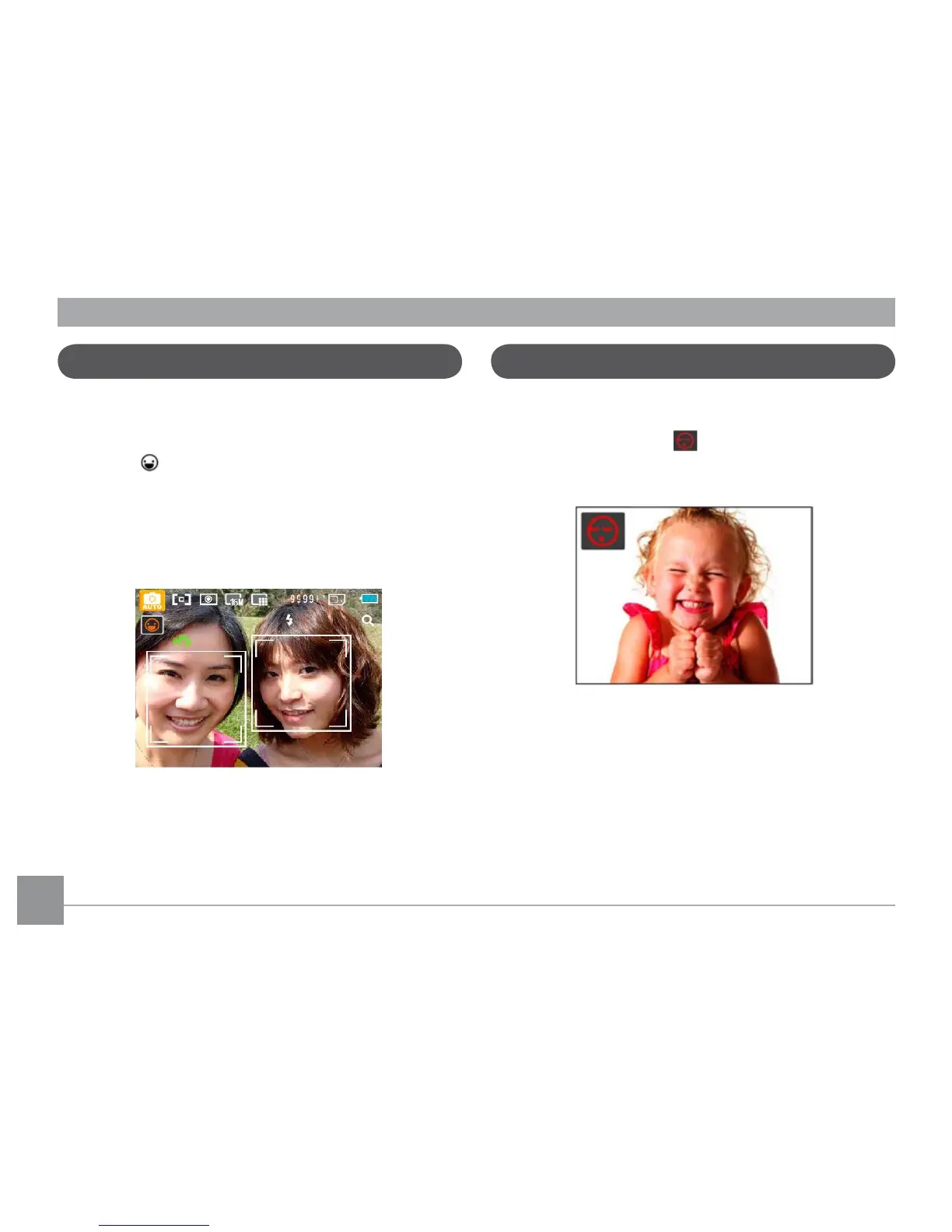
Smile Detection
The Smile Detection feature automatically detects and
captures a person's smile.
1. I
n shooting mode, Press the Face Detection button until
the Icon
appears on the LCD screen
2. Point the camera at the subject, and press the Shutter
button half way to focus.
3
. Press the Shutter button all the way to capture the image,
the camera will automatically release the shutter when it
detects a smile.
4. Press the Face Detection button to close this function.
Blink Detection
Blink Detection is enabled by default unless disabled by
the user. When shooting, if a face is detected with its eyes
closed, the Blink Detection
will appear on the screen to
show that a blink was detected.













 To Next Page