68
AgfaPhoto SELECTA 16 AgfaPhoto SELECTA 16
68 69
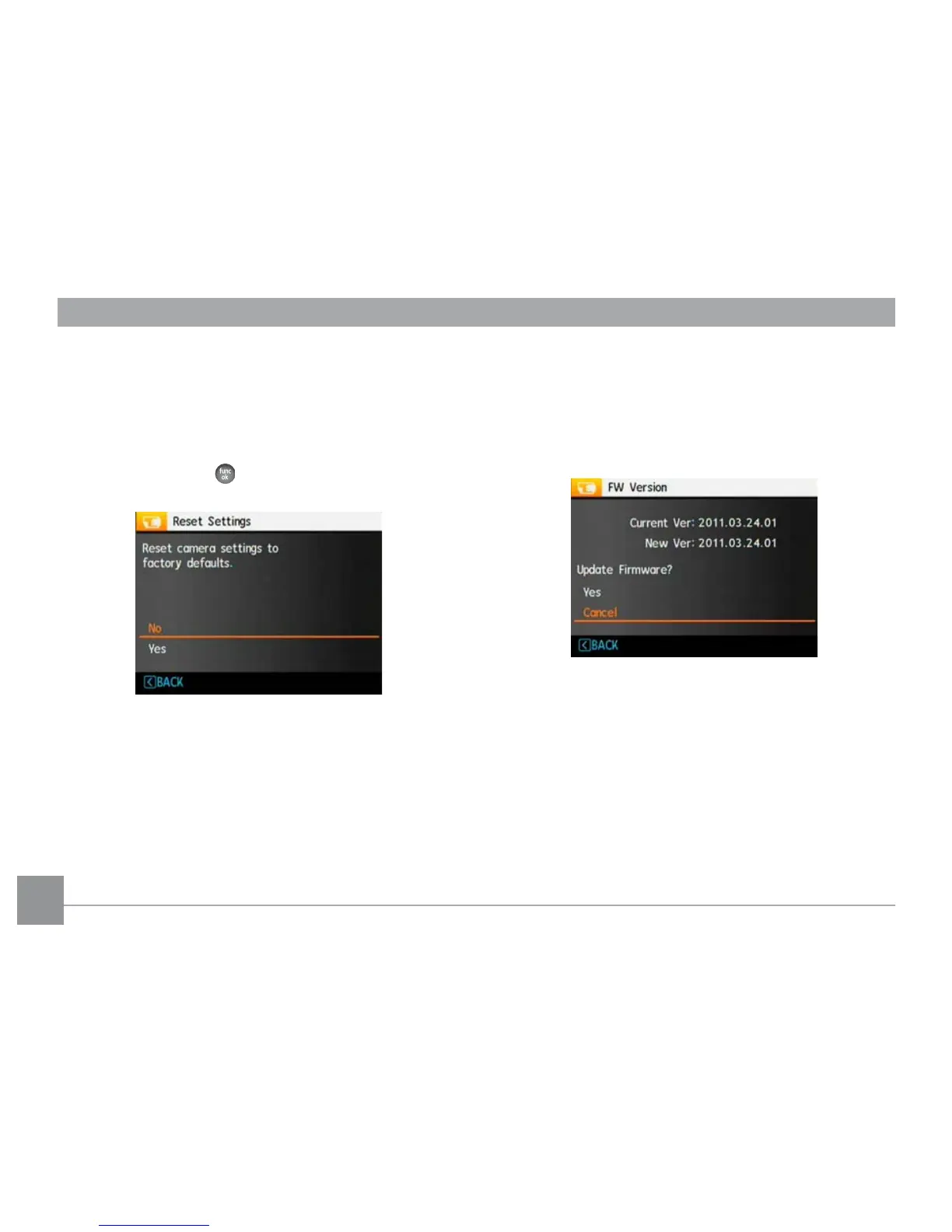
FW Version (Firmware Version)
Use this setting to view the current camera firmware
version.
Select
FW Version
in the File/Software menu, then press
Right.
Reset Settings
Use this setting to restore the camera to its default
settings.
1. Select Reset Sett
ings in the File/Software menu, then
press Right.
2. Use the Up/Down nav
igation buttons to select Yes or
No. Then press the button to confirm the setting.













 To Next Page