49
AgfaPhoto SELECTA 16 AgfaPhoto SELECTA 16
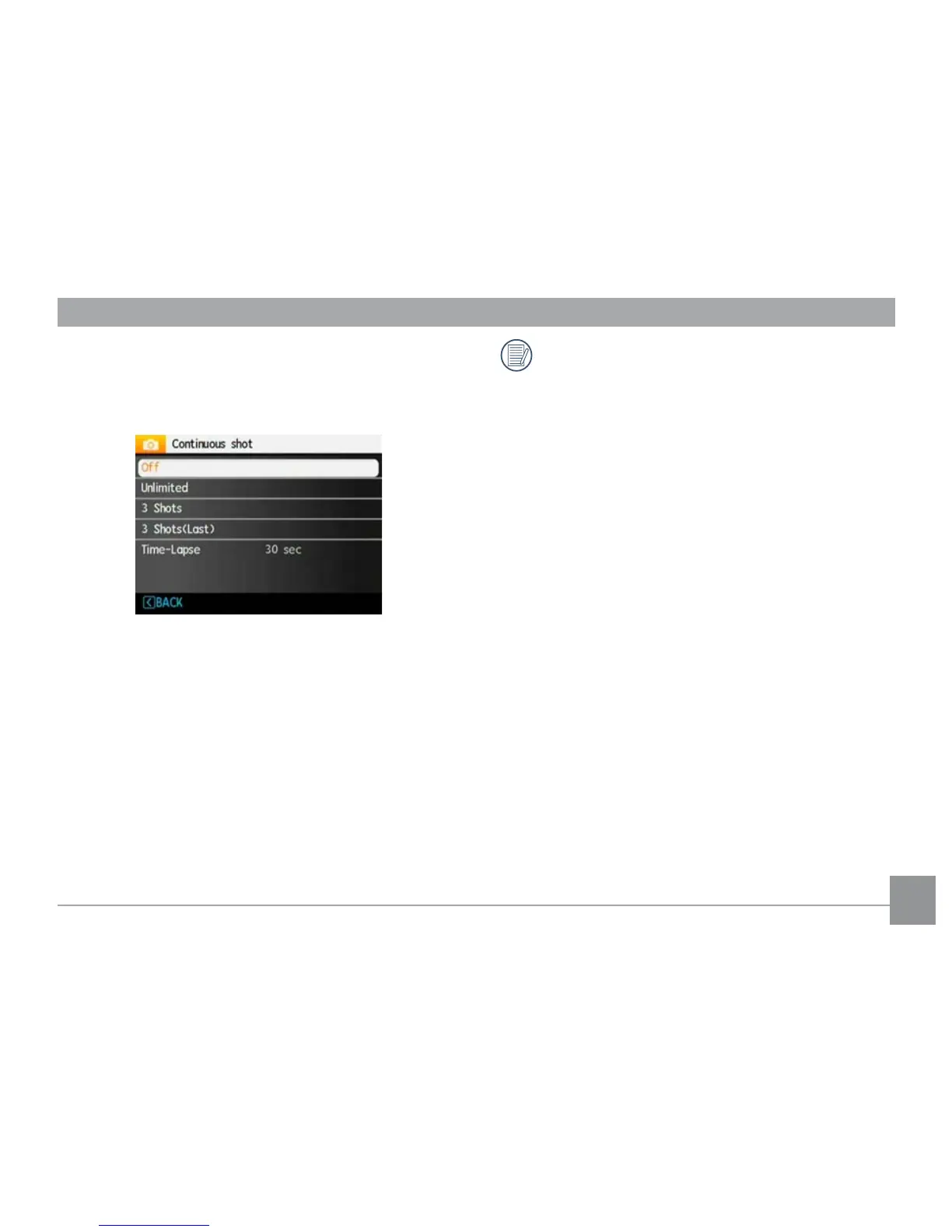
Continuous Shot
Use this setting to perform continuous shooting. After
entering this mode, you can shoot multiple images by
continuously holding the shutter button down.
There are five available options:
• Off: Turns off the Cont
inuous Shot function.
• Unlimited: Press and hold down the shutter button to
shoot cont
inuously until you release the shutter but-
ton or when the memory card has run out of space.
• 3 Shots: Capture up to 3 consecut
ive pictures.
• 3 Shots (Last): Capture p
ictures continuously until the
Shutter button is released but only the last 3 shots
are recorded.
•
Time Lapse:
Automat
ically capture pictures at
predefined intervals.
The flash is designed not to work in this mode in
order to enable quick succession of shots.













 To Next Page