54 55
AgfaPhoto SELECTA 16 AgfaPhoto SELECTA 16
55
AgfaPhoto SELECTA 16 AgfaPhoto SELECTA 16
3. Press the button to select Yes to lock displayed
photos or videos, or select De-protection to unlock,
then press Up/Down button to select Back to return to
the playback menu.
After selecting Reset, all previous protection settings
will be cancelled.
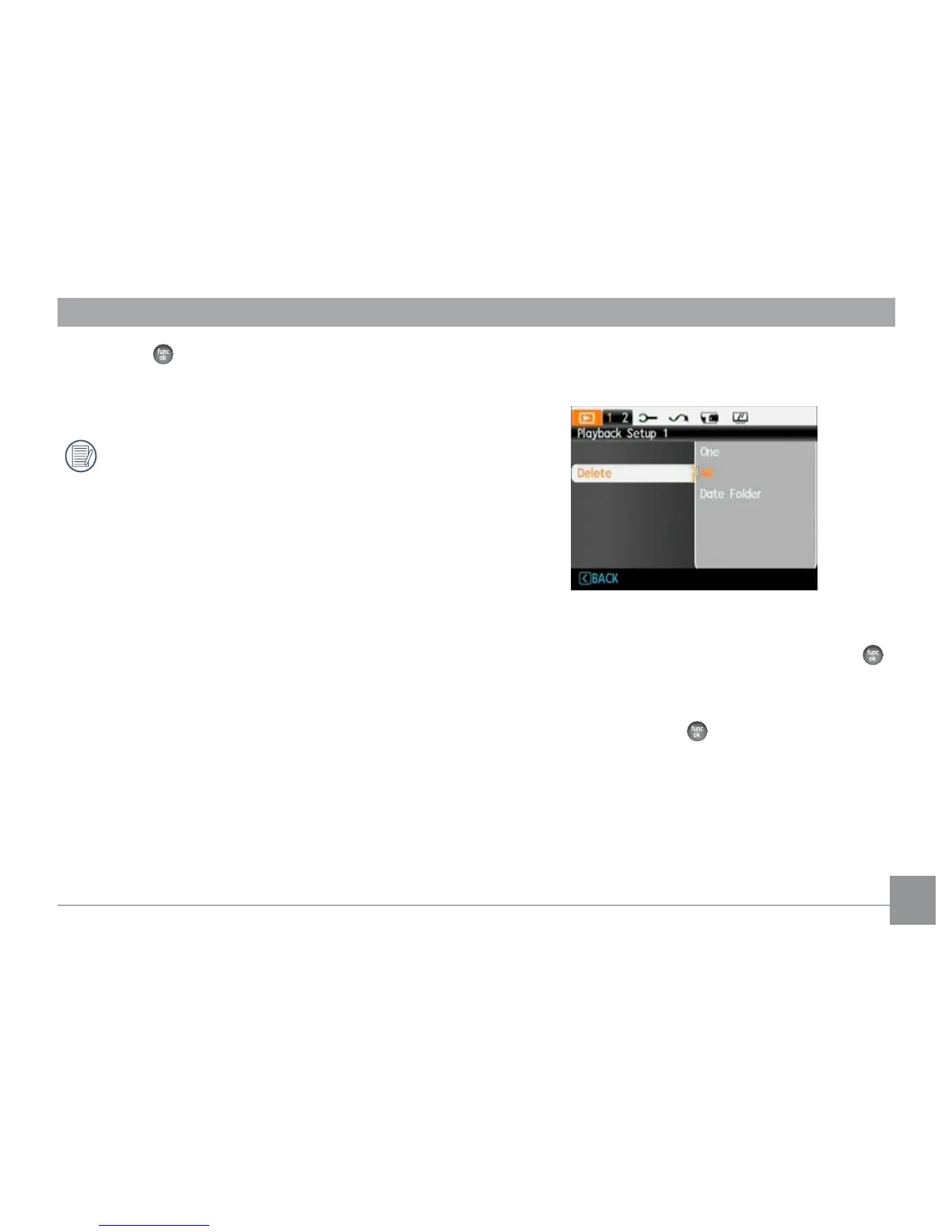
Delete
There are three ways to delete files.
• Delete One:
1. In the Delete Option, select One and then press the
button.
2. Press the Left/Right button to locate the photo or
video to be deleted. Press the Up/Down button and
select yes and press the
to delete the item or select
"back" to return to the previous menu.













 To Next Page