61
AgfaPhoto SELECTA 16 AgfaPhoto SELECTA 16
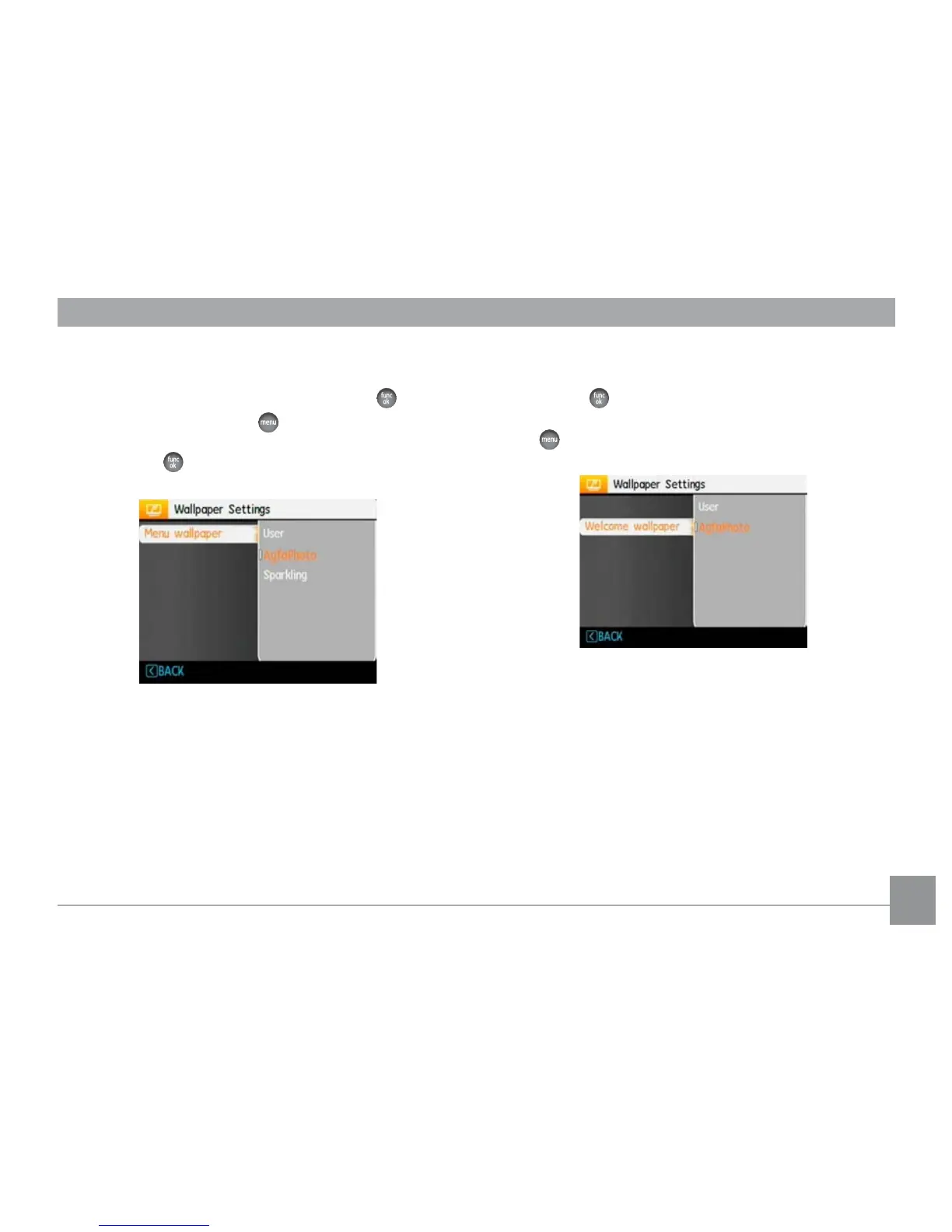
Menu Wallpaper:
From the Display Setup tab use the Up/Down button to
select the Wallpaper Settings option, press the
button
then press Right to enter the
wallpaper sub-menu.
Press Right and select either User, Nature, or Sparkling.
Press function
to confirm the setting.
• User
• AgfaPhoto
• Sparkling
Startup Screen:
Use UP/Down button to select the Welcome Wallpaper
option, press
or Right button to select the welcome
wallpaper, press Left button to return to last page, and
press
to exit the menu.
• User
• AgfaPhoto













 To Next Page