44 45
AgfaPhoto SELECTA 16 AgfaPhoto SELECTA 16
44 45
AgfaPhoto SELECTA 16 AgfaPhoto SELECTA 16
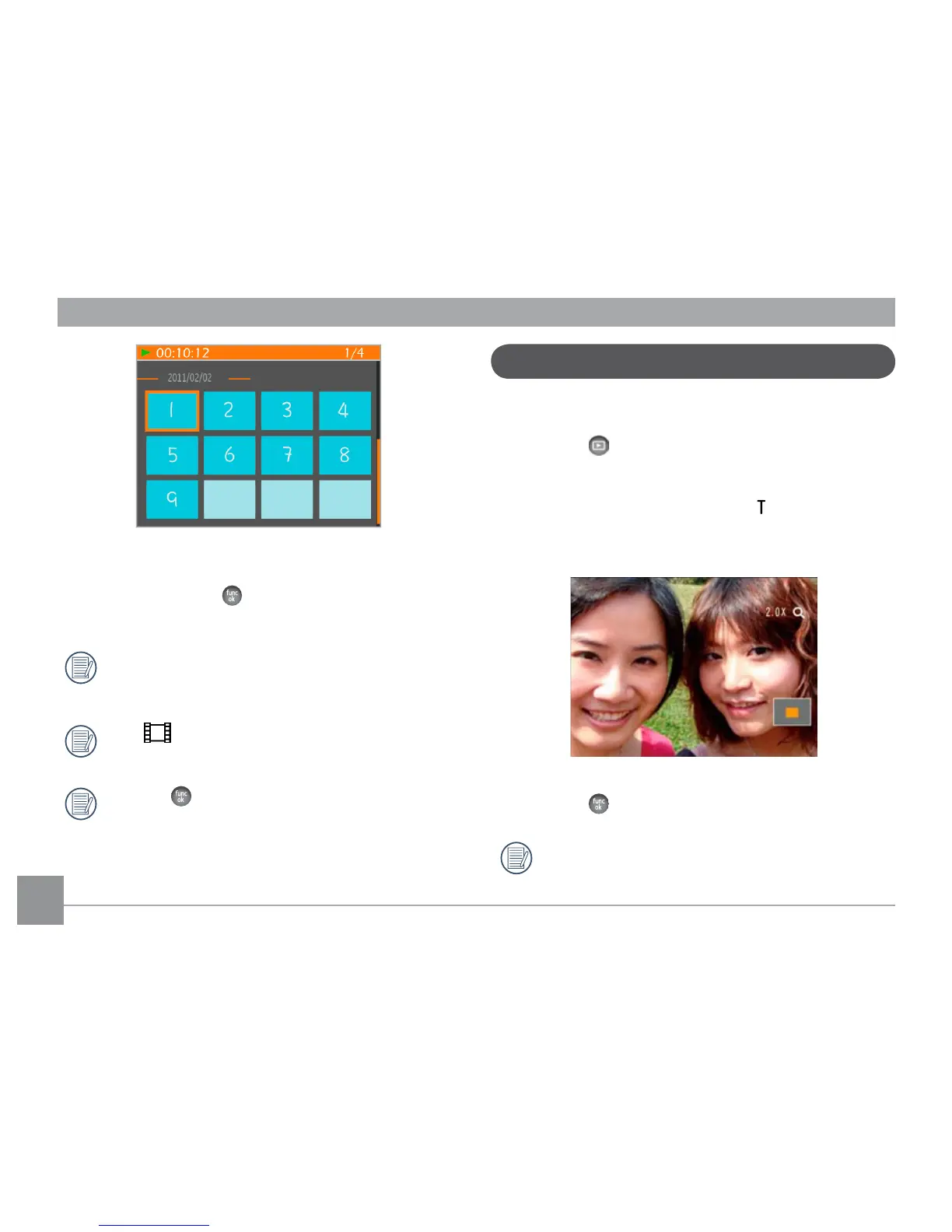
Using Zoom Playback (for still pictures only)
The zoom buttons can also be used during playback. This
allows you to magnify photos between 2x to 8x.
1. Press the
button to switch to playback mode.
2. Use the Left/Right navigation buttons to select a photo
to magnify.
3. Press one end of the Zoom button (
) to zoom in.
4. Use the Zoom buttons to zoom in and out. The zoom
indication and the frame of the whole photo will display
on the screen.
5. Use the navigation buttons to pan across the image.
6. Press the
button to return the image to its original
scale.
Mov
ie images cannot be magnified.
4. Use Up/Down/Left/Right button to select a picture or
video clip, press the
button to return to the original
size.
The Date Folder is displayed in order based on the
shooting date.
If the
indicator appears on the LCD, then a
movie file is currently being displayed.
Press the
button to restore a preview icon to its
original image size.













 To Next Page