EasyManua.ls Logo

AgfaPhoto SELECTA 16 - Print Index

AgfaPhoto SELECTA 16
90 pages
Print Icon
To Next Page IconTo Next Page
To Previous Page IconTo Previous Page
Loading...
76
AgfaPhoto SELECTA 16 AgfaPhoto SELECTA 16
5. Select Yes to print or exit, then press the button
again.
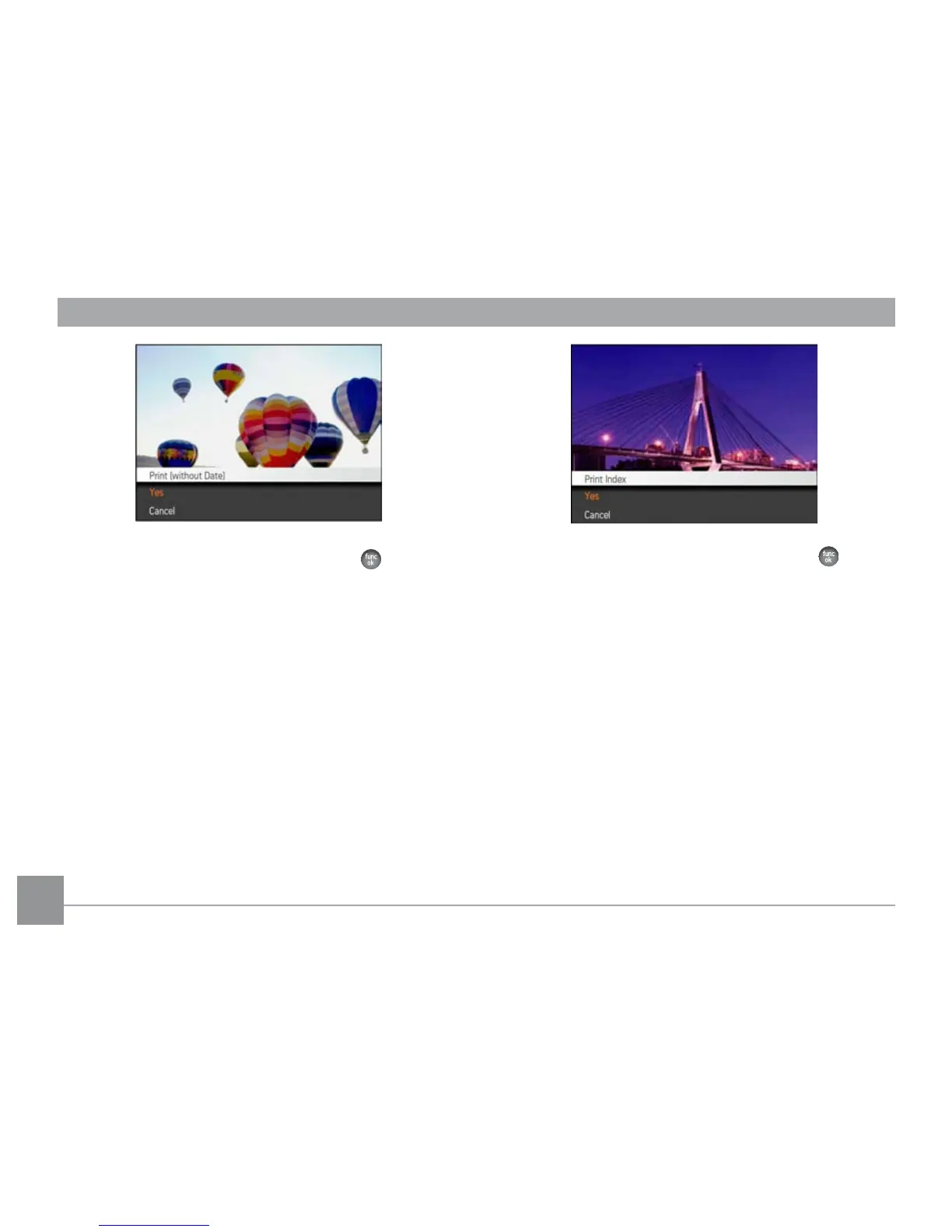
Print index
You can use this setting to print an index of all the photos
currently in your camera's memory.
1. Select Print index from the PictBridge menu. The
follow
ing screen will appear.
2. Select Yes to print or exit, then press the button
again.

Table of Contents

Other manuals for AgfaPhoto SELECTA 16

Related product manuals