AgfaPhoto SELECTA 16 AgfaPhoto SELECTA 16
38 39
AgfaPhoto SELECTA 16 AgfaPhoto SELECTA 16
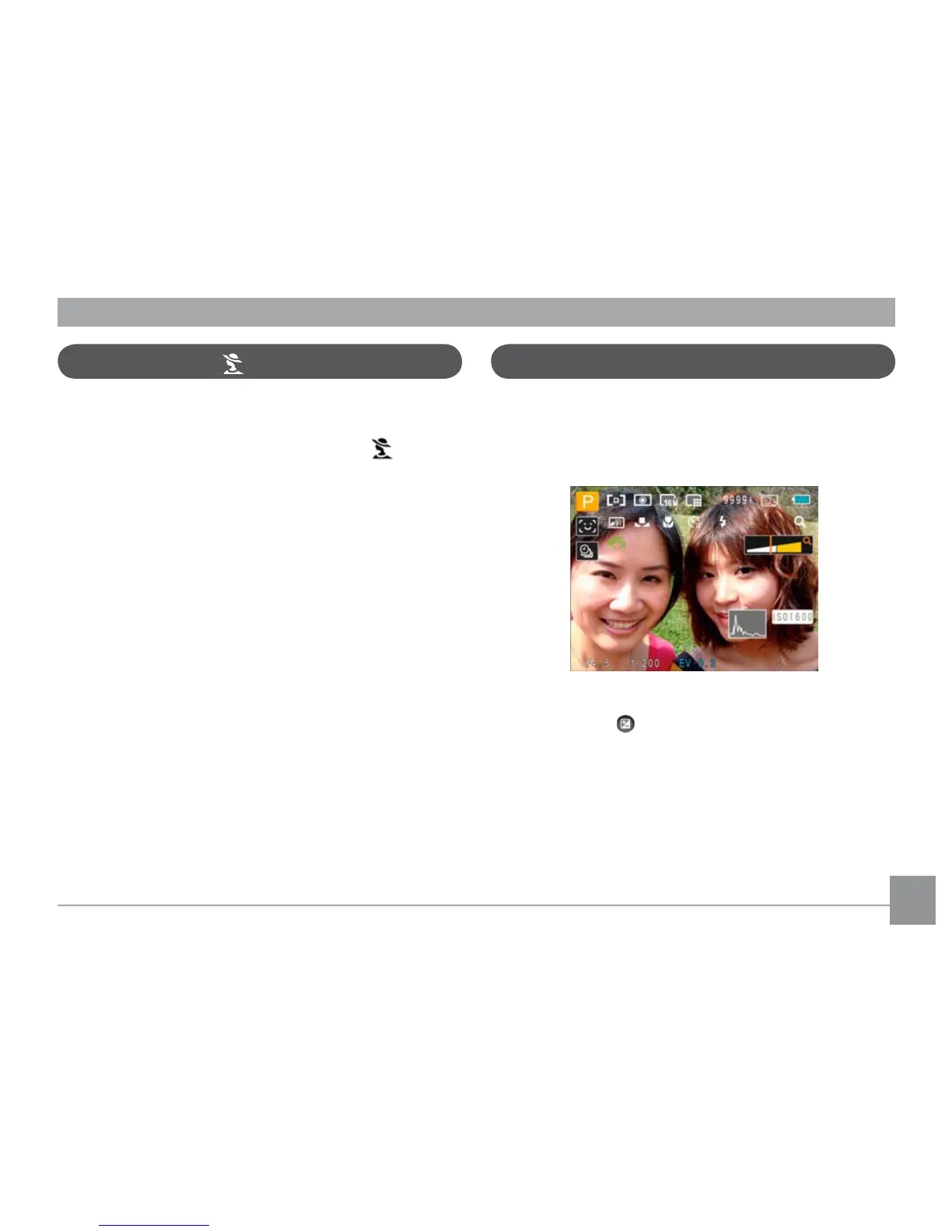
When selecting P (Auto Program Exposure) mode, you can
adjust the combined value of EV value, shutter speed and
aperture. The display on the LCD screen is as shown in the
figure below:
1. Set the mode dial at the top of the camera to P
and press the button to enter the Auto Program
Exposure settings menu.
2. Press the Left/Right button to select the combination
of EV, shutter speed and aperture for your scene.
Auto Program Exposure
P
In Portrait Mode, the camera is set to automatically adjust
exposure for realistic capture of skin tones.
1. Turn the mode dial to select Portrait Mode (
).
2. Once in this mode, you can use other functions, such as
image stabilization, face detection and smile detection.
Portrait Mode













 To Next Page