66 67
AgfaPhoto SELECTA 16 AgfaPhoto SELECTA 16
67
AgfaPhoto SELECTA 16 AgfaPhoto SELECTA 16
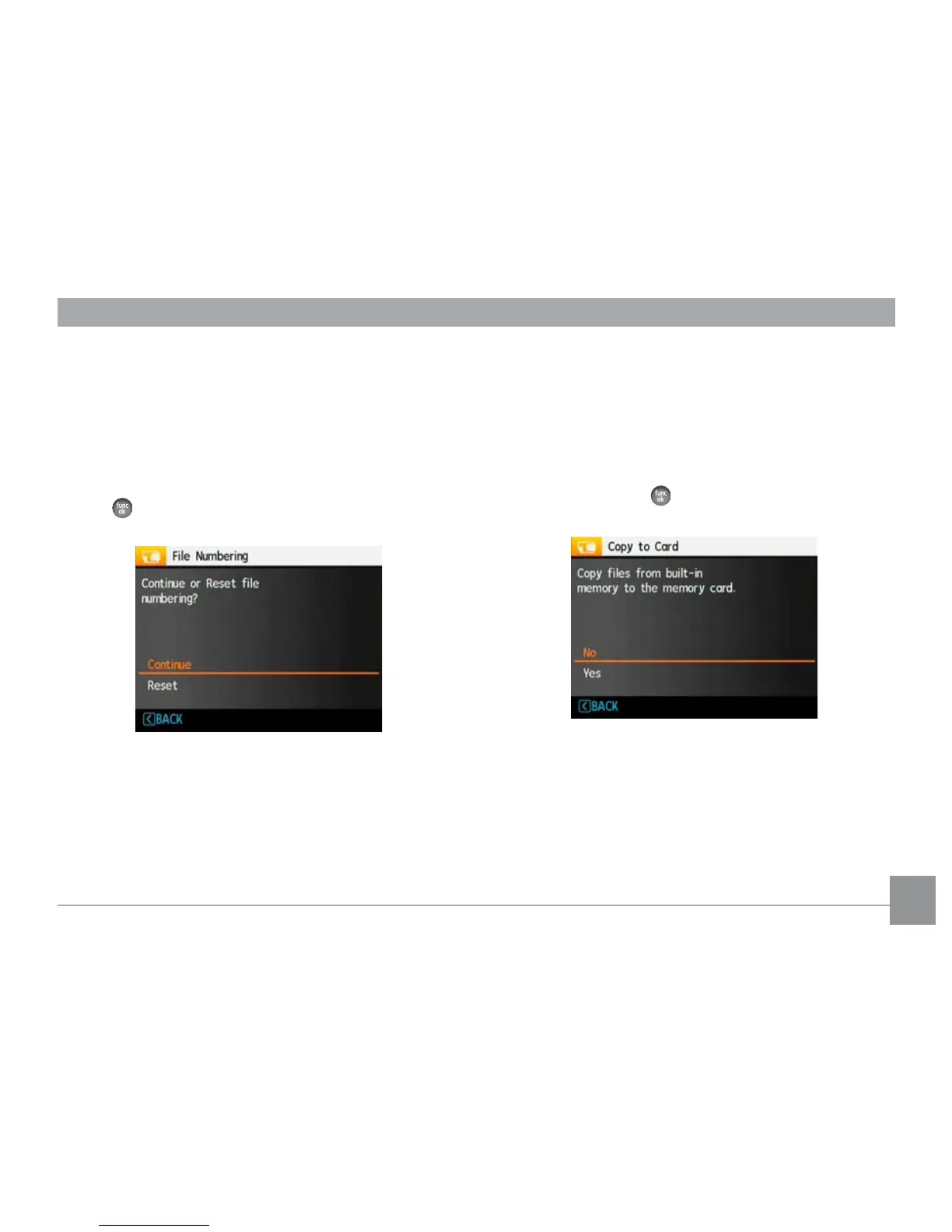
File Numbering
After you take a picture or video clip,the camera will save
it in a sequential number. You can use this to reset the file
numbering to 1. (When more than 999 images are on the
memory card, the use of this features will have no effect).
1. Select File Numbering in the File/Software menu, then
press Right.
2. Select the option with the Up/Down button and press
the
button for confirmation.
Copy to Card (Copy internal memory to
memory card)
Use this setting to copy the files stored in the internal
memory to the memory card.
1. Select Copy to Card
in the File/Software menu, then
press Right.
2. Use the Up/Down nav
igation buttons to select Yes or
No. Then press the button to confirm the setting.













 To Next Page