70 71
AgfaPhoto SELECTA 16 AgfaPhoto SELECTA 16
71
AgfaPhoto SELECTA 16 AgfaPhoto SELECTA 16
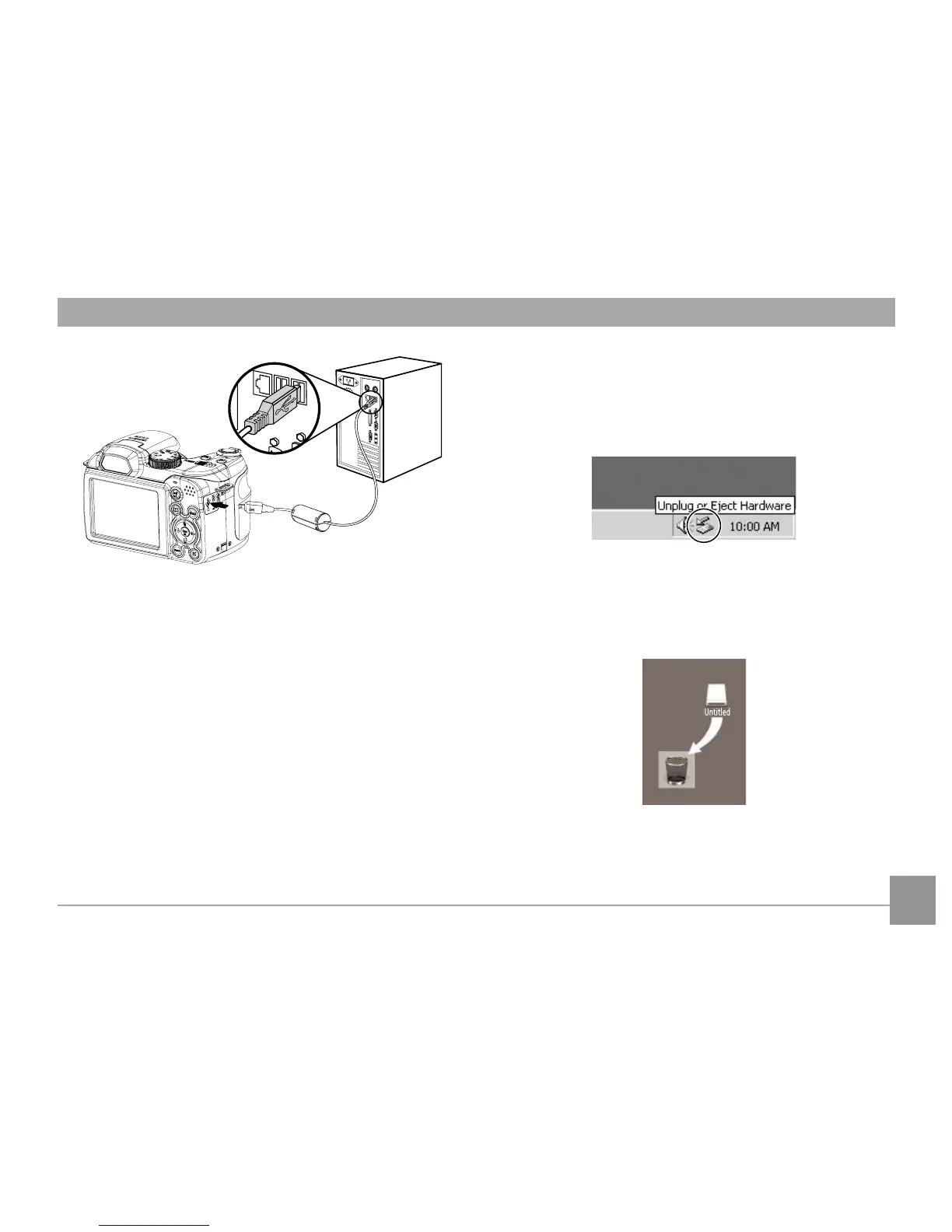
Windows operating system (Windows 2000, Windows
XP, Windows Vista, Windows 7.)
Click the [Safely remove the hardware] icon and remove
the USB connector according to the appeared menu.
Macintosh
Drag the untitled icon to the Trash. ("Untitled")
5. Disconnect the camera once transfer is completed.
If the USB option is set to [PC]
:
Turn the camera off and d
isconnect the USB cable.
If the USB option is set to [PC (PTP) ] :
Remove the camera from the system as descr
ibed below
before turning the camera off and disconnecting the USB
cable.













 To Next Page