Remote-controlled All-electric Tool Carrier agria 9700e
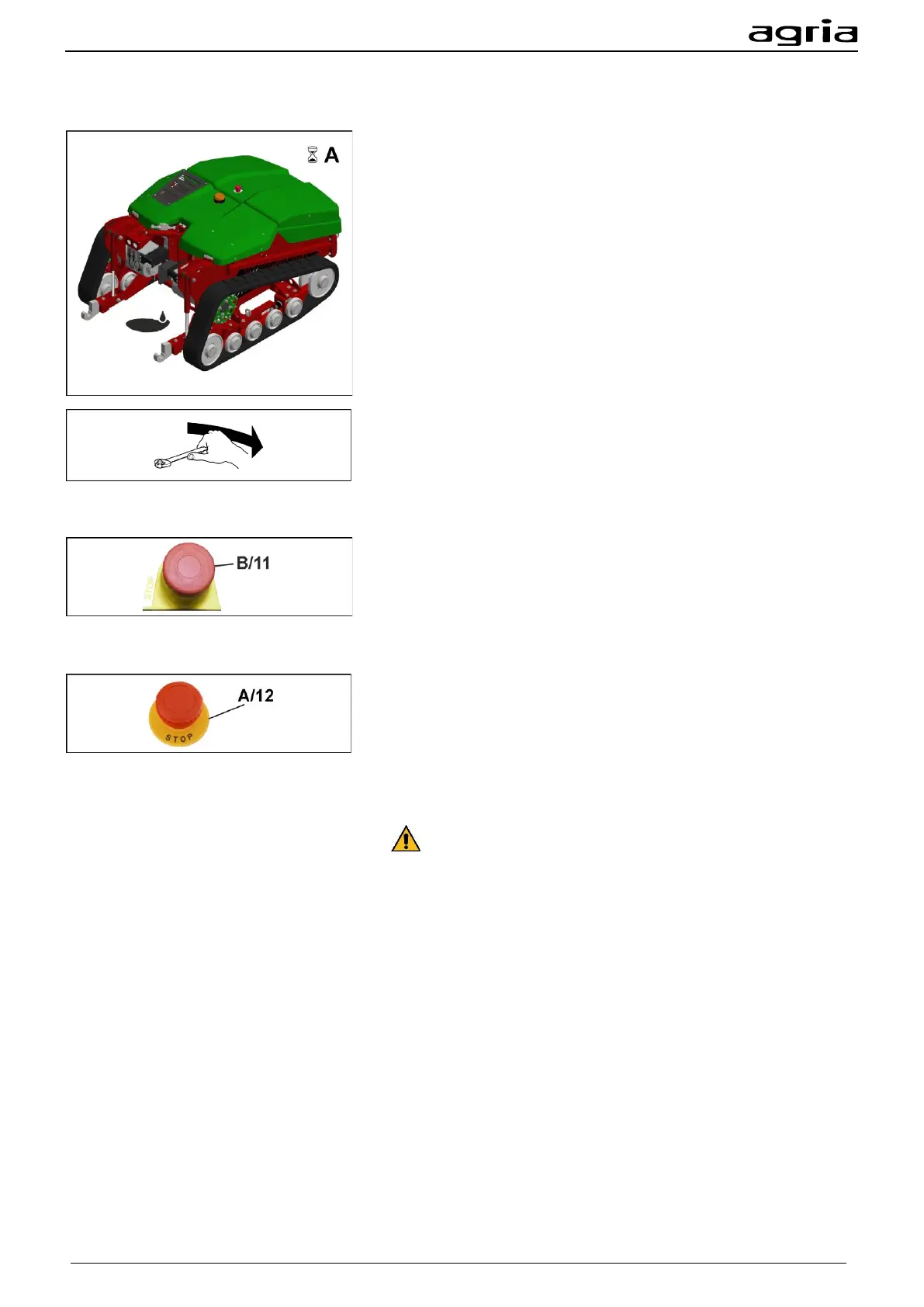
Before each start-up check for escaping oil and eliminate the
cause.
- agria-Service -
Regularly check nuts and bolts for tightness and retighten if
necessary.
5.1.1 Check EMERGENCY STOP switches
Check EMERGENCY STOP switch on the remote control
at each start-up
Unlock the EMERGENCY STOP switch on the machine and
switch on the remote control. Pressing the EMERGENCY
STOP switch (B/11) on the remote control must cause the re-
mote control and the machine to switch off.
Check the EMERGENCY STOP switch on the machine at
each start-up
Unlock the EMERGENCY STOP switch on the machine and
switch on the remote control. When you press the EMER-
GENCY STOP switch (A/12) on the machine, the machine
must switch off and the green LED of the remote control (B/10)
will flash rapidly.
On no account continue working with the machine if the
EMERGENCY STOP switches are not functioning correctly. In
that case contact:
- agria-Service -


 To Next Page