AirNav RadarBox Manual
100
Copyright 2010 by AirNav Systems
Performance Settings
Three settings are available to match the performance of your PC to the RadarBox 3D display, for
both Hardware Detected Flights (detected by your antenna) and RadarBox Network Flights. Setting
performance to Maximum will provide the best display, but uses more processing power and will
require a high-specification PC. The Medium and Minimum settings allows less powerful PC's to display
the 3D window. Selecting Maximum, Minimum or Medium settings will automatically adjust the
setting in the General Setting section to give the best display for that setting. These 'automatic'
settings can be manually set to achieve the best display for your PC. Some experimentation will be
required to see which settings best suit your PC.
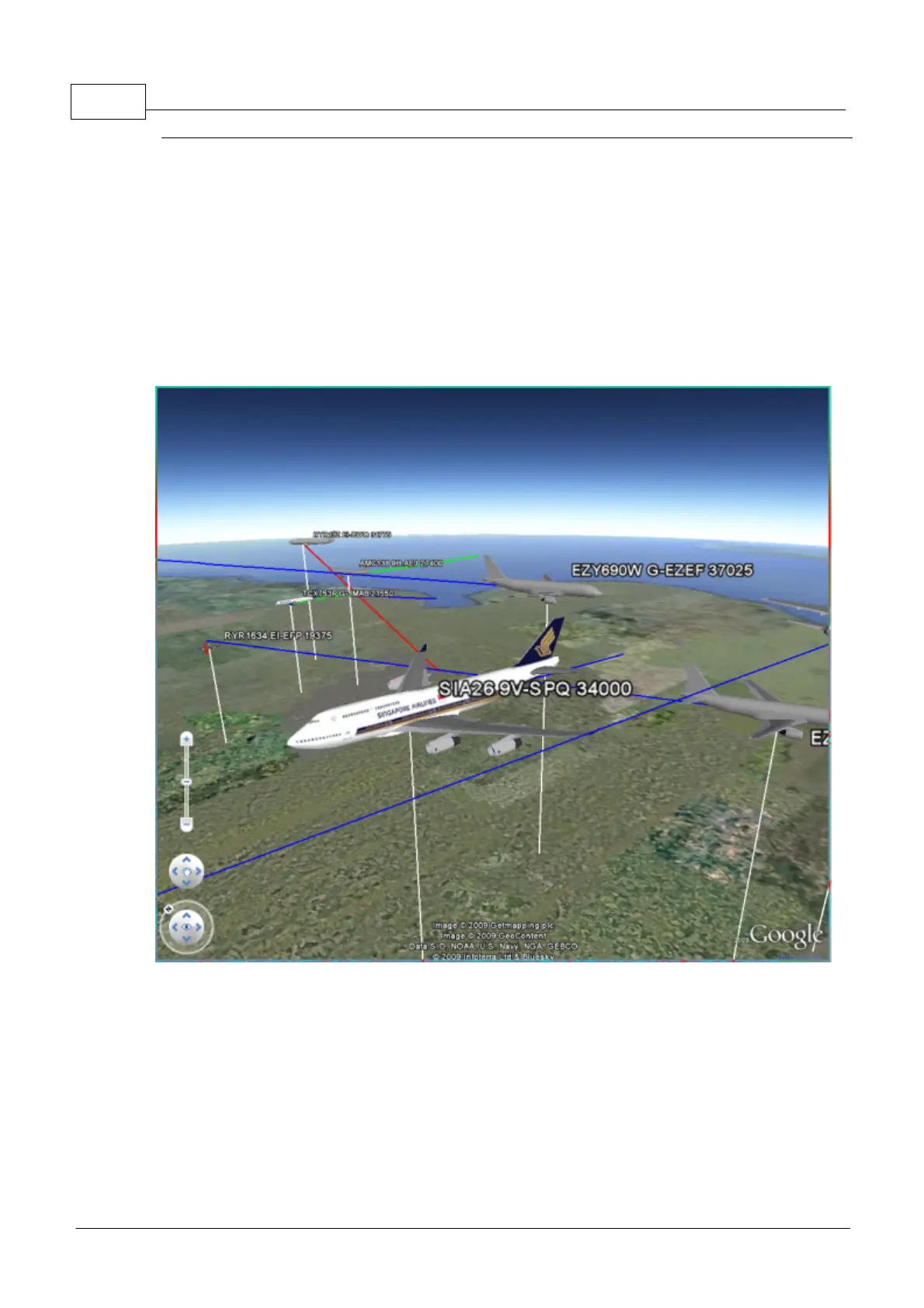
Above: With Maximum selected, highly detailed 3D aircraft models will be shown



 To Next Page