AirNav RadarBox Manual
46
Copyright 2010 by AirNav Systems
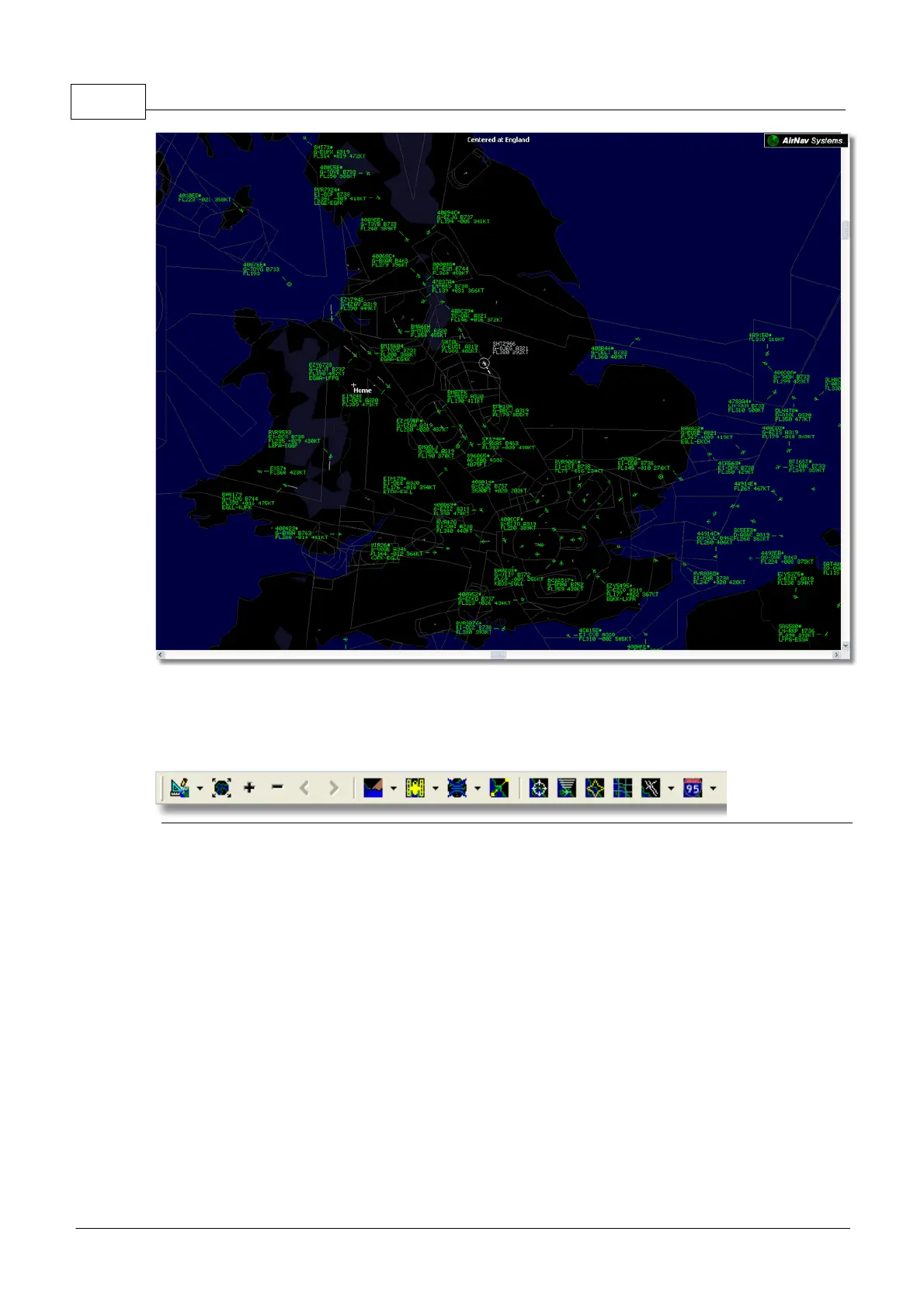
Above: Full screen mode. Press ESC again to return to the normal interface
4.1.2 Maps Toolbar
Maps Toolbar
This Toolbar provides methods of editing the current map view.
Icons (from the left to the right):
· Set map to
· Resize map to full window extents
· Zoom in
· Zoom out
· Zoom Back
· Zoom Forward
· Pre-defined Map Colors (you can define them in the preferences window)
· Satellite Layer download, save and load
· Map projections
· Pan Map with Active Flight
· Radar Rings
· Mode-S Signal Maximum Range
· Maximum Range Polar Diagram
· Geographic Coordinates Grid
· Airport/VOR/NDB/FIX and other navigation facilities
· General map labels (routes, railroad, elevation)



 To Next Page